








Square Golf Home Launch Monitor
Square Golf Home Launch Monitor
Regular price
£699.00 GBP
Regular price
Sale price
£699.00 GBP
Taxes included.
Shipping calculated at checkout.

FREE Official Square Golf Case
FREE Official Square Golf Case
Add the product to your cart and the discount is applied automatically.
Quantity
Add Enclosure

SimSpace Platinum Golf Enclosure - SIM 0 - (10'10 x 8'2 x 3'3 ft / 3.3 x 2.5 x 1 m)
£999.99

SimSpace UltraMAX Golf Enclosure - SIM 1 - (8'6 x 8'2 x 4'11 ft / 2.6 x 2.5 x 1.5m)
£1,499.99

SimSpace Platinum Golf Enclosure - SIM 1 - (8'6 x 8'2 x 4'11 ft / 2.6 x 2.5 x 1.5m)
£1,299.99

SimSpace Platinum Golf Enclosure - SIM 2 - (9'10 x 8'2 x 4'11 ft / 3 x 2.5 x 1.5 m)
£1,349.99

SimSpace UltraMAX Golf Enclosure - SIM 2 - (9'10 x 8'2 x 4'11 ft / 3 x 2.5 x 1.5 m)
£1,549.99

SimSpace Platinum Golf Enclosure - SIM 3 - (11'10 x 8'2 x 4'11 ft / 3.6 x 2.5 x 1.5 m)
£1,399.99

SimSpace UltraMAX Golf Enclosure - SIM 3 - (11'10 x 8'2 x 4'11 ft / 3.6 x 2.5 x 1.5 m)
£1,599.99

SimSpace Platinum Golf Enclosure - SIM 4 - (13'2 x 8'2 x 4'11 ft / 4 x 2.5 x 1.5 m)
£1,449.99

SimSpace UltraMAX Golf Enclosure - SIM 4 - (13'2 x 8'2 x 4'11 ft / 4 x 2.5 x 1.5 m)
£1,649.99

SimSpace Platinum Golf Enclosure - SIM 5 - (9'10 x 9'10 x 9'10 ft / 3 x 3 x 3 m)
£1,599.99

SimSpace UltraMAX Golf Enclosure - SIM 5 - (9'10 x 9'10 x 9'10 ft / 3 x 3 x 3 m)
£1,799.99

SimSpace Platinum Golf Enclosure - SIM 6 - (13'2 x 9'10 x 9'10 ft / 4 x 3 x 3 m)
£1,699.99

SimSpace UltraMAX Golf Enclosure - SIM 6 - (13'2 x 9'10 x 9'10 ft / 4 x 3 x 3 m)
£1,899.99
Add Hitting Mat
Add Projector
Bundle Total: £699.00
Couldn't load pickup availability
Delivery Info
We offer delivery to many international countries with warehouses located in the USA, UK, Europe and China. For more details, please visit our Shipping policy page.
Setup Guide
Specification


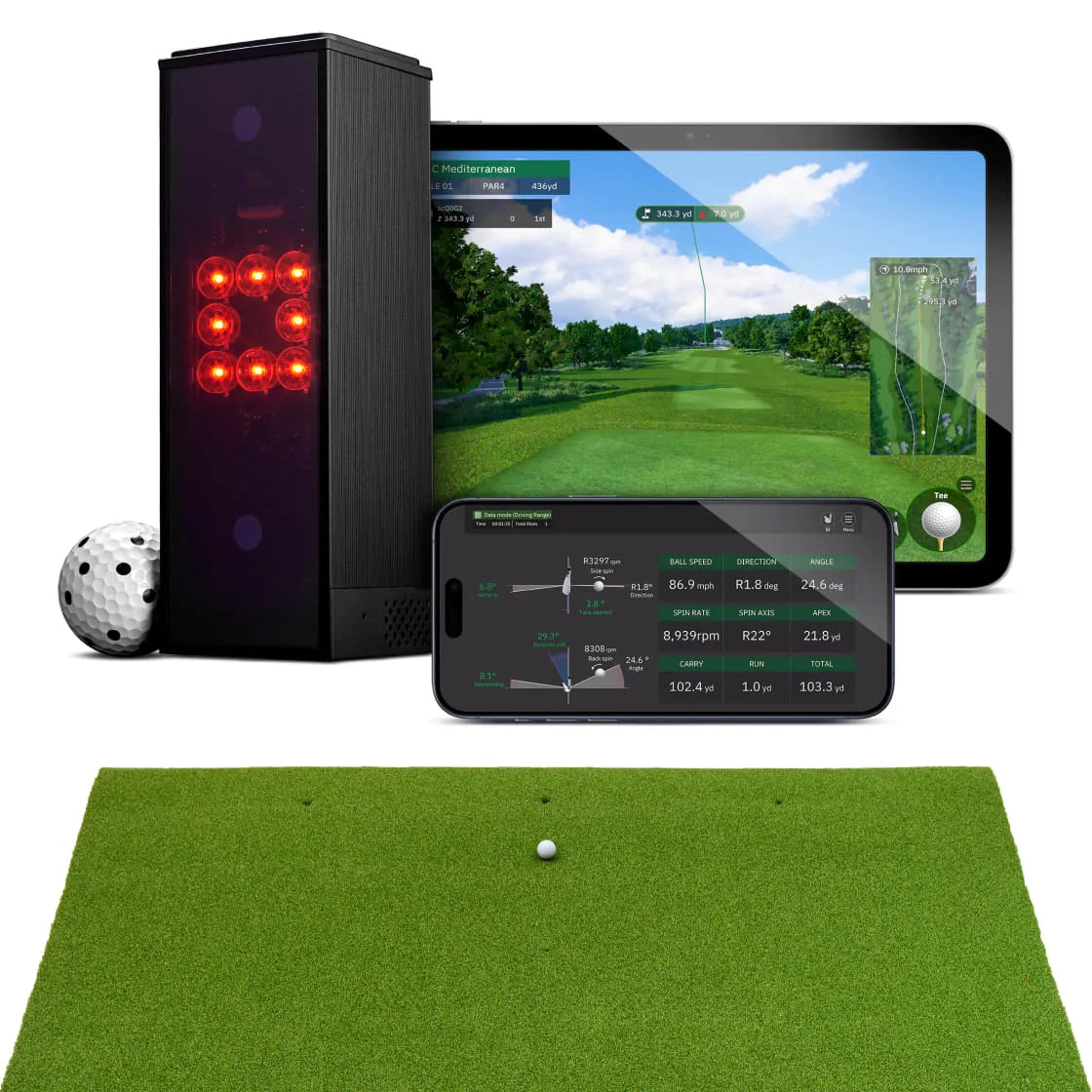
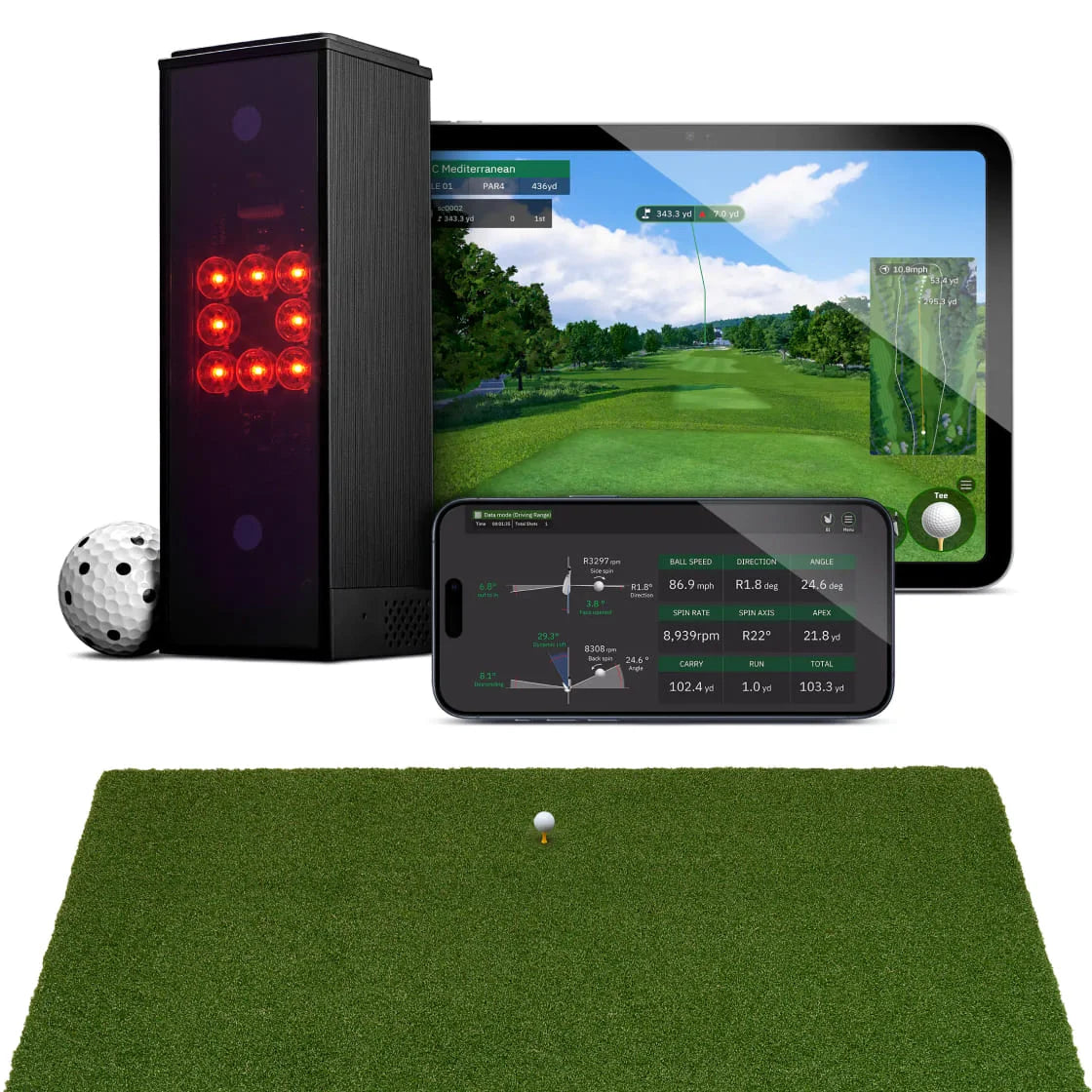
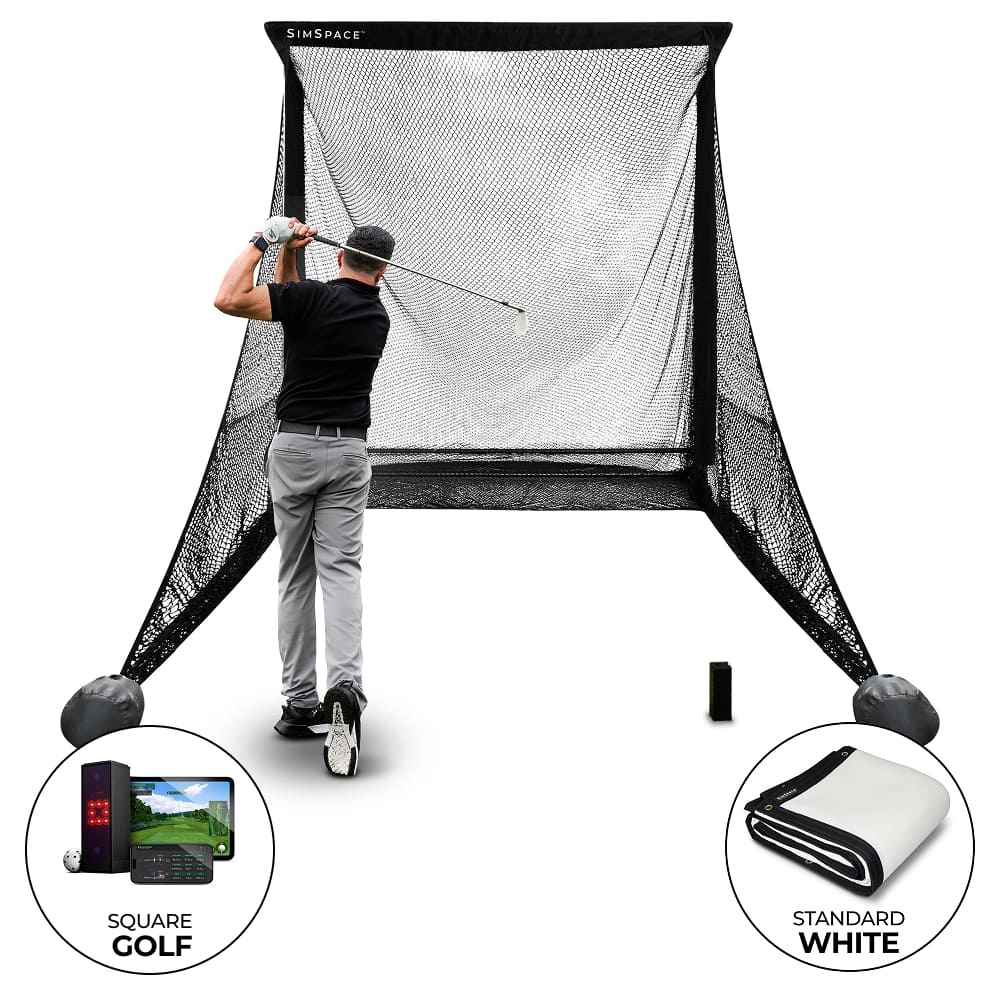
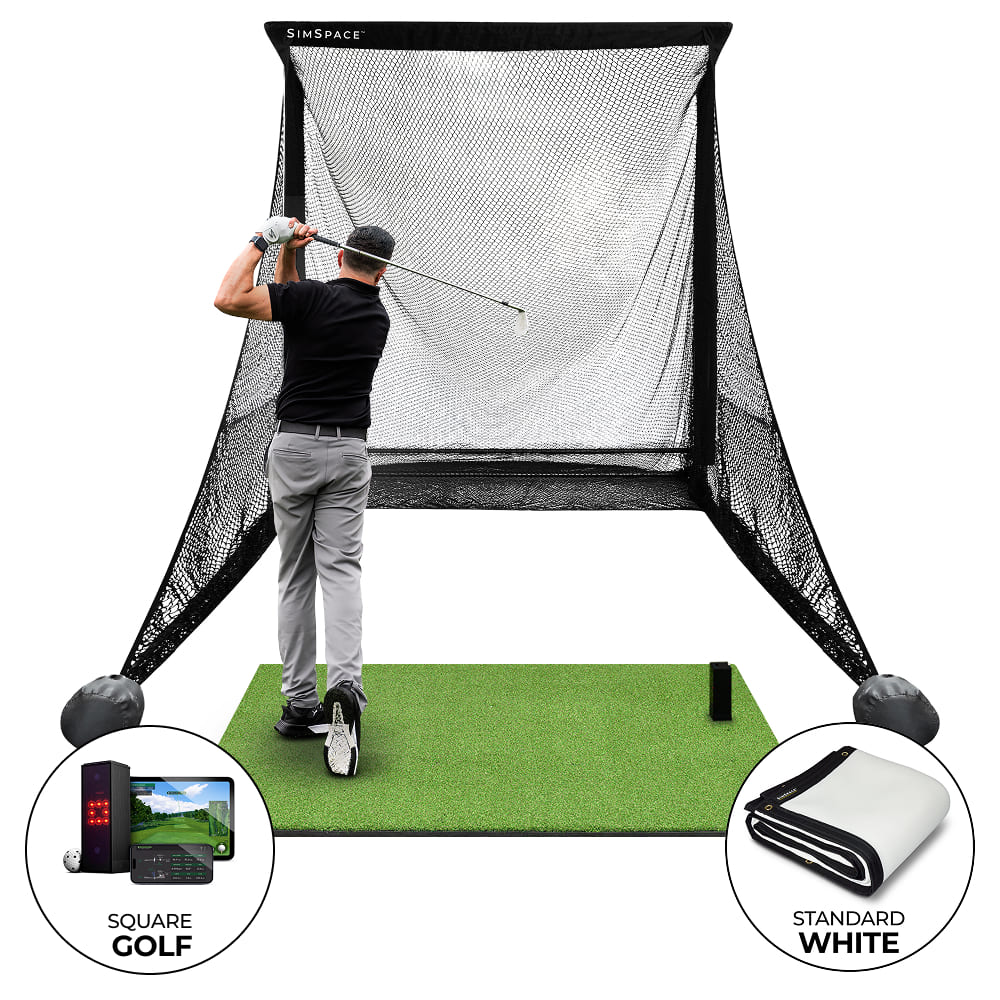
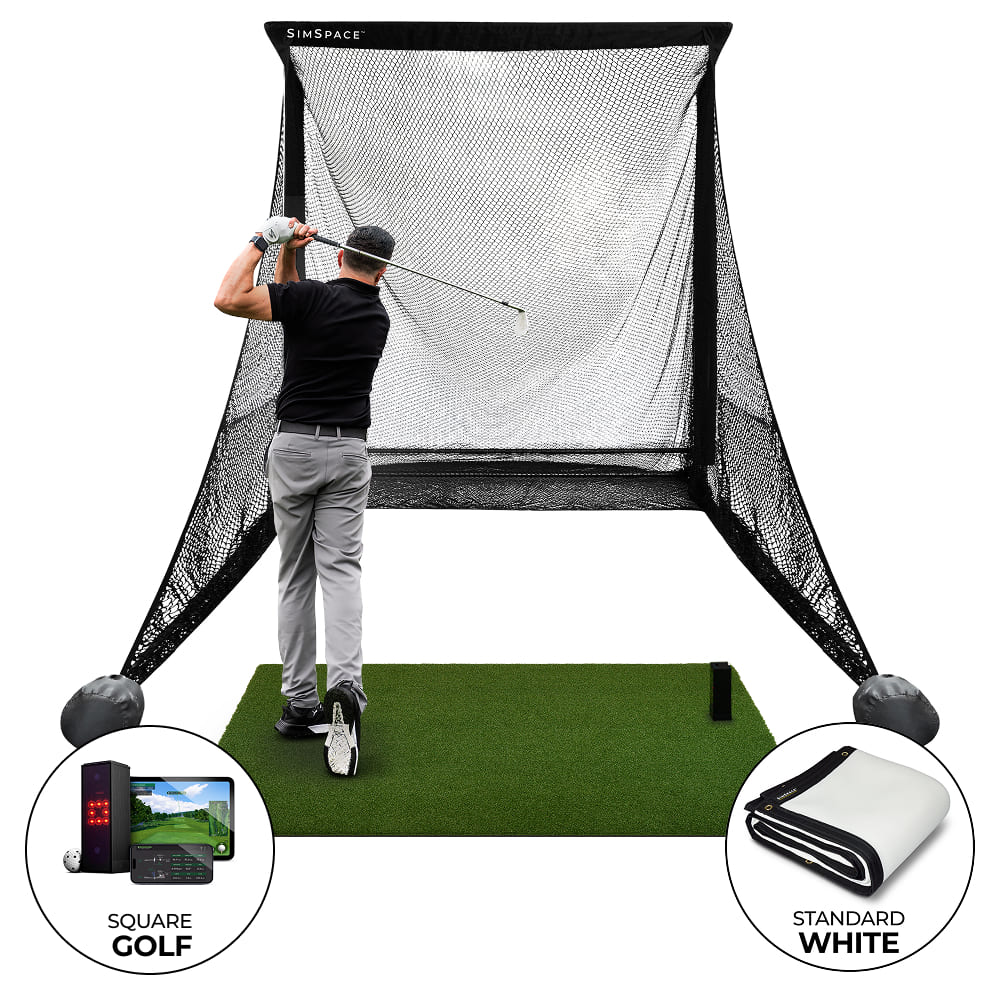
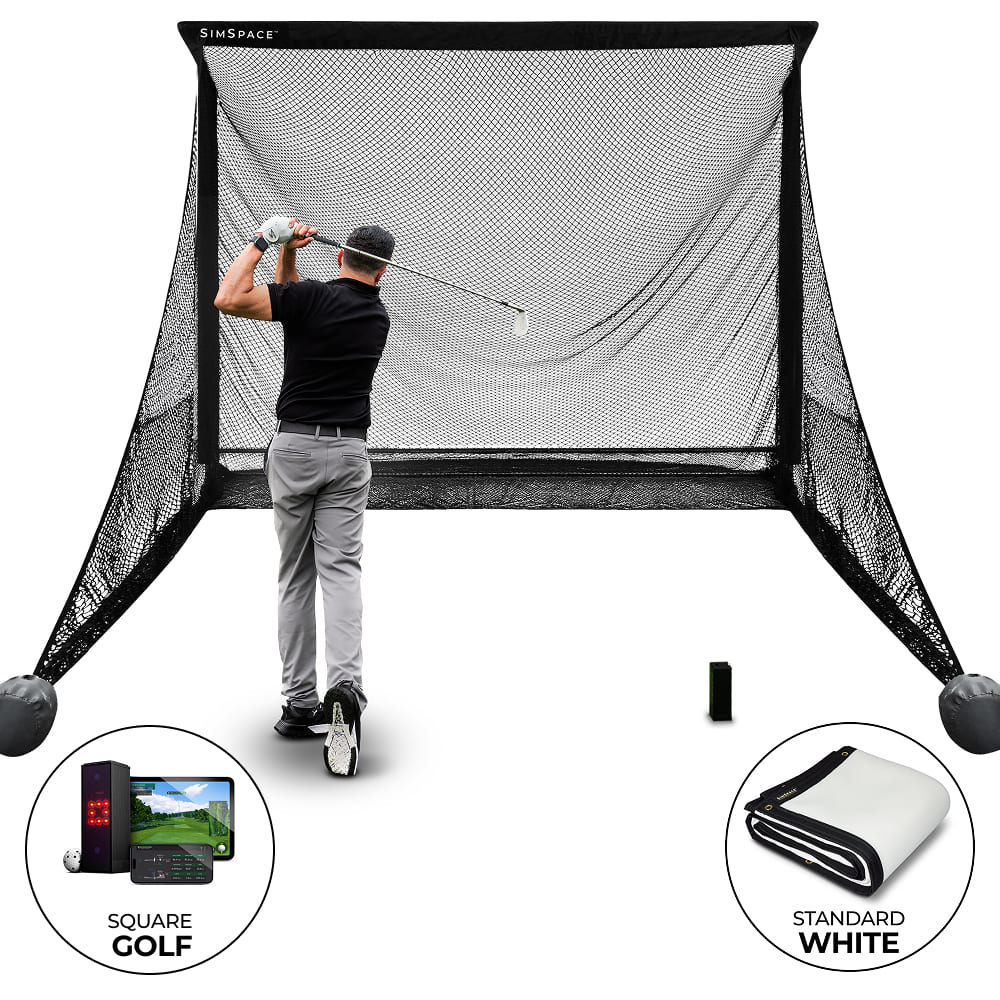
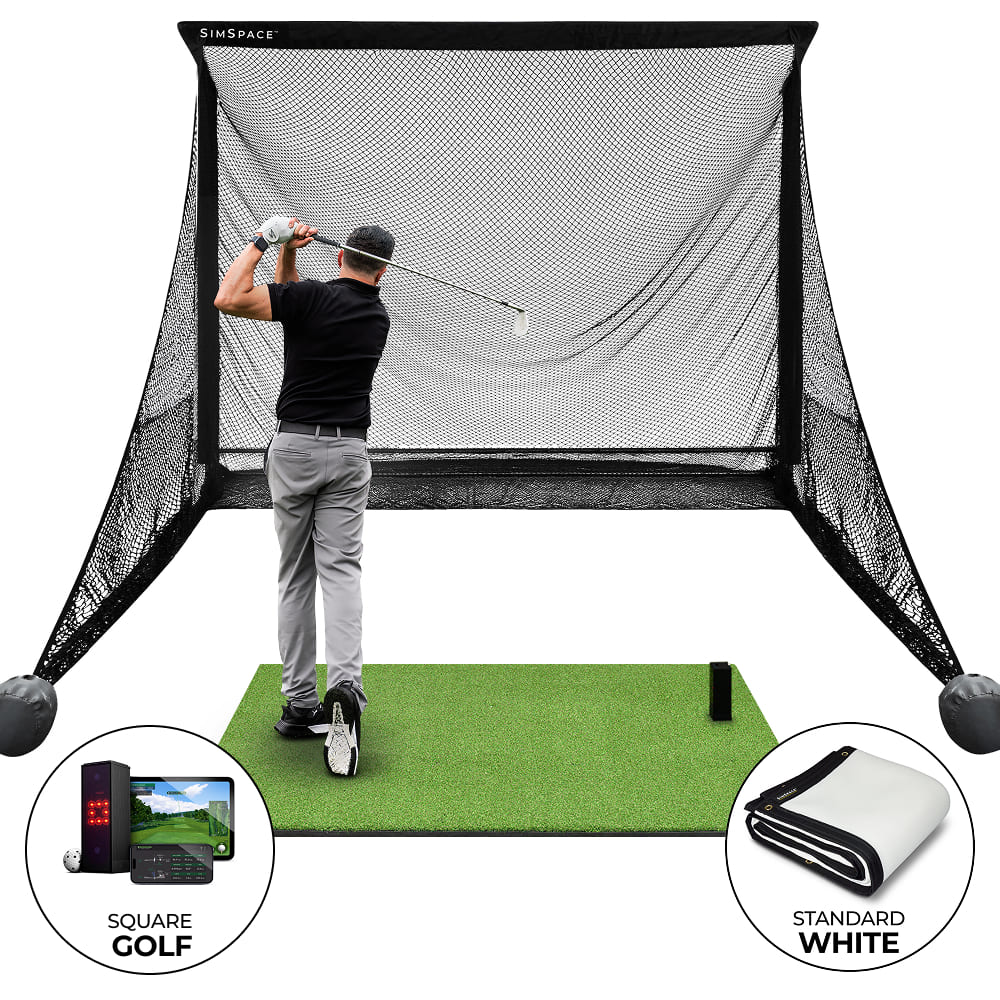
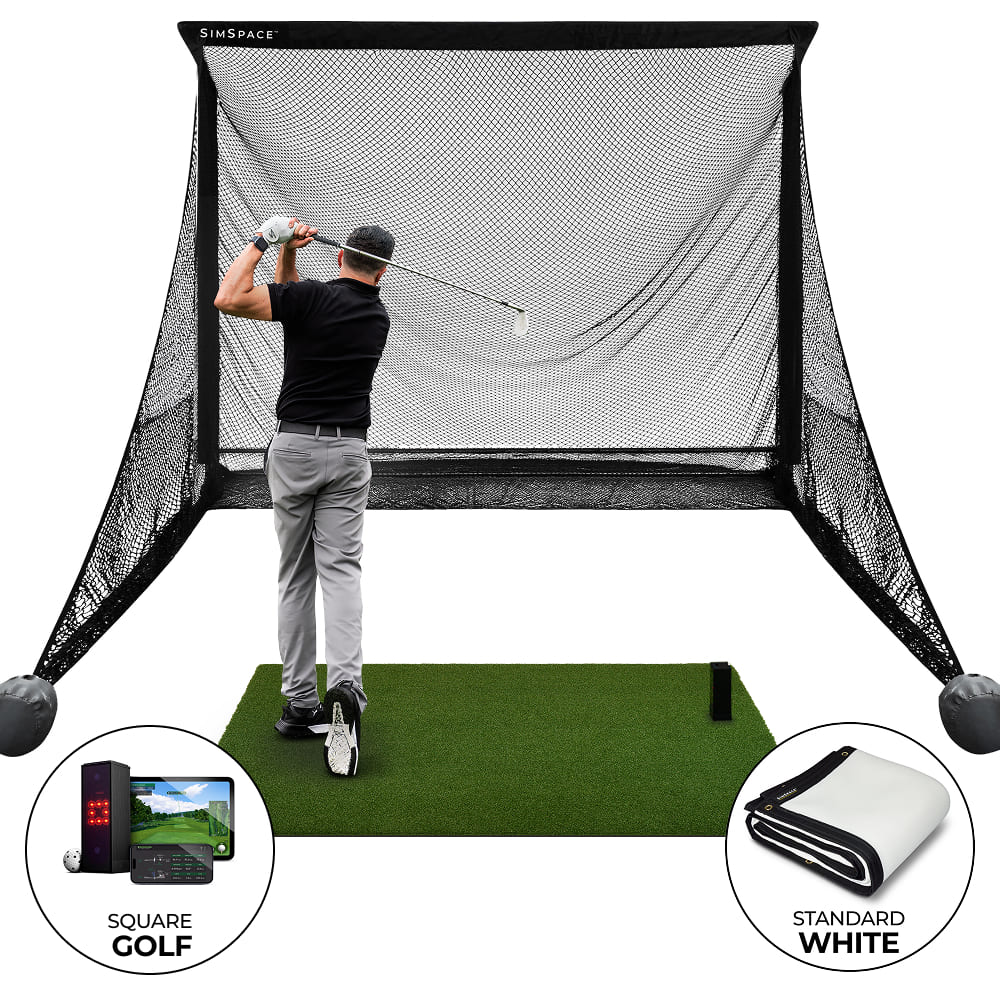
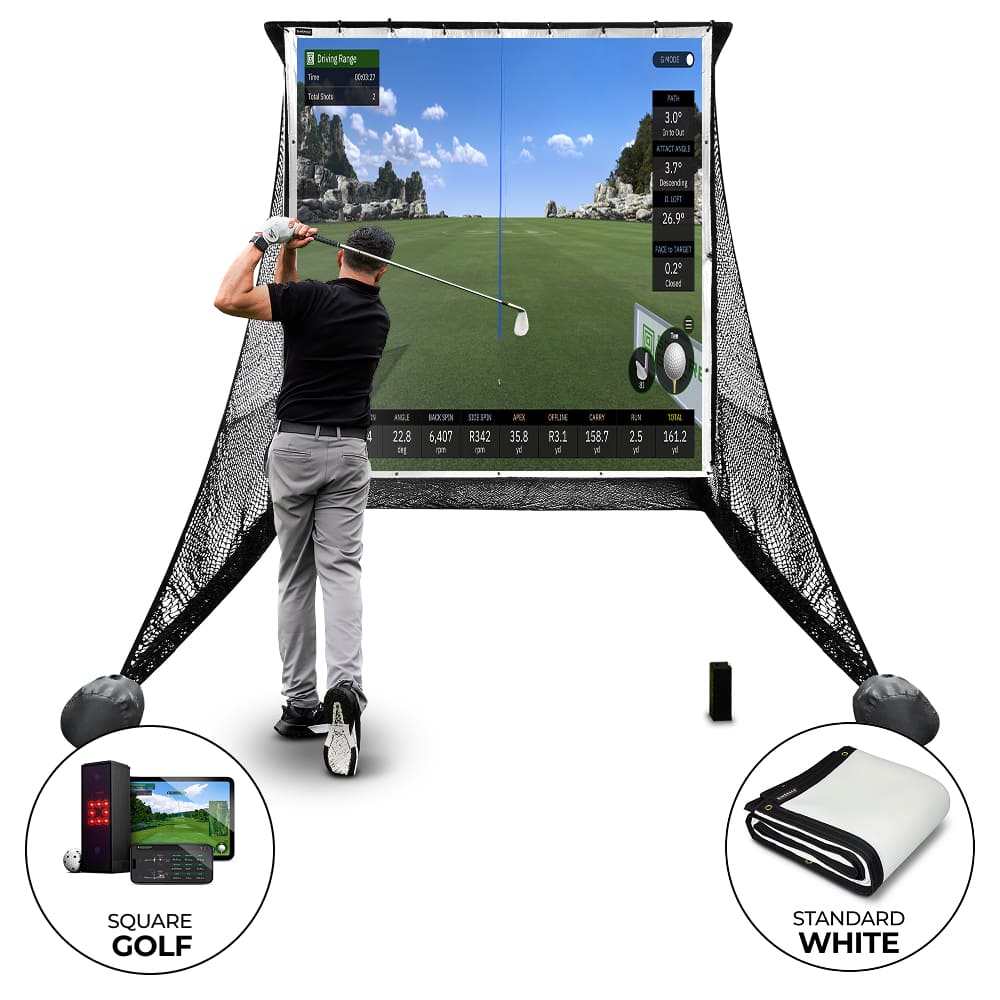
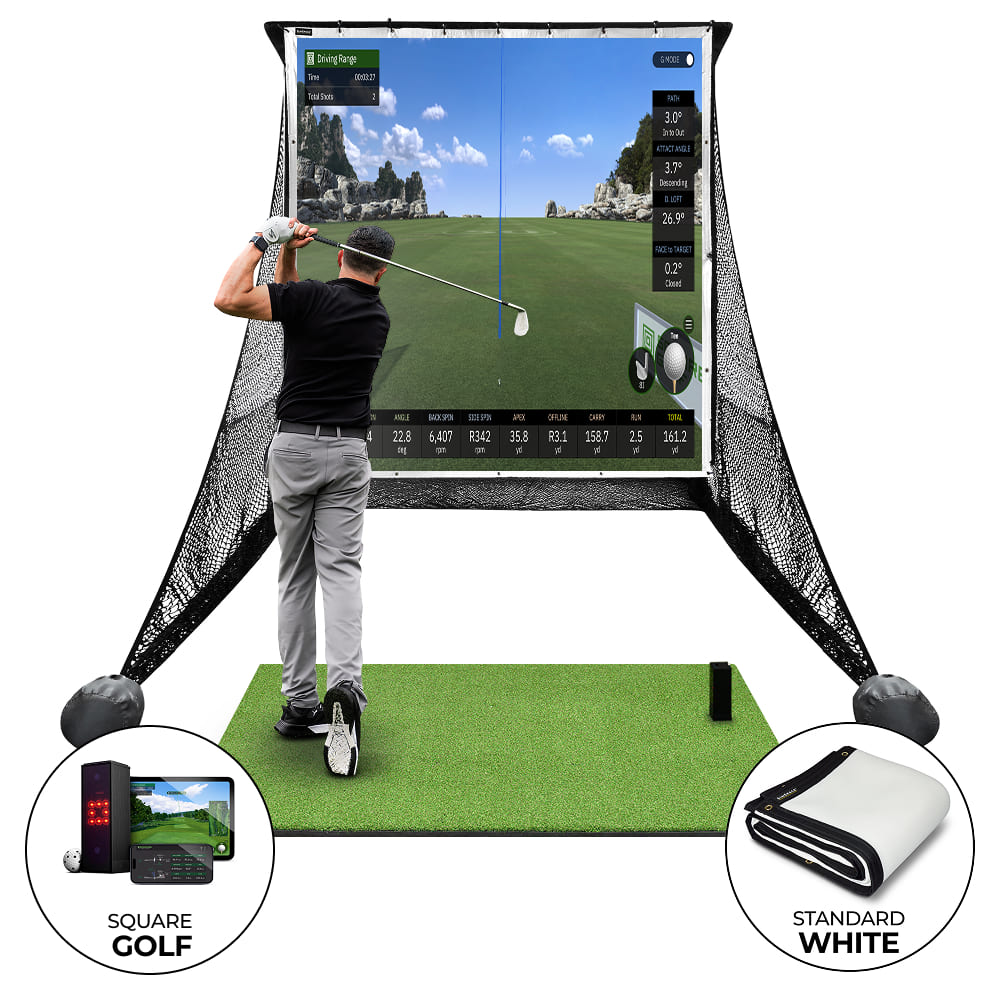
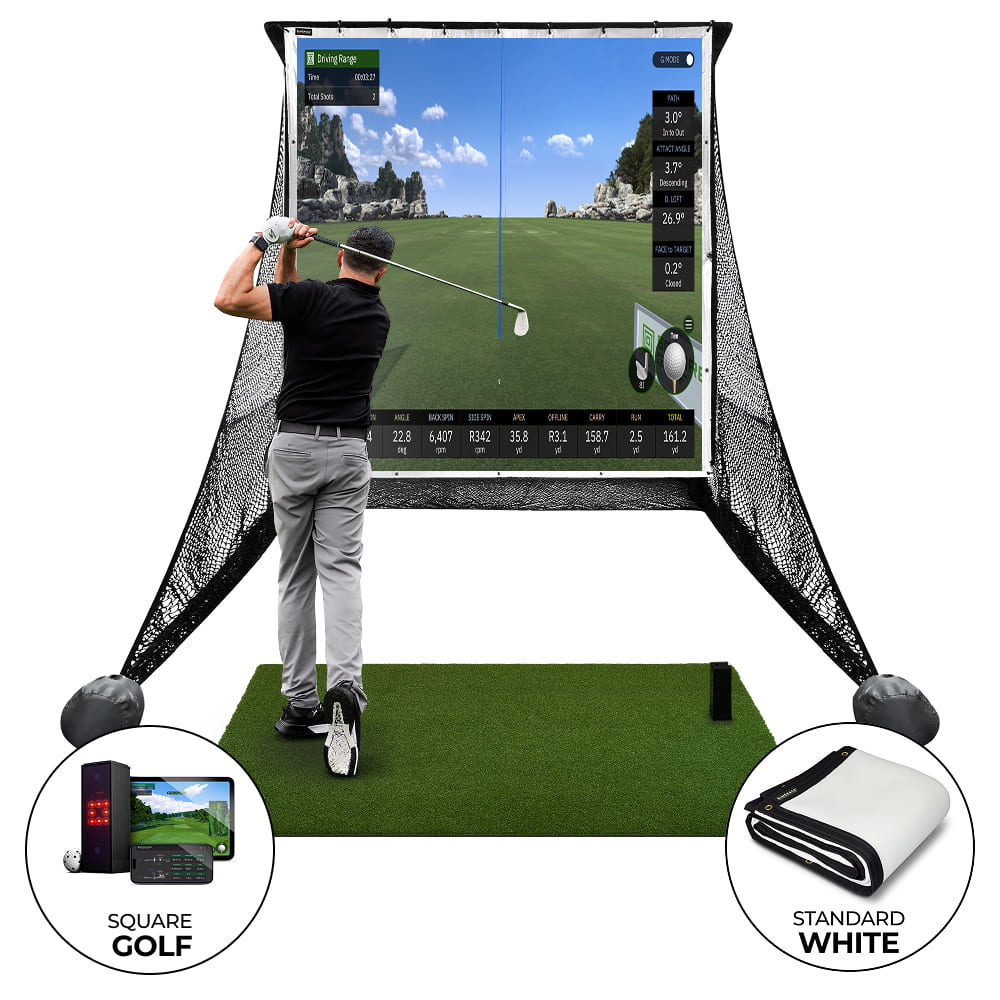
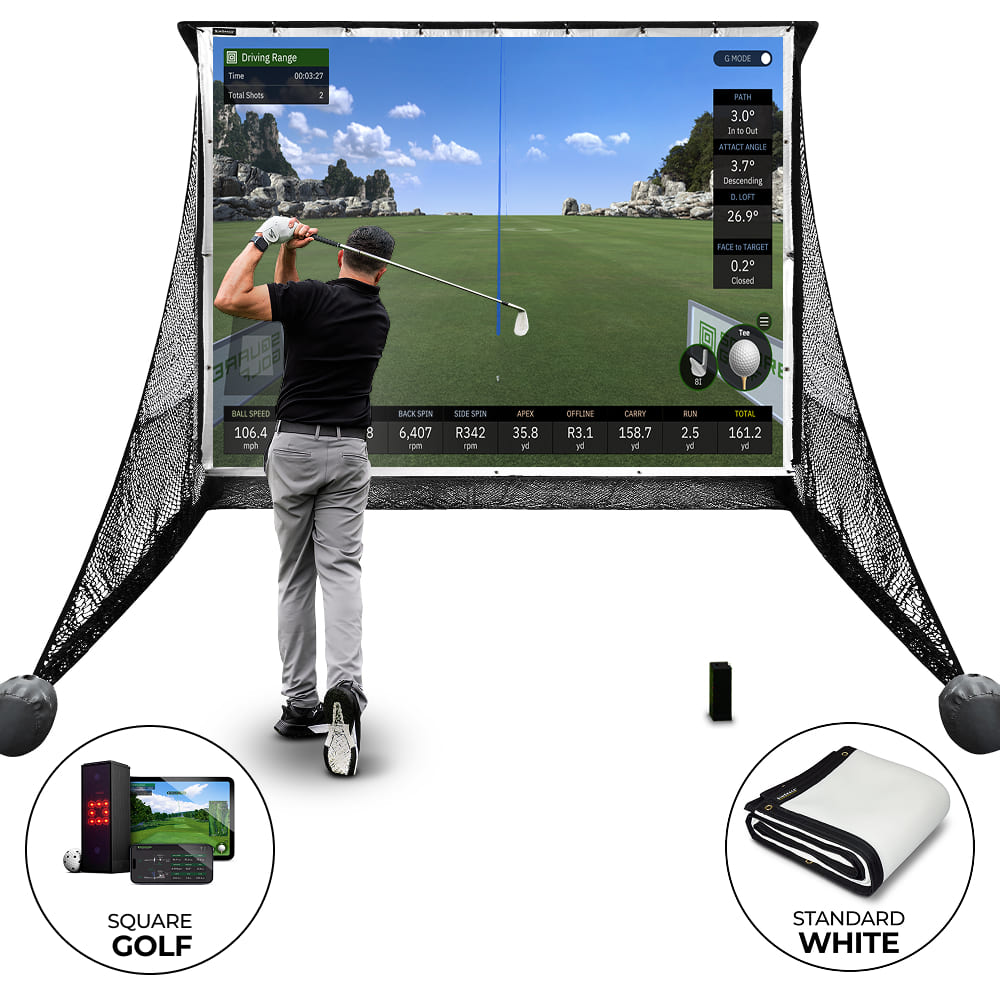
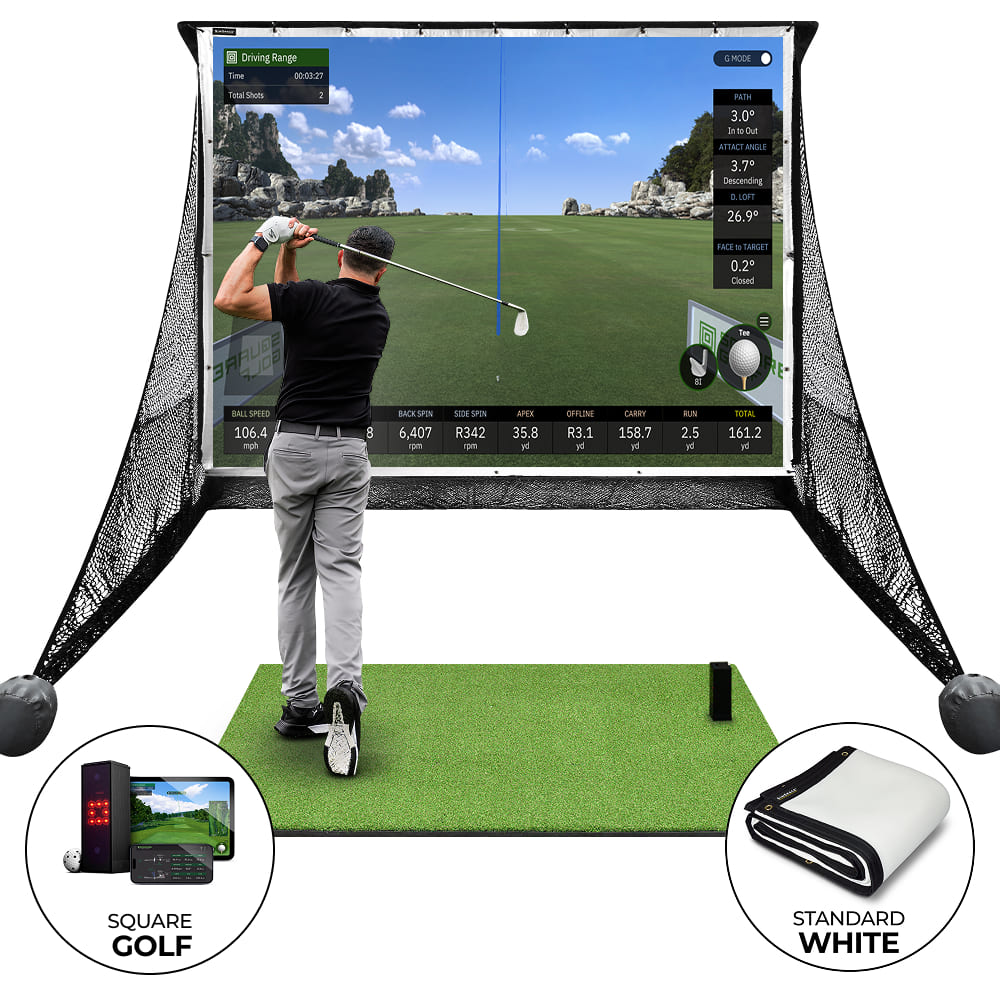
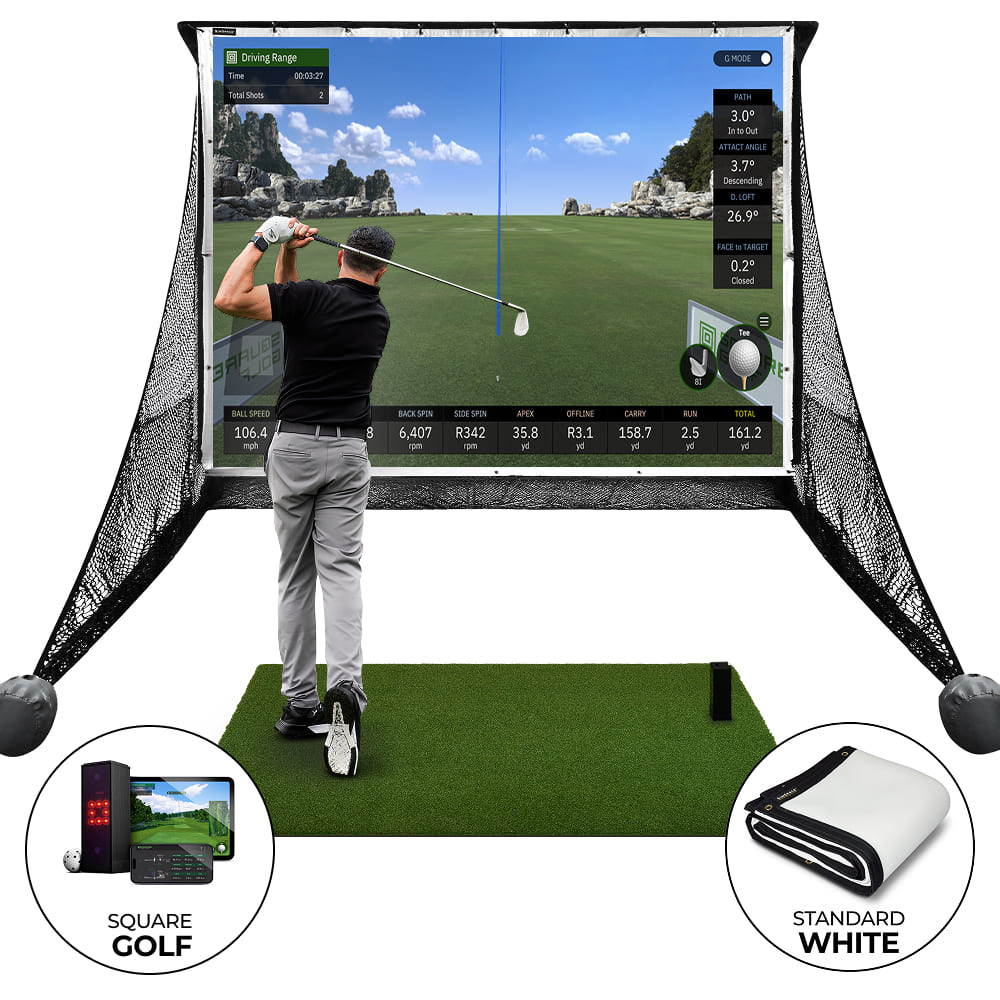


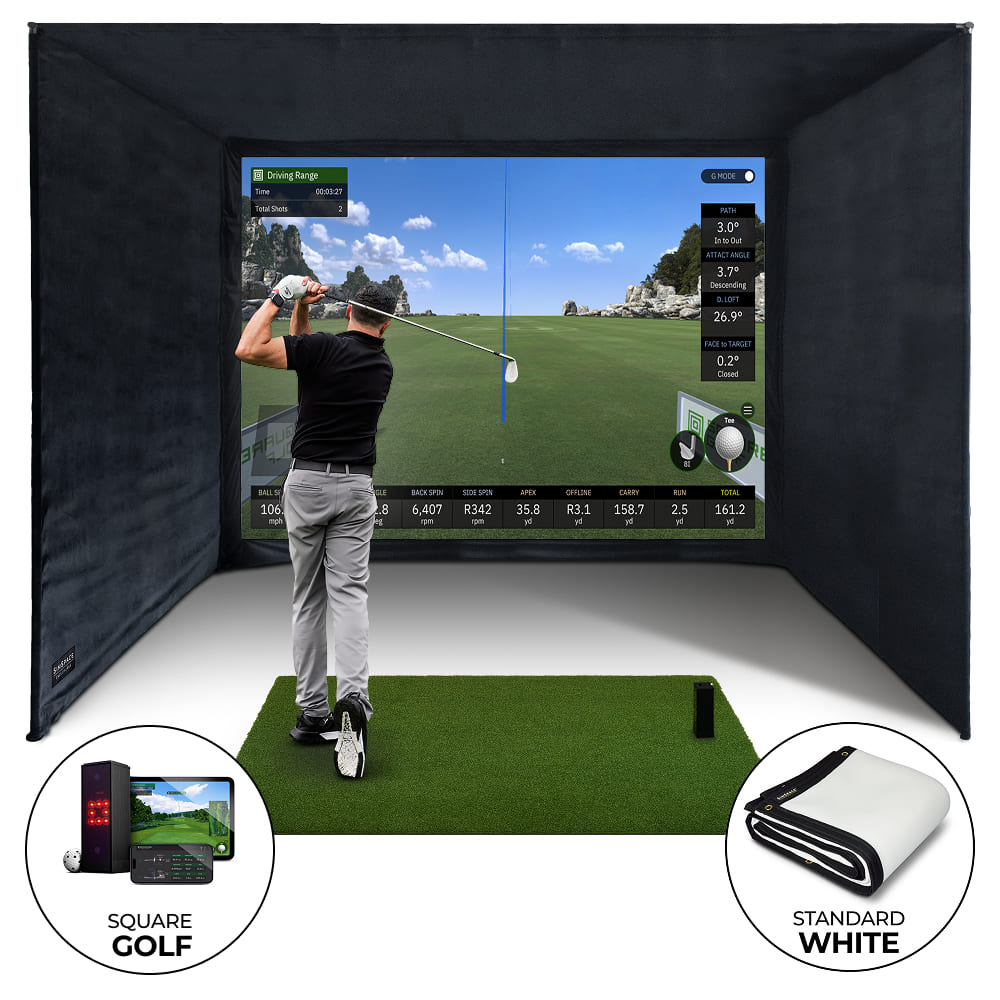

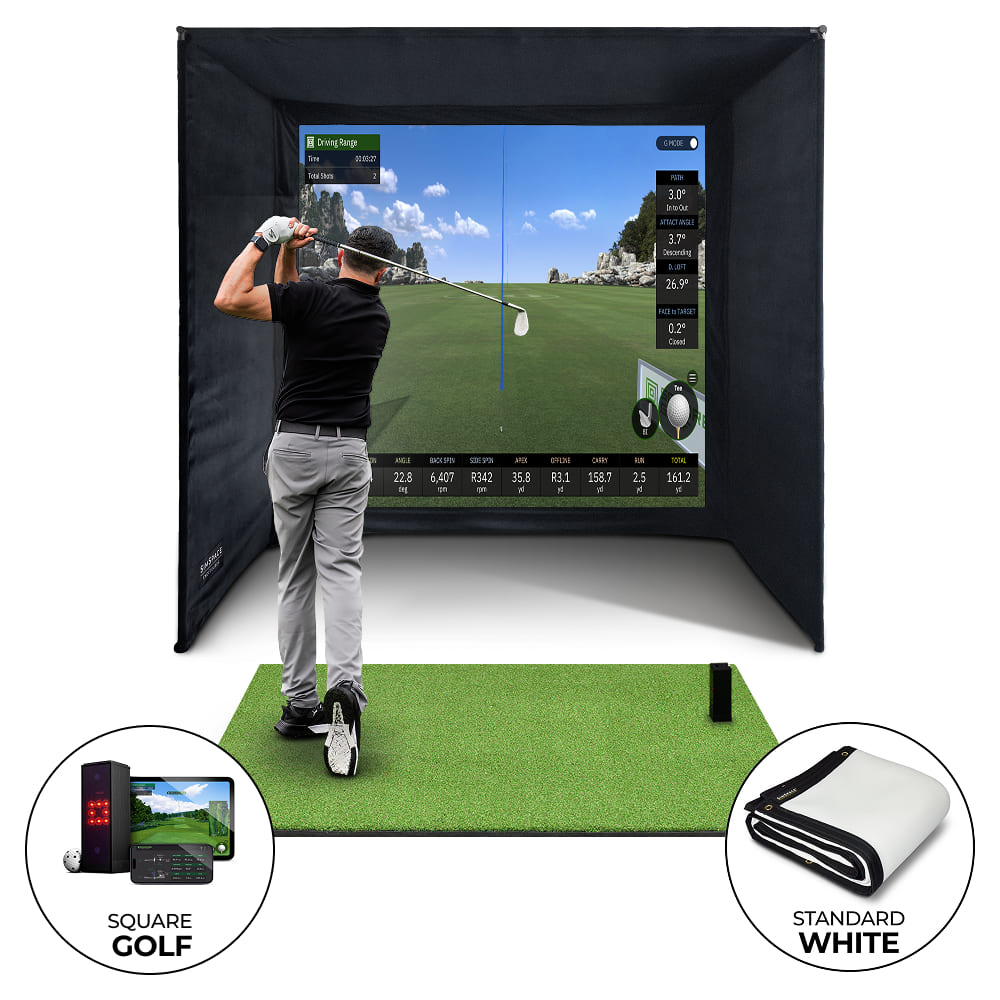
Square Golf Home Launch Monitor
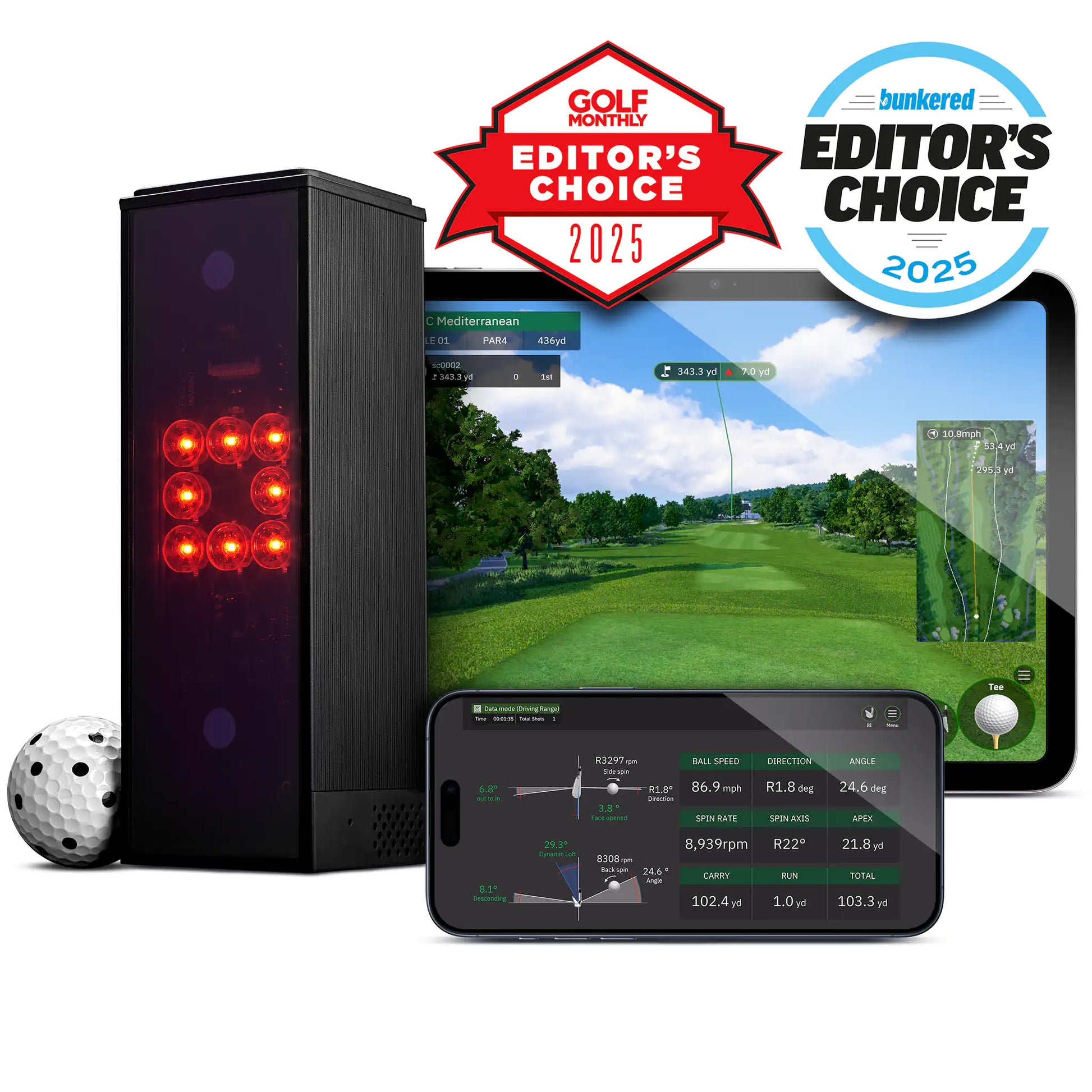
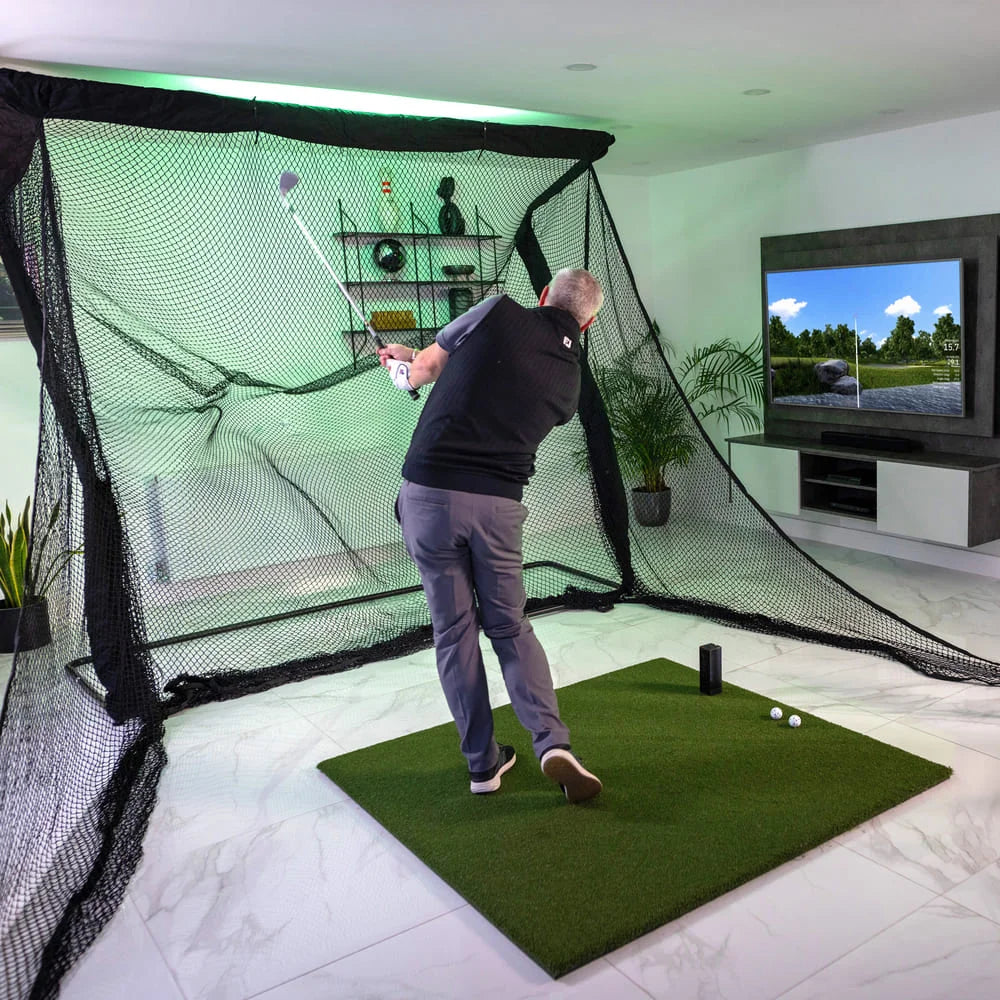
Perfect for Indoor Golf Simulators
- ✓︎Designed for indoor setups like home simulators or practice spaces
- ✓︎Play realistic virtual golf courses immediately after setup
- ✓︎Compatible with phones, tablets, laptops and PCs via Bluetooth
- ✓︎Accurate shot tracking for a true-to-life simulator experience

Advanced Camera Tracking Technology
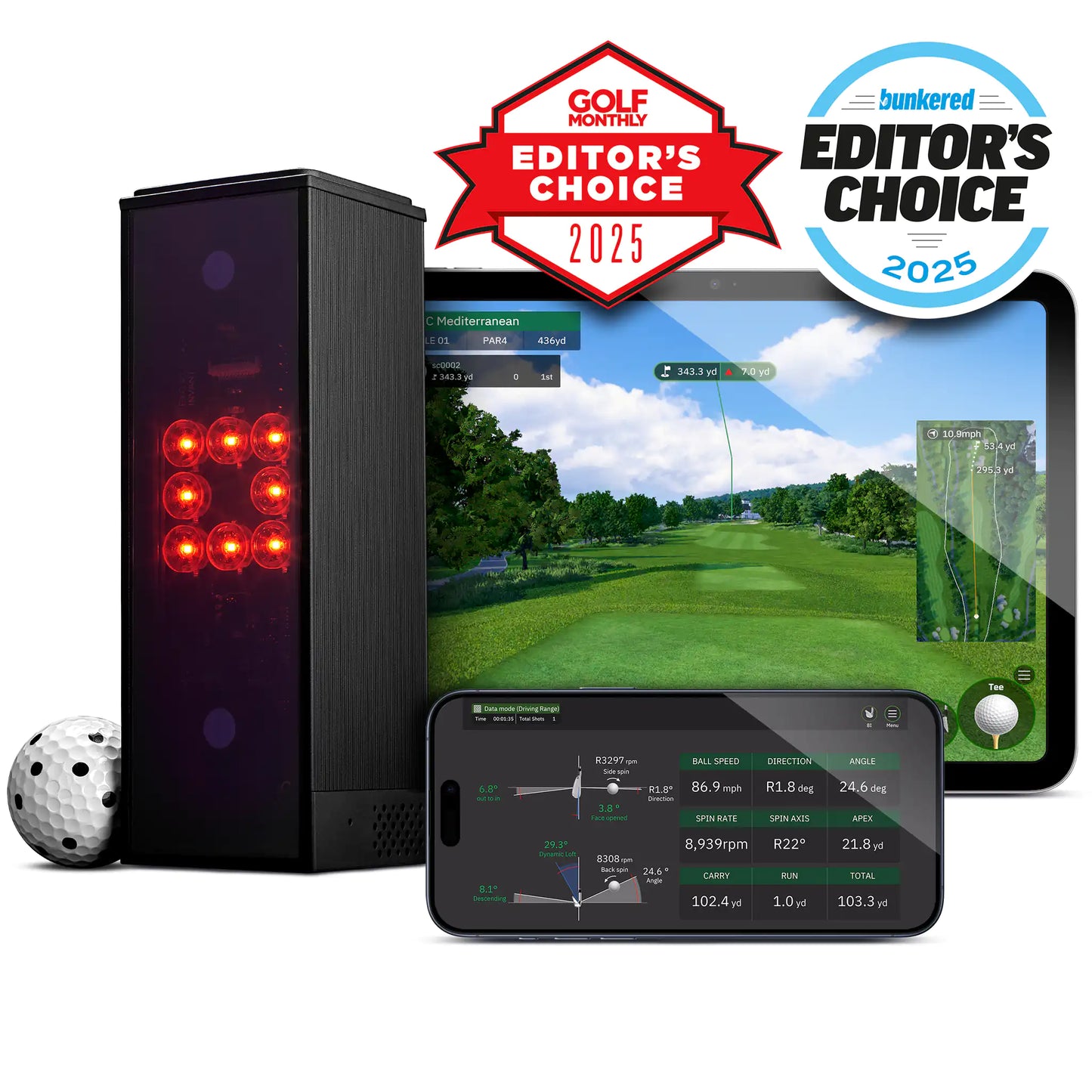
- ✓︎High-speed infrared cameras capture ball and club movement
- ✓︎Use every club in the bag including driver, woods, irons, wedges & putter
- ✓︎Instant shot data, as soon as the golf ball is struck
- ✓︎Tracks key metrics including spin, launch angle and distance

Practice Anywhere with the Swing Stick
- ✓︎Included swing stick allows practice without hitting a ball
- ✓︎Use as a replacement if your unable to use some golf clubs
- ✓︎Great for indoor practice or quick sessions anywhere
- ✓︎Play games and practice with friends for added fun

Free Built-In Software
- ✓︎Free built-in simulator software included with the launch monitor
- ✓︎4 game modes including driving range, putting, closest to the pin, & course play
- ✓︎1000 free credits included to play the in-built golf courses
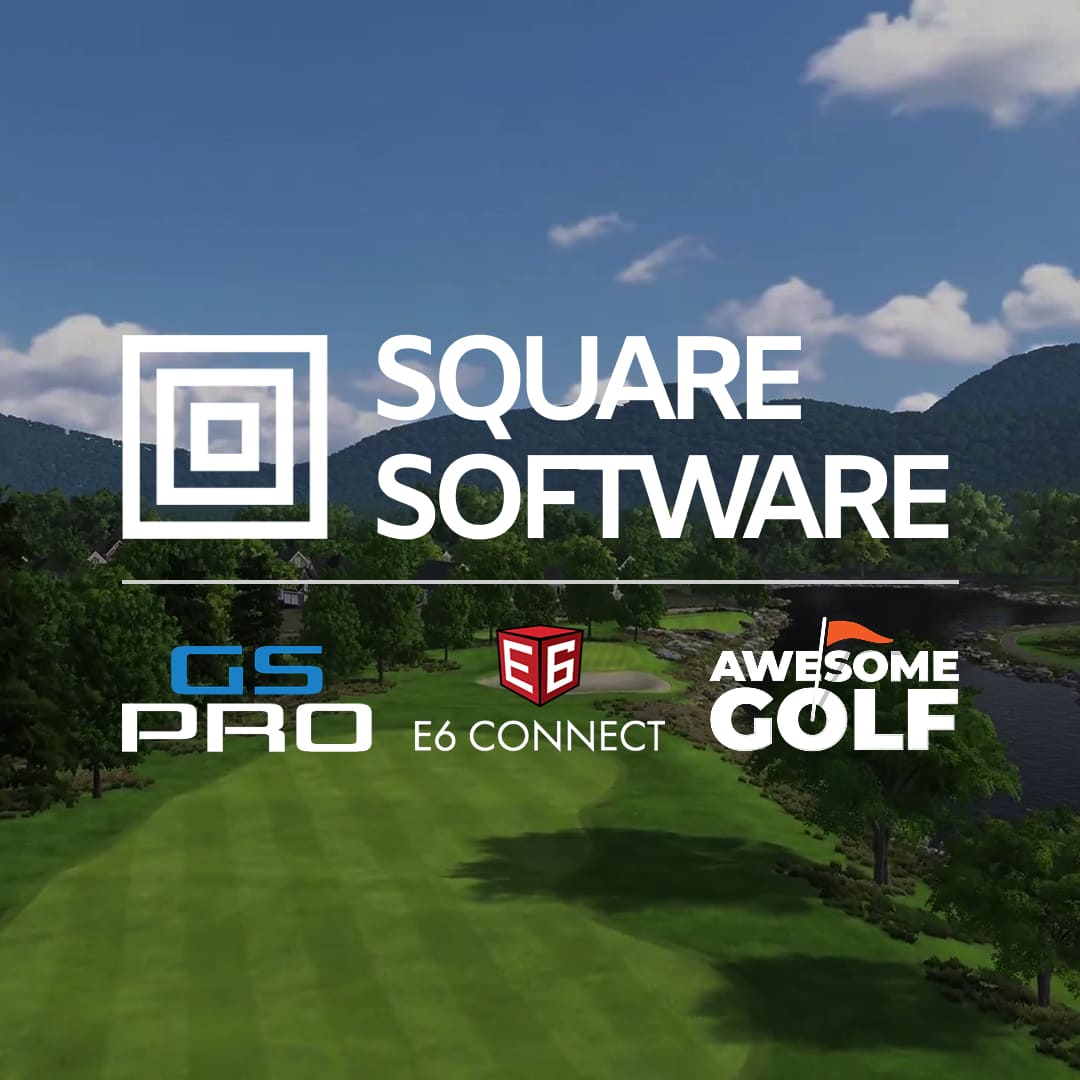
- ✓︎Compatible with 3rd-party software including GSPro, Awesome Golf, and E6 Connect

What's In The Box

Virtual Swing Stick

3 x Square Golf Balls

Remote Control
Frequently Asked Questions
Do I need special golf balls?
For best results, use the marked balls provided by Square Golf. The monitor’s cameras rely on these patterns to measure spin accurately. Regular balls still work for speed and launch data but may give less reliable spin numbers.
How accurate is the data?
The accuracy of the Square Golf monitor is generally very good for key ball metrics like ball speed and launch/lift angle. Reviews show measurements often within a few mph or a degree of more premium monitors when indoors and well set up.
Can I use Square Golf outside?
The Square Golf Launch Monitor is designed for indoor use only. It uses camera-based (photometric) technology and performs best when lighting, background and hitting conditions are controlled. Several reviewers note that outdoor sunlight, uneven surfaces or open fields can affect its accuracy and data consistency.