Skip to product information
1 of 20

TruGolf LaunchBox + E6 Connect Practice Net Bundle

TruGolf LaunchBox + E6 Connect Practice Net Bundle

Regular price £3,298.00 GBP
Regular price £0.00 GBP Sale price £3,298.00 GBP
Sale Sold out
Taxes included. Shipping calculated at checkout.
Impact Screen
Quantity
Bundle Total: £3,298.00

Delivery Info

+

We offer delivery to many international countries with warehouses located in the USA, UK, Europe and China. For more details, please visit our Shipping policy page.

Setup Guide

+

SimSpace Practice Net & Impact Screen

We offer in-depth guides, images and videos on how to set up the SimSpace enclosure. For more information, please visit our dedicated page.

TruGolf LaunchBox + E6 Connect Launch Monitor

Place LaunchBox on a level surface beside your hitting mat, ensuring the device surface and mat height are equal for accurate shot capture. Switch the unit on by holding the power button for three seconds, select Online Mode, then connect via Wi-Fi Direct or Ethernet Dynamic Mode. For simulator use, align the ball with the centre point of your impact screen and position it inside the Ready Zone, approximately 17.5 inches from the front of the unit. Launch E6, go to Settings, choose Tracking Systems, select LaunchBox, and connect to begin playing. The manual notes that the Ready Zone is 4” x 8”, the device should be level, and tee height should not exceed 2.75”.

Specification

+

SimSpace Practice Net & Impact Screen

Practice Net
• Frame: 2.5(w) x 2.5(h) x 0.91(d) metres
• Side Netting: 3 metres
• Screen: 2.4(w) x 2.5(h) metres / Ratio 1:1*

Wide Practice Net
• Frame: 3(w) x 2.5(h) x 0.91(d) metres
• Side Netting: 3 metres
• Screen: 2.95(w) x 2.5(h) metres / Ratio 5:4*


Leave at least 50cm behind & 20cm on either side of the enclosure as a buffer space for ball impacts! All measurements are estimates. The net should be kept in a dry, warm place when not in use to prevent deterioration.

TruGolf LaunchBox + E6 Connect Launch Monitor

  • Product type: Portable golf launch monitor and simulator tracking device
  • Sensor type: Camera-based photometric tracking
  • Screen: 4.2” E-ink display with 170° viewing angle
  • Supported operating systems: iOS and Windows
  • Connection methods: Wi-Fi Direct or Ethernet Dynamic Mode
  • Play modes: Online Mode and Offline Mode
  • Indoor/outdoor use: Suitable for both indoor and outdoor practice
  • Dimensions: 9.53” x 7” x 5”
  • Weight: 2.7 lb
  • Power supply: 5V–4A adapter
  • Handedness support: Right and left-handed play
  • Ready Zone: 4” x 8”
  • Recommended ball position: Approximately 17.5” from the front of LaunchBox
  • Maximum tee height: 2.75”
  • Onboard display data: Carry distance, ball speed, back spin, side spin, vertical launch angle and horizontal launch direction
  • Measured parameters: Ball speed, launch angle, back spin, side spin and side angle
  • Calculated parameters: Carry/total distance, distance offline, roll distance and flightpath
  • In-game data: Total distance, club head speed, smash factor, deviation, apex, descent angle and shot type
  • Ball speed range: 1–200 mph
  • Launch angle range: 0–70 degrees
  • Side angle range: -40 to 40 degrees
  • Side spin range: 0–4,000 rpm
  • Back spin range: 0–12,000 rpm
  • Software included: E6 CONNECT Home for PC and iOS
  • Included courses: 27 owned virtual golf courses
  • Game formats: Stroke Play, Scramble, Best Ball and Stableford
  • Practice modes: Driving, chipping and putting ranges
  • Challenges: Closest to the Pin and Long Drive
  • Online features: Real-time peer-to-peer play and online events
View full details

TruGolf LaunchBox + E6 Connect Practice Net Bundle

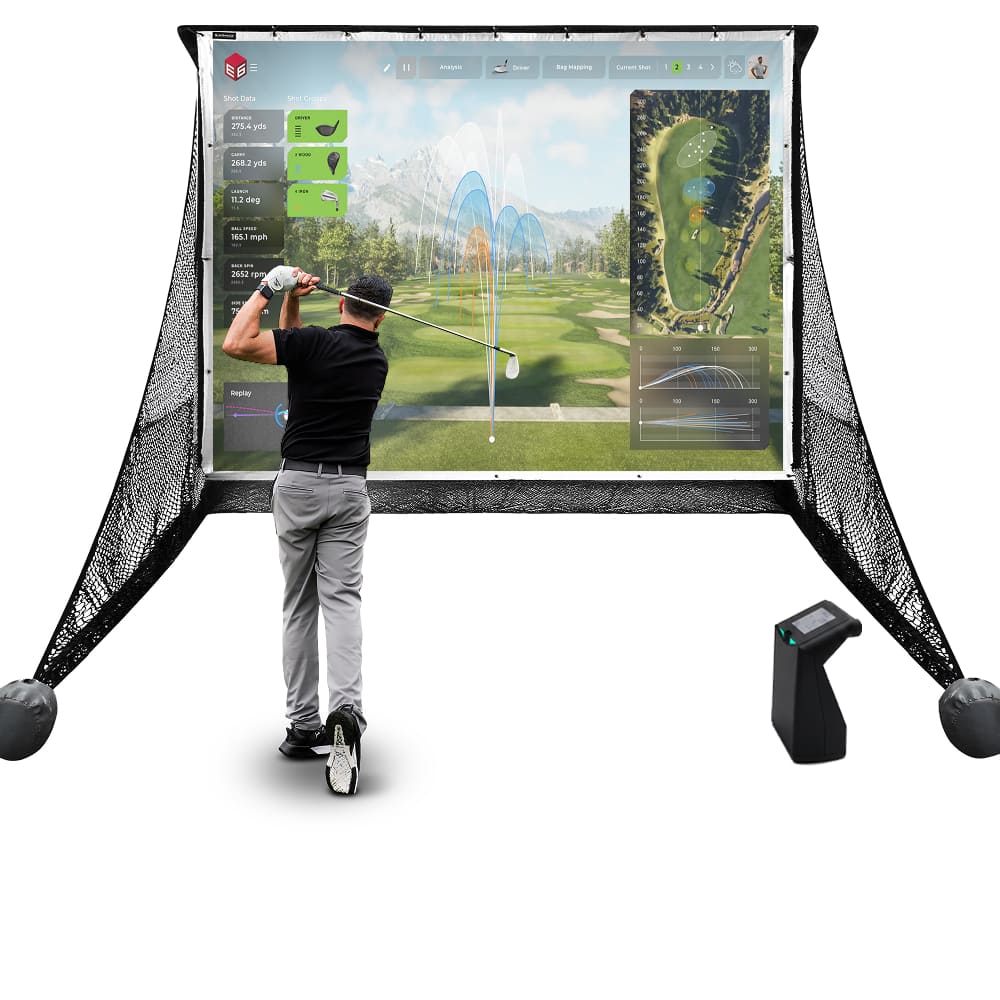
TruGolf LaunchBox Launch Monitor and SimSpace Practice Net give golfers a flexible setup for focused practice at home, indoors or outdoors. The camera-based LaunchBox provides key ball data and simulator-ready feedback to help measure progress, while the SimSpace Practice Net creates a reliable hitting area for regular practice.

TruGolf LaunchBox Launch Monitor

LaunchBox combines camera-based shot tracking, indoor simulator readiness, portable practice and E6 CONNECT Home access in one compact launch monitor. It helps golfers practise with clearer data, flexible setup options and immersive virtual golf.

  • ✓︎Camera-based technology captures key ball data including speed, launch, spin and direction
  • ✓︎Built for indoor golf simulators with mat setup, screen alignment and Ready Zone support
  • ✓︎Portable design supports indoor, outdoor, online and offline practice for flexible use
  • ✓︎Includes E6 CONNECT Home with 27 courses and multiple game formats without annual fees
TruGolf LaunchBox Launch Monitor

Built for Powerful Shots

The SimSpace Practice Net is engineered with durable materials to withstand repeated shots. Whether you’re practicing daily or swinging at full power, the netting provides reliable performance and long-lasting strength.

  • ✓︎Netting designed to absorb powerful golf ball impacts
  • ✓︎Strong frame construction built for regular practice sessions
  • ✓︎Ideal for consistent indoor or outdoor golf practice
  • ✓︎Store in a dry, warm place when not in use to prevent deterioration
Built for Powerful Shots

Two Sizes with Impact Screen

Choose between two net sizes to suit your available space and practice needs. The included pop-on impact screen easily attaches or removes, letting you switch between standard practice and a full simulator setup.

  • ✓︎Available in regular and wide net configurations
  • ✓︎Pop-on the elite impact screen which quickly attaches by bungee cords
  • ✓︎Easily remove the elite screen for simple net practice
  • ✓︎Compatible with launch monitors and projector simulator setups
Two Sizes with Impact Screen

Quick Setup with Side Netting

The SimSpace Practice Net can be assembled or taken down in just 10–20 minutes with two people, making it quick and convenient to set up your practice space. Built-in side netting also helps catch stray shots, creating a safer and more controlled hitting environment.

  • ✓︎Assembles in approximately 10–20 minutes with two people
  • ✓︎Simple frame design allows quick setup and pack down
  • ✓︎Included side netting helps catch mishits and stray shots
  • ✓︎Adds extra protection for walls, ceilings and surroundings
Quick Setup with Side Netting

What's In The Box

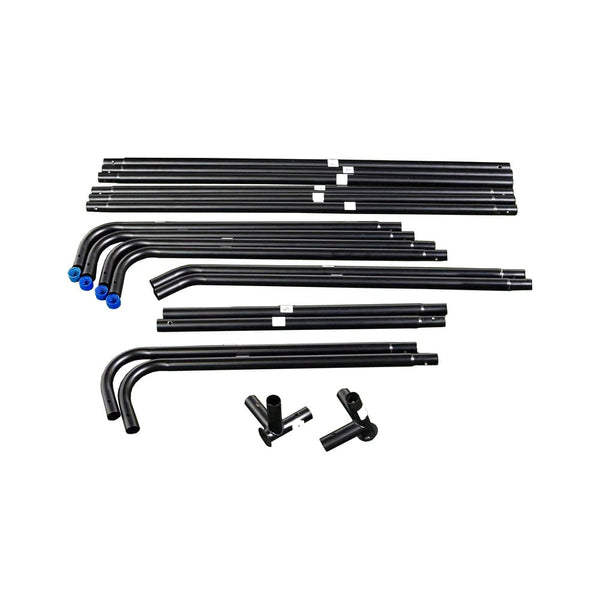
Easy Connect Poles
Easy Connect Poles
Side Netting
Side Netting
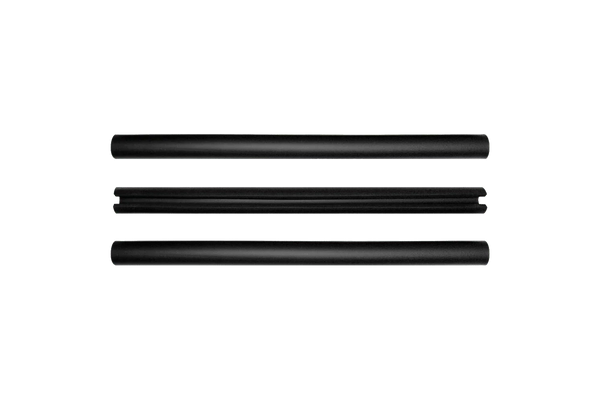
Foam Padding Tubes
Foam Padding Tubes
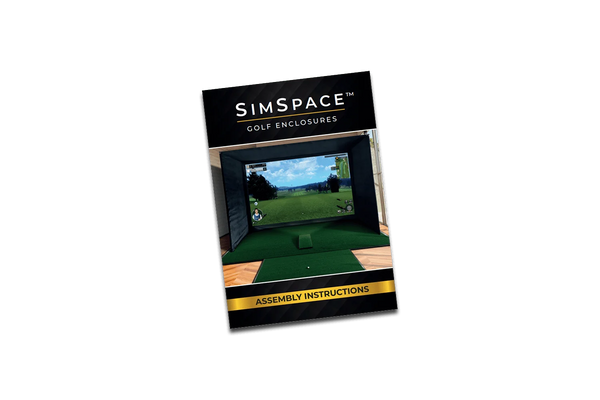
Step-By-Step Installation Guide
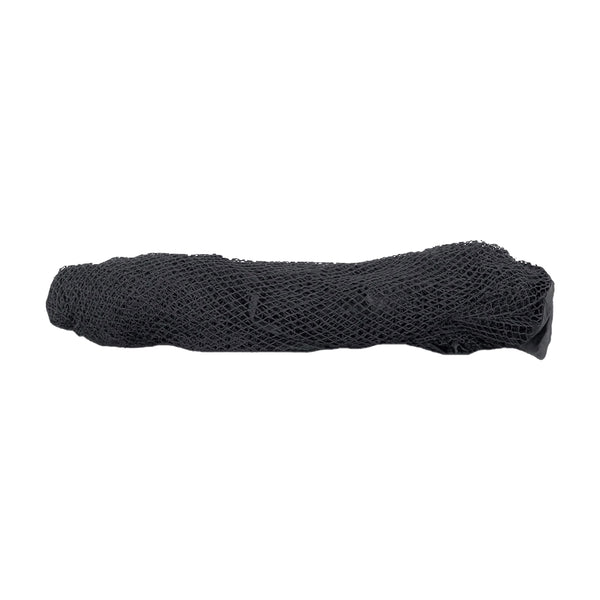
Strong Netting
Strong Netting

Frequently Asked Questions

What are the dimensions?

The Practice Net measures 2.5 metres wide by 2.5 metres high, providing plenty of space for safe and effective practice. It’s compact enough to fit in most gardens, garages, or indoor areas, and easy to set up and take down.

Does it come with side netting?

Yes, the Practice Net includes protective side panels to catch any stray shots, helping to keep your surroundings safe while you focus on improving your swing.

Can the net be used outdoors?

Yes, the net can be used outdoors, but it must be stored in a dry, warm area after use. Leaving it outside for long periods can cause the product to degrade.