




🎄 CHRISTMAS DELIVERY NOTICE 🎄
Order by 19th Dec (UK) for Christmas delivery. Click for more info!
Foresight GC3S Practice Net Bundle
Foresight GC3S Practice Net Bundle
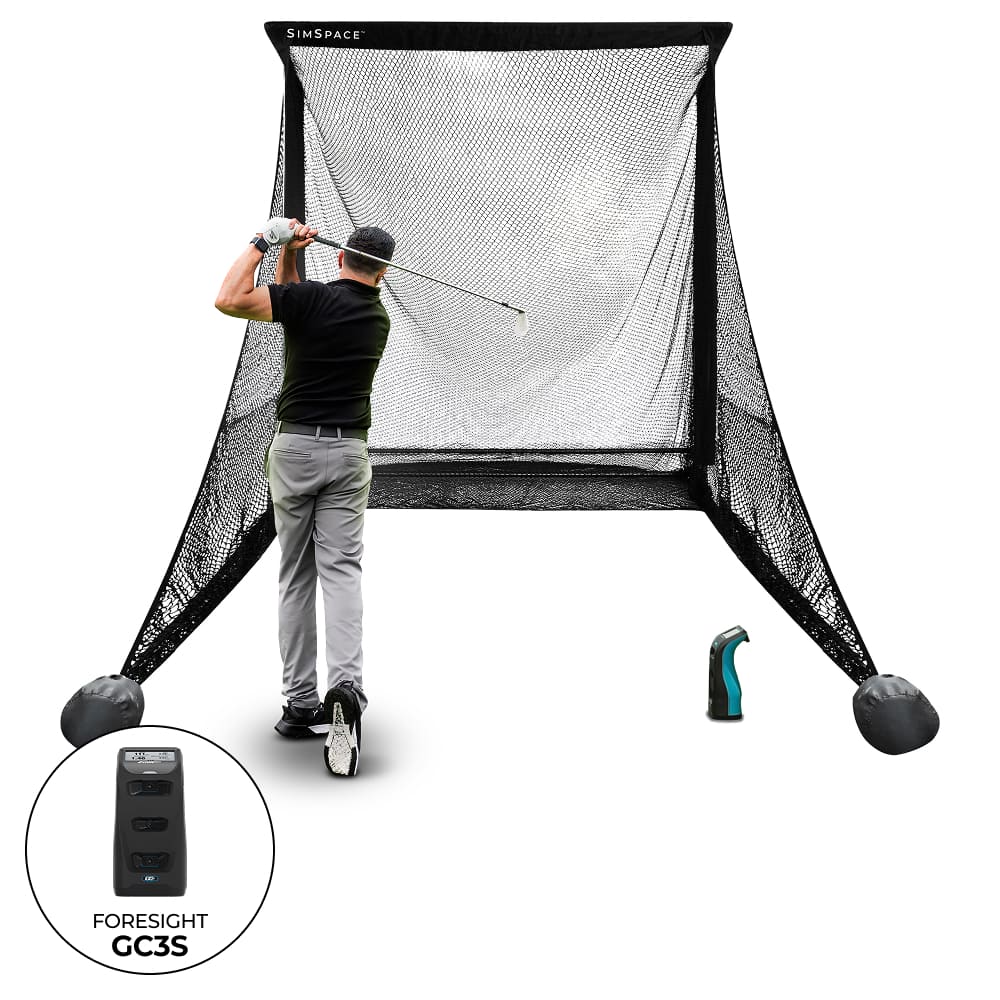
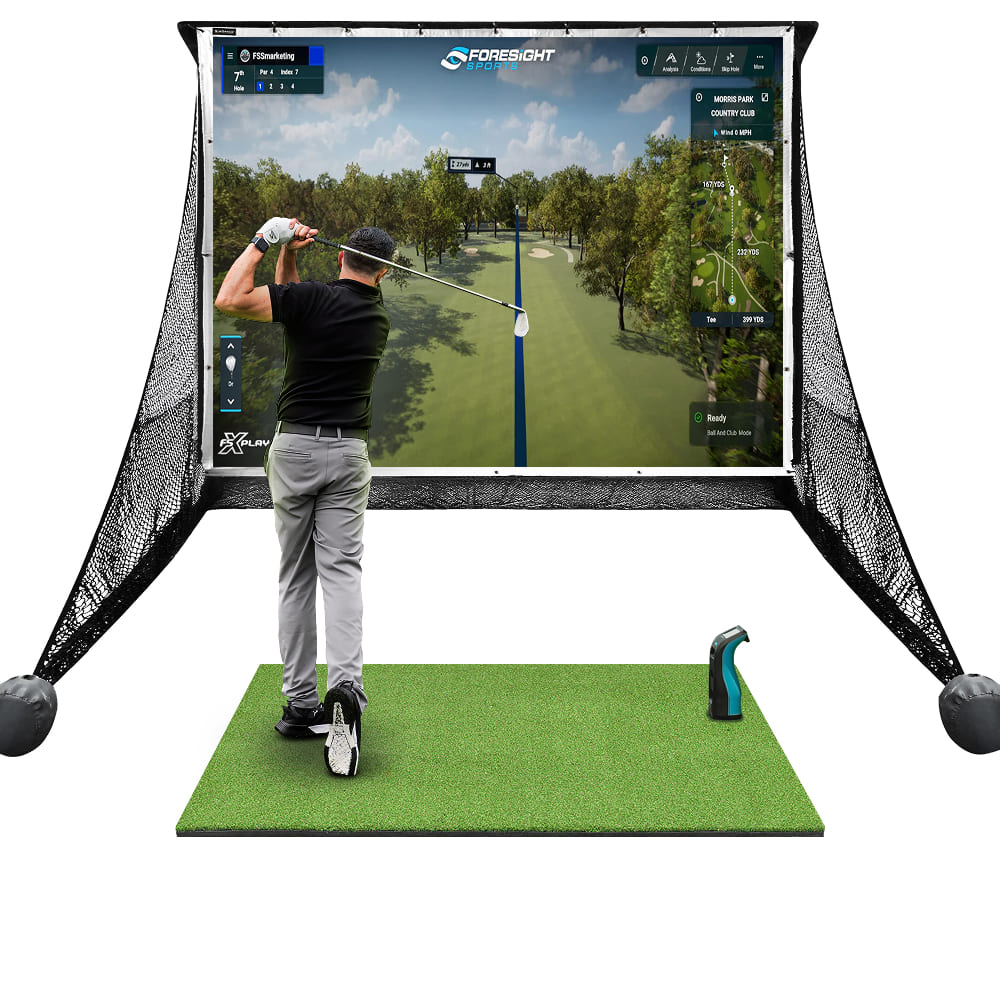
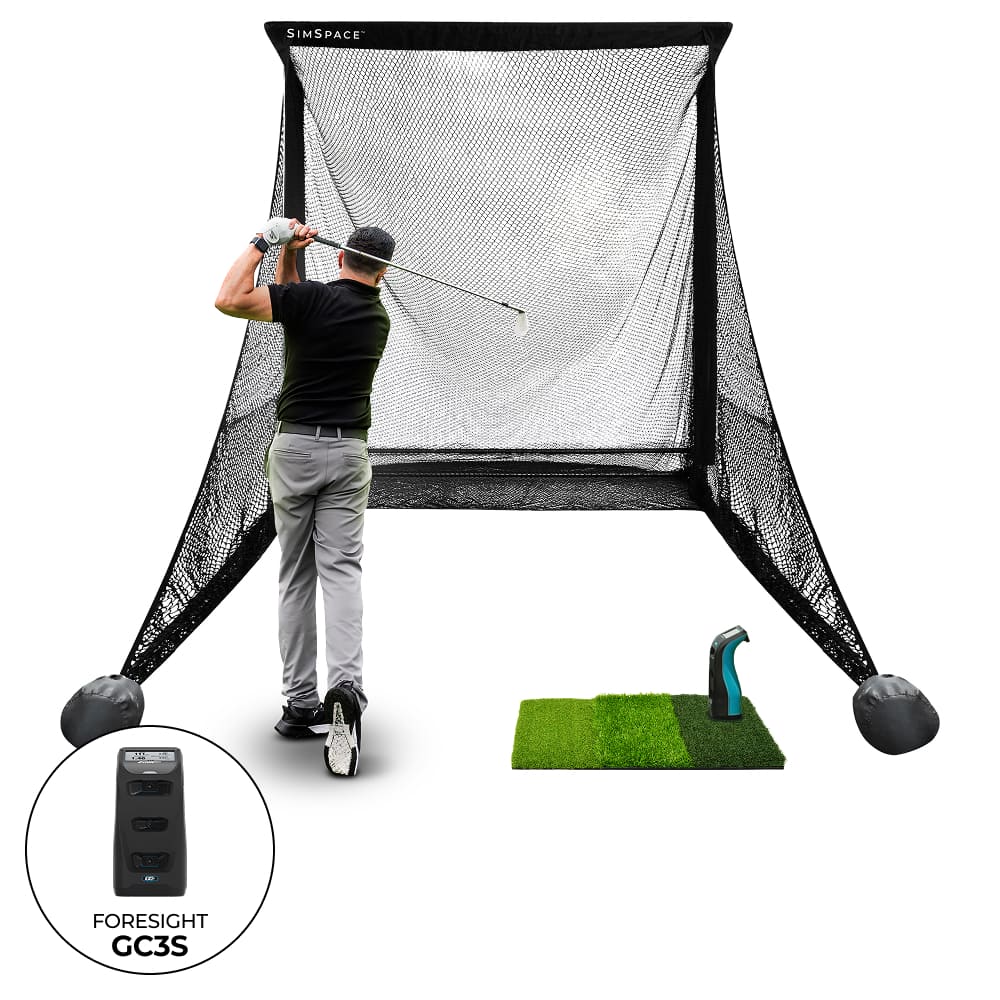
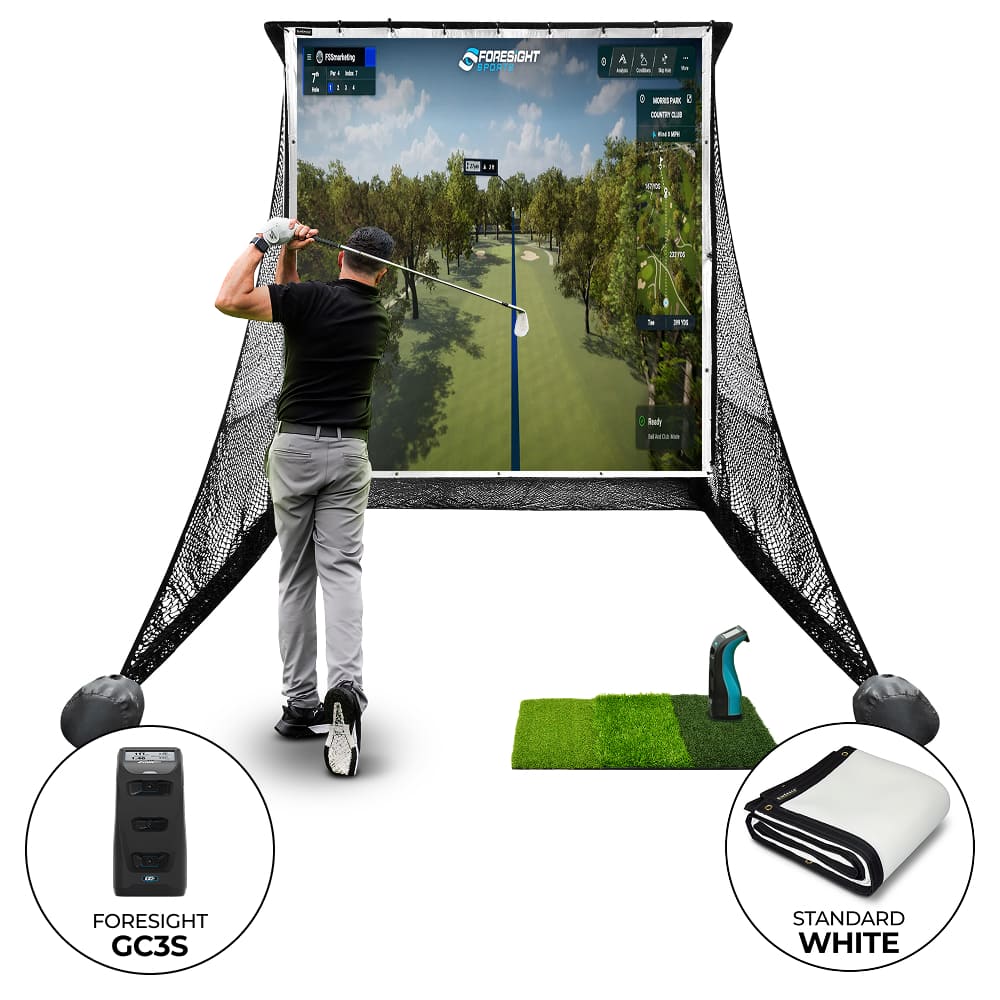
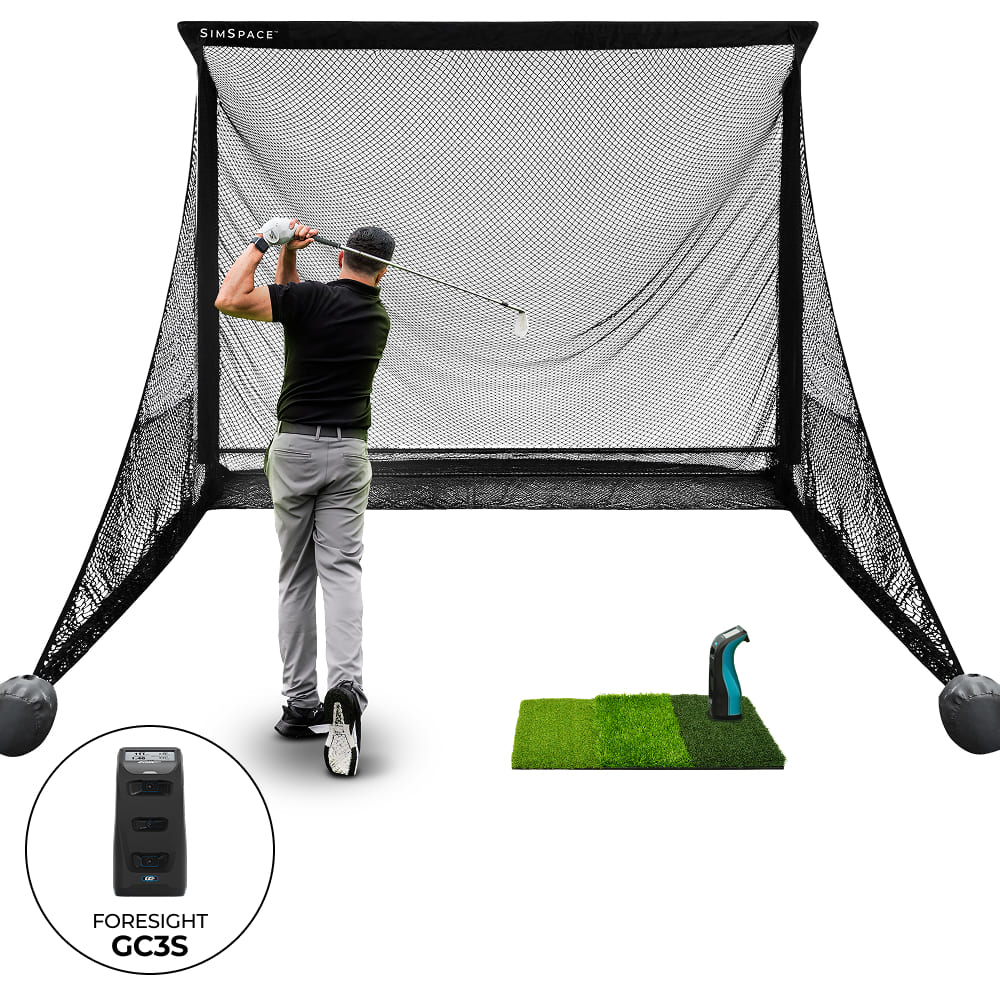
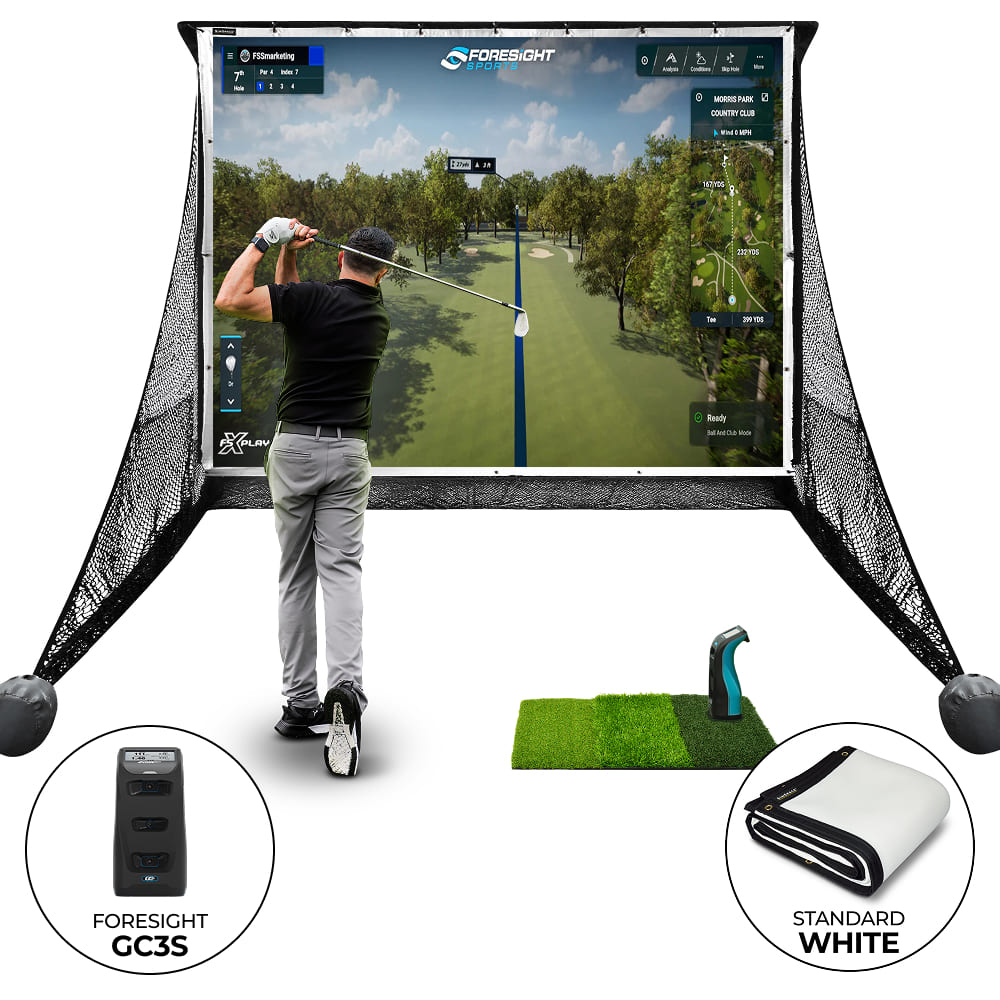
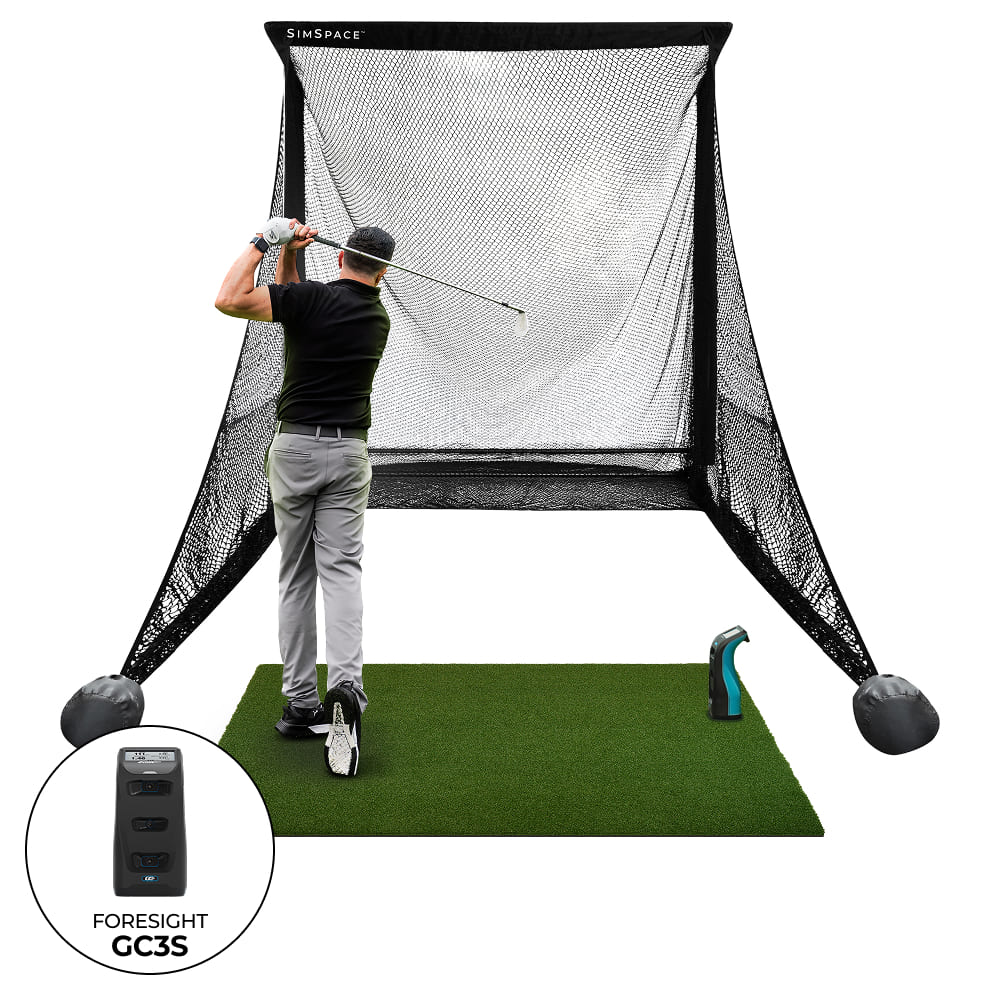
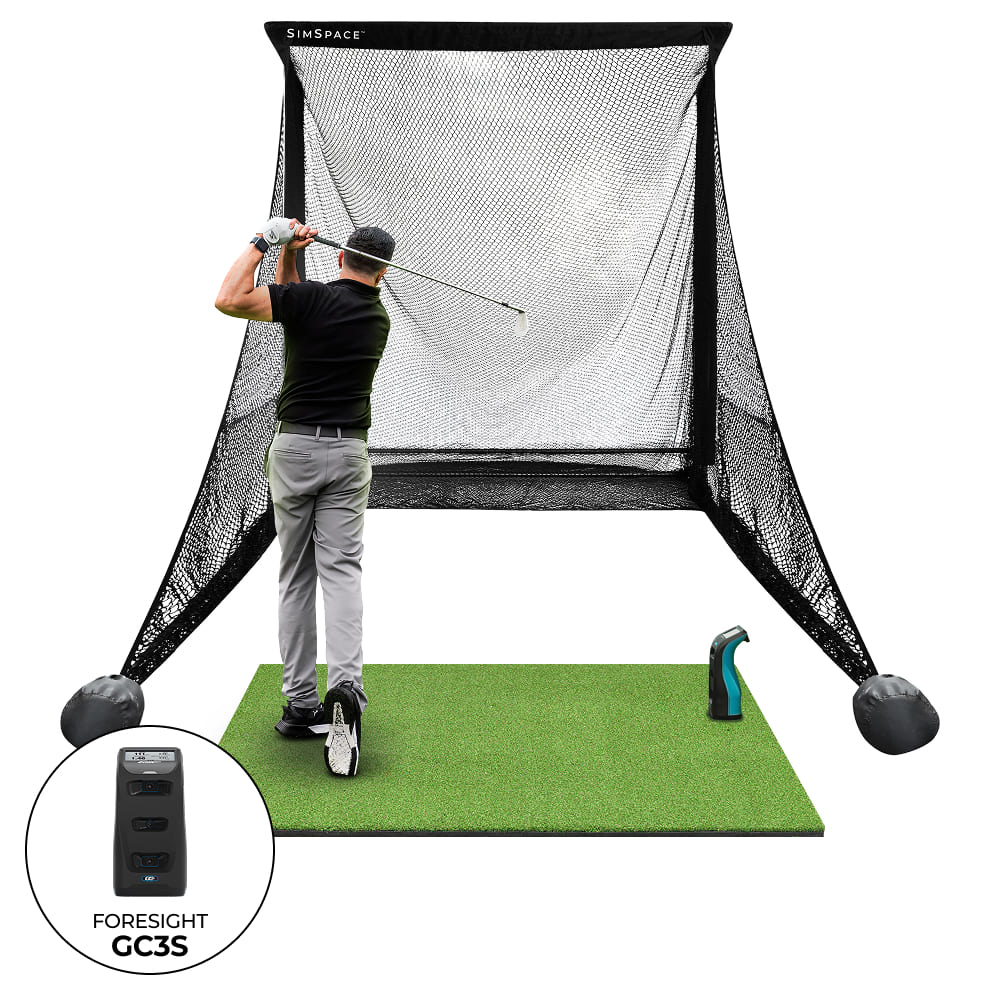
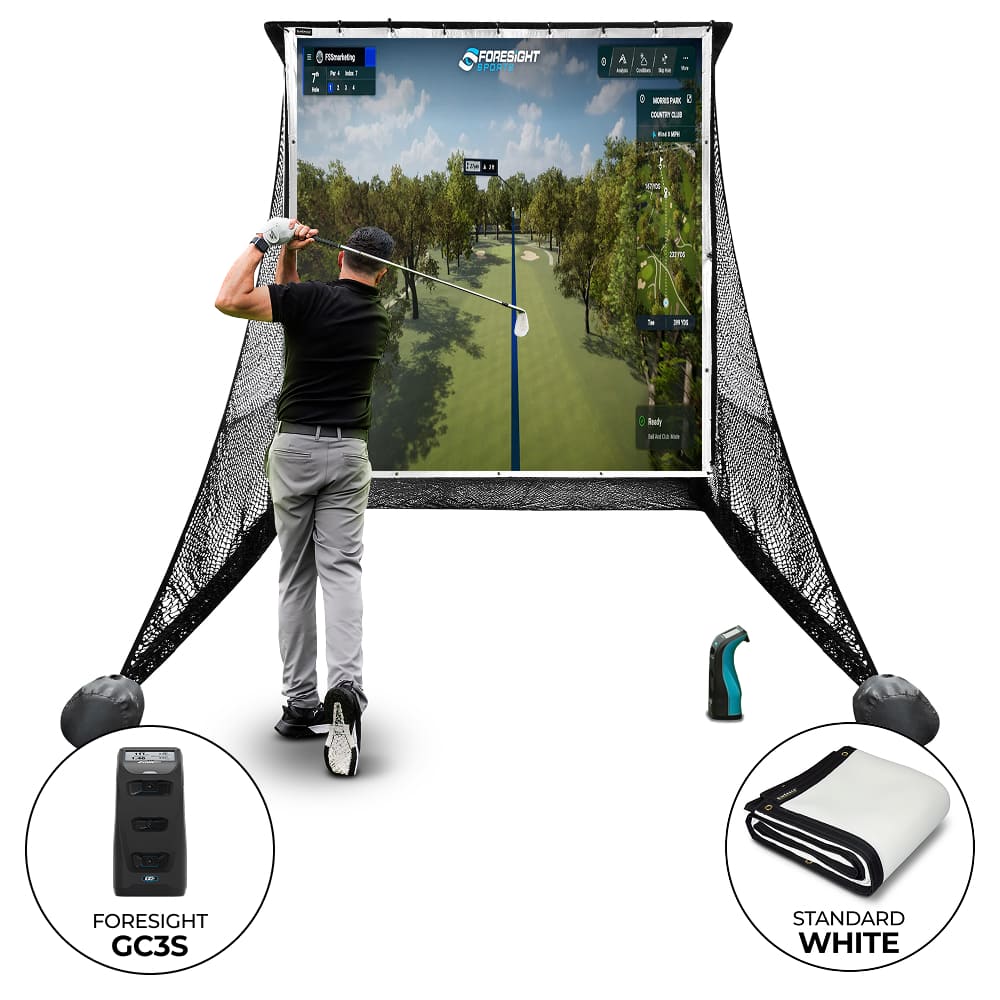
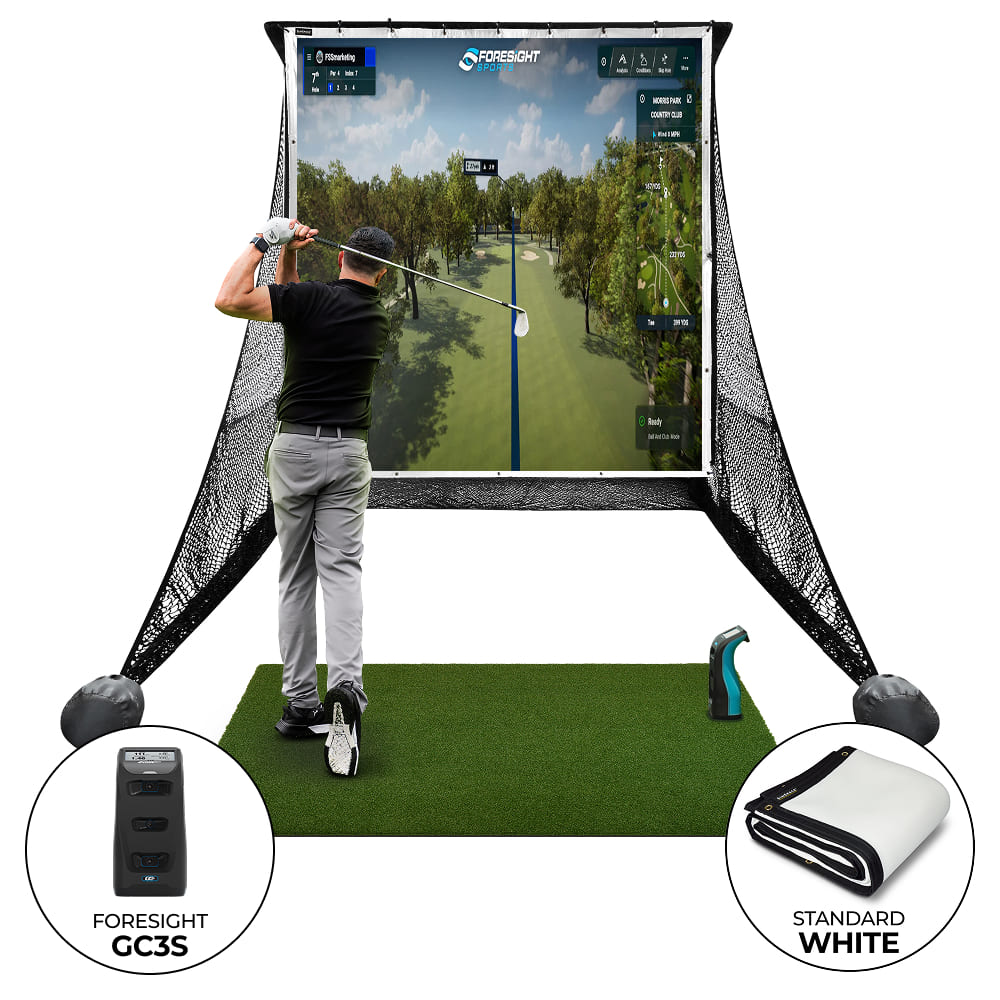
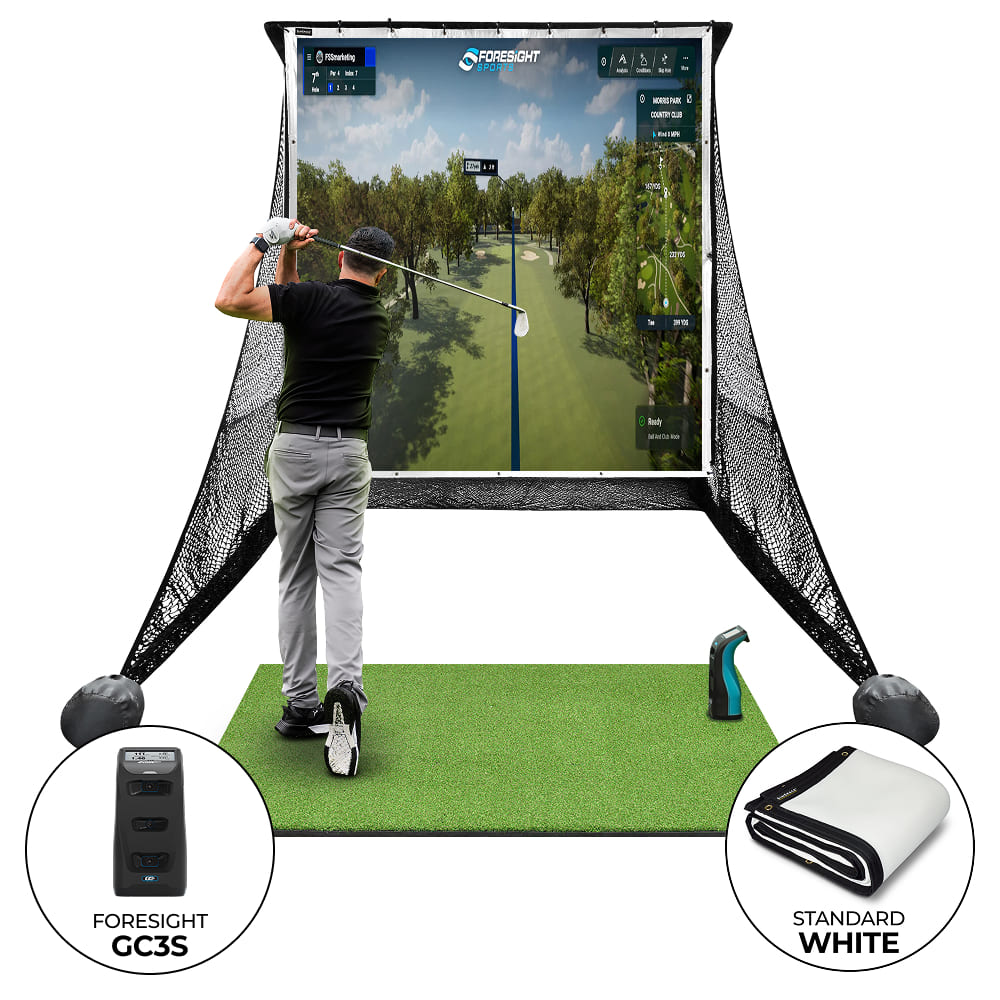
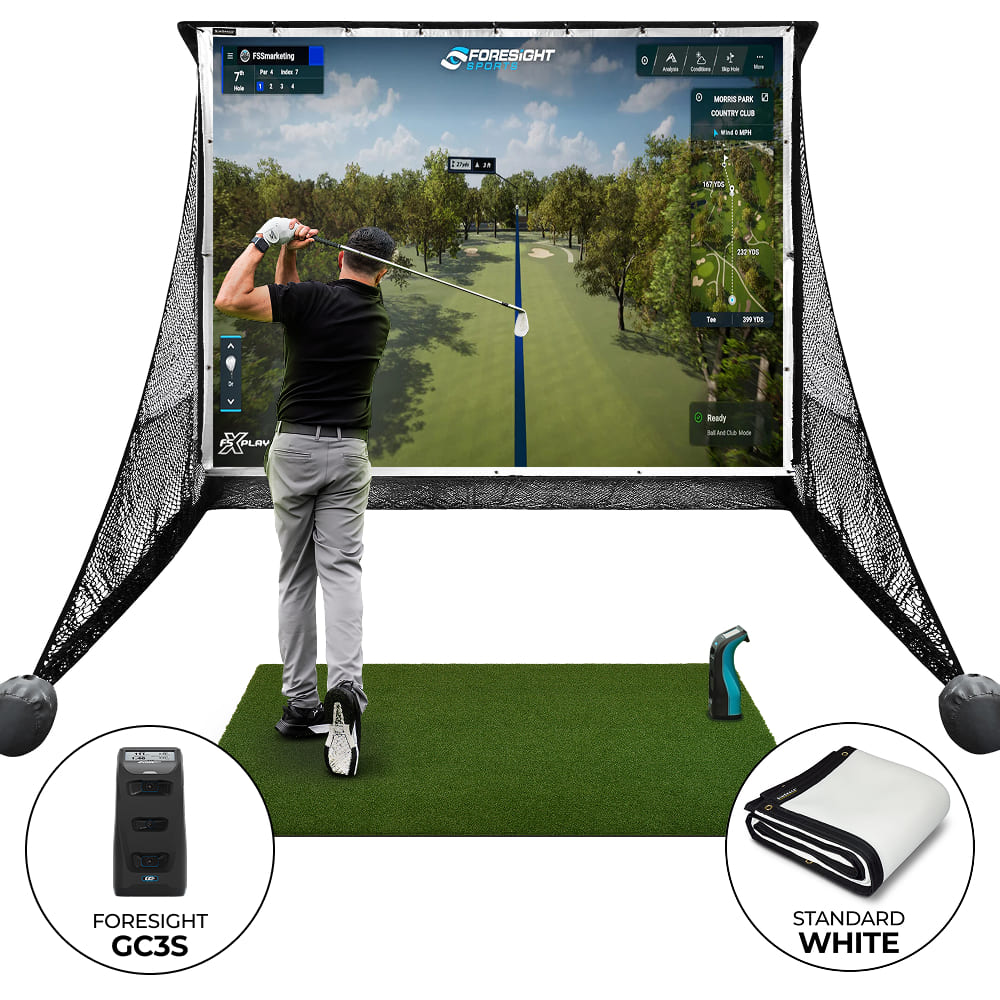
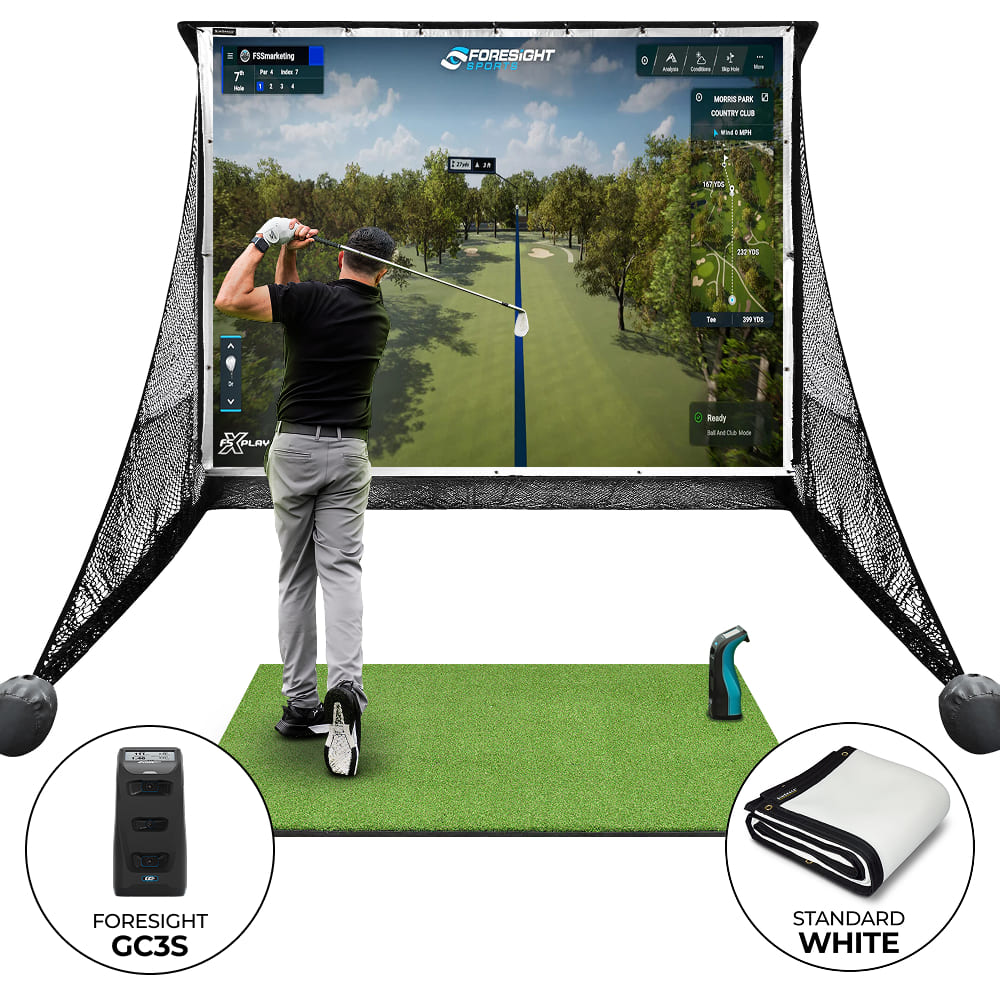
The Foresight GC3S Practice Net Bundle combines the SimSpace Practice Net & Impact Screen with the renowned Foresight GC3S Launch Monitor. Capture precise ball and club data while enjoying a crisp 4K-ready screen, perfect for realistic indoor golf simulation and year-round practice.
Regular price
£4,289.00 GBP
Regular price
£0.00 GBP
Sale price
£4,289.00 GBP
Unit price
per
Taxes included.
Shipping calculated at checkout.
Couldn't load pickup availability
Frequently Bought Together:

12 Practice Golf Balls
Titleist - Pro V1
£30.99 GBP
Technical Information:
Delivery Info
We offer delivery to many international countries with warehouses located in the USA, UK, Europe and China. For more details, please visit our Shipping policy page.
Setup Guide
Specification


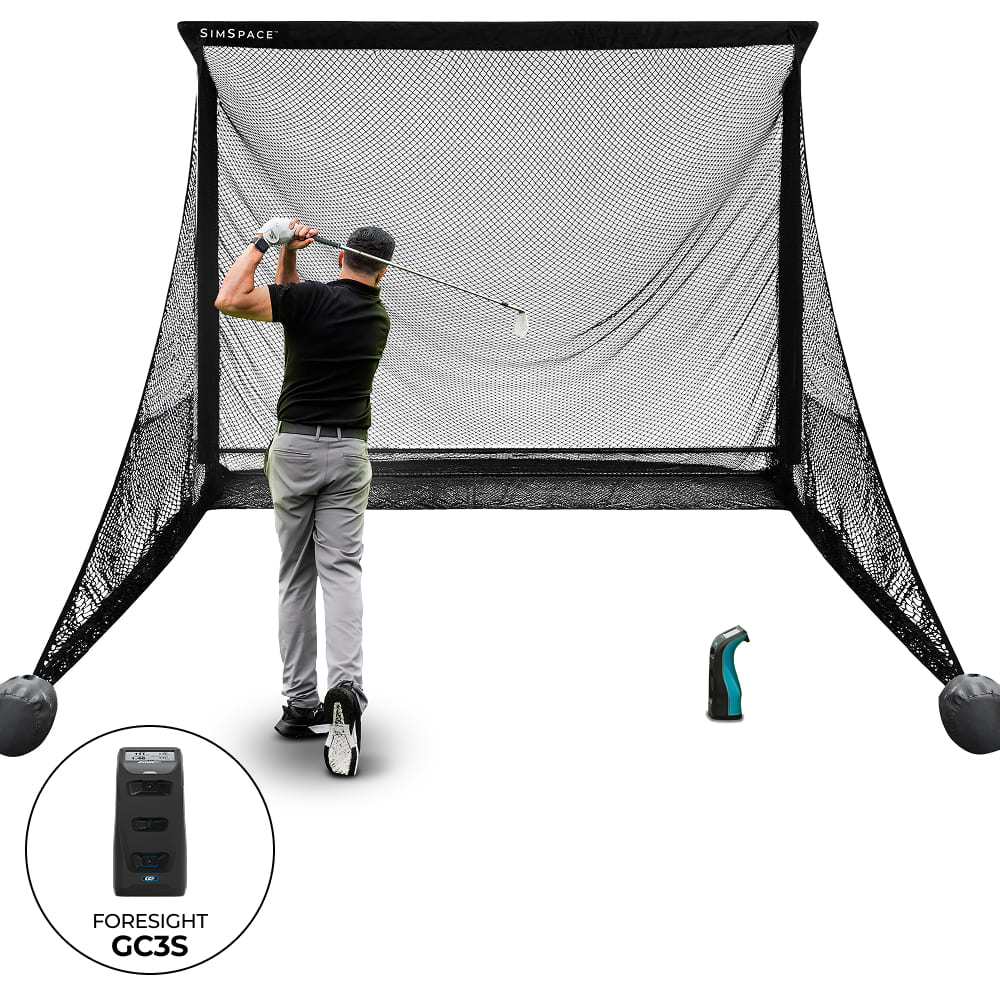
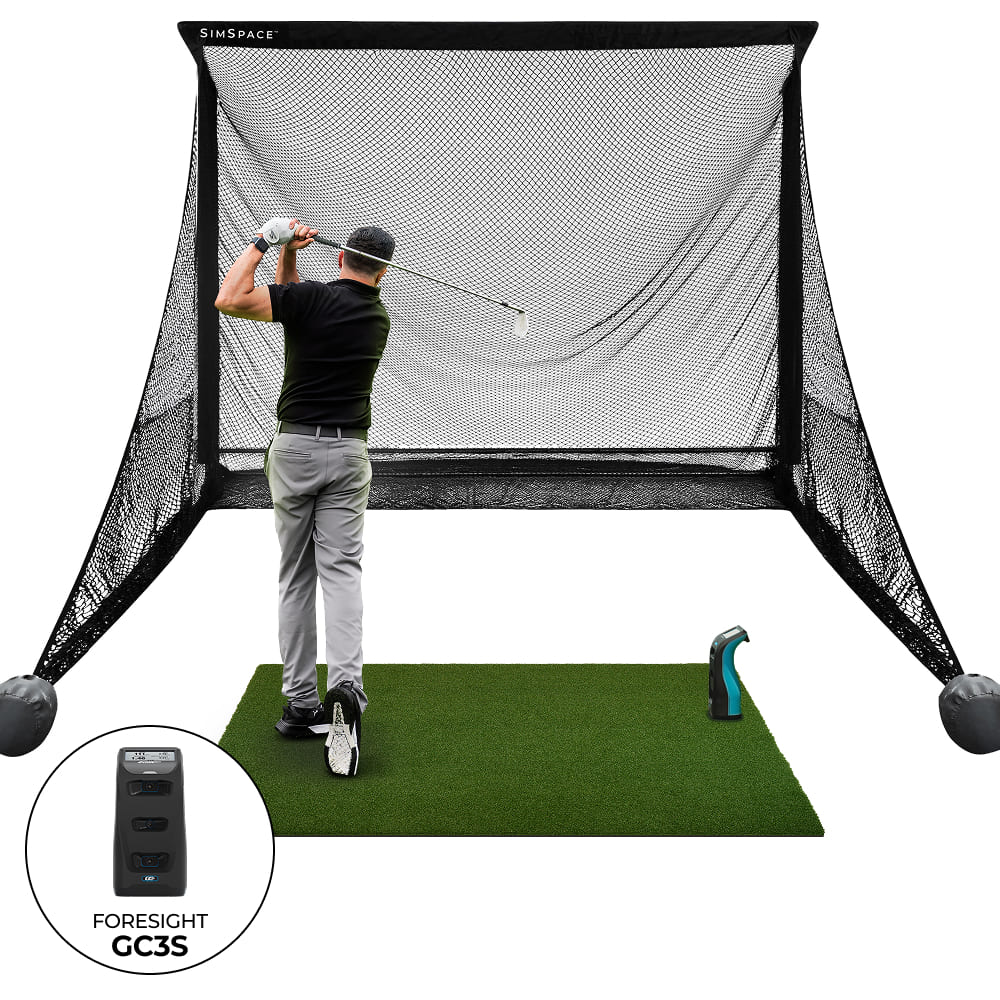
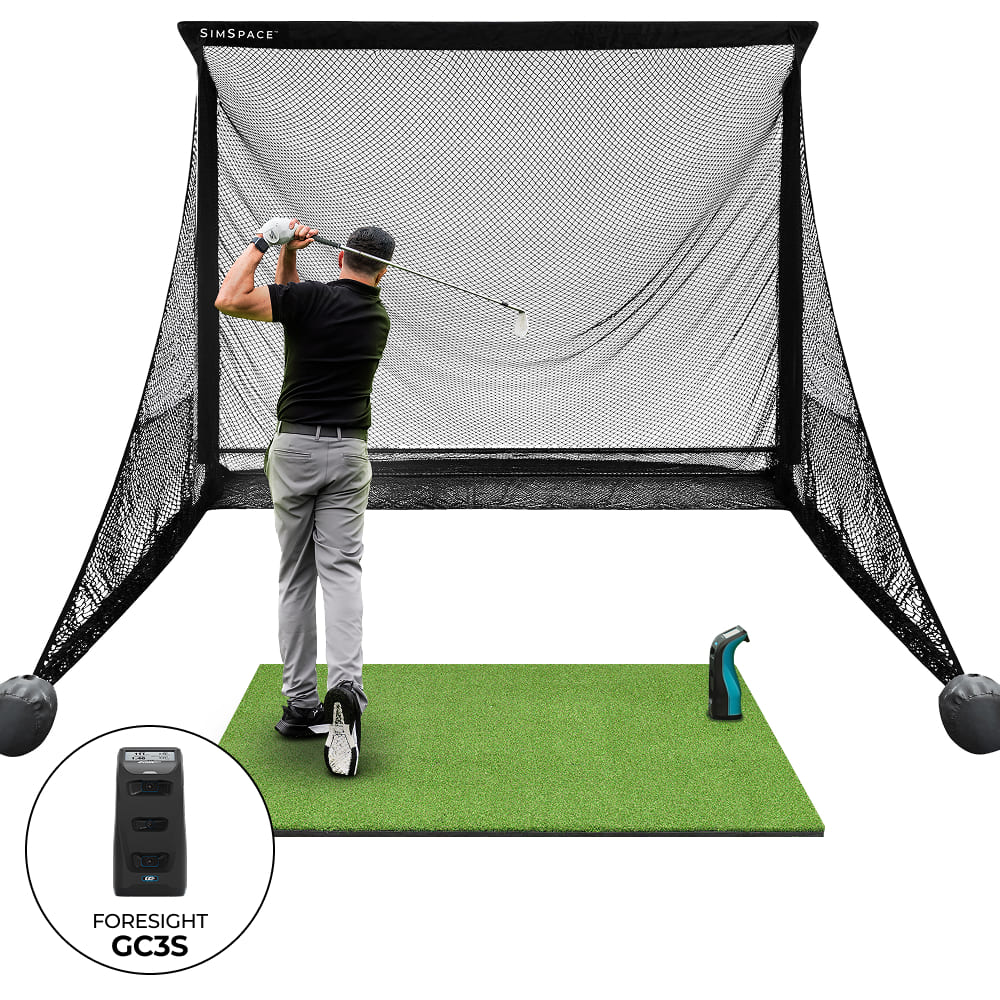
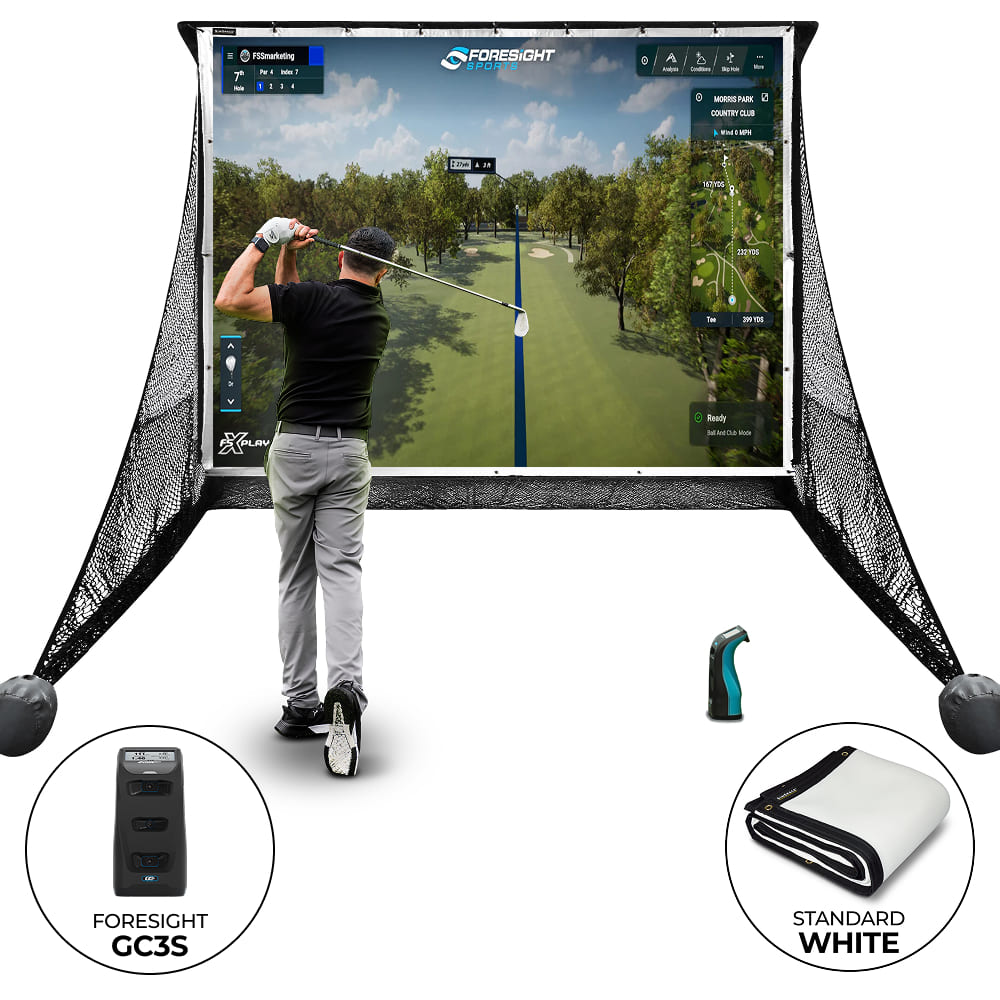
Foresight GC3S Practice Net Bundle Video
Key Features of the Foresight GC3S Practice Net Bundle
Precision
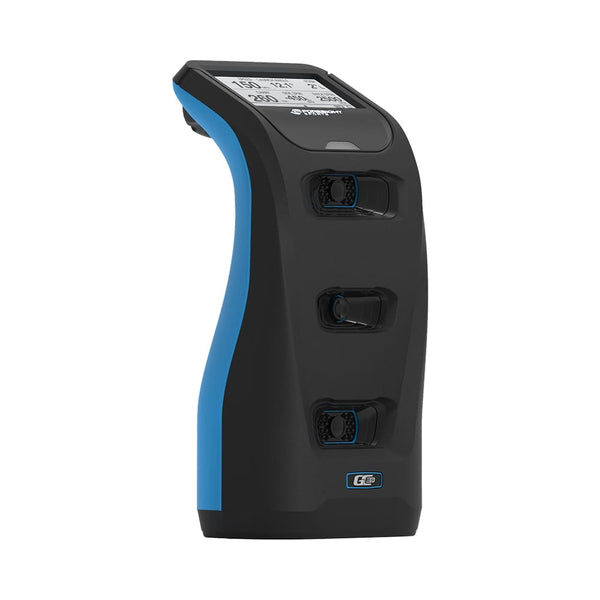
The GC3S, built by the GCQuad’s creators, uses a tour-proven triscopic camera system to capture thousands of images per swing, precisely tracking club and ball data through impact.

Linked Enabled
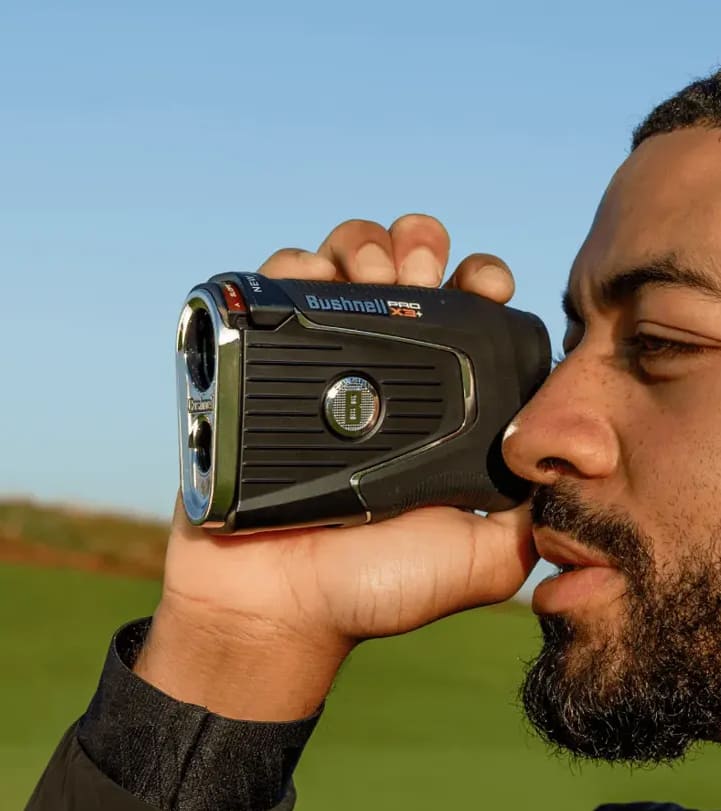
Connect your Foresight Sports launch monitor with Bushnell Golf rangefinders for unmatched insight. Use MyBag™ to analyse up to 13 clubs and refine your yardages.
Premium Quality
The Deluxe Practice Net stands out for its exceptional durability, making it an ideal choice for golf enthusiasts at all levels of expertise.

Easy Assembly
Suitable for both novices and experienced players, the Deluxe Practice Net can be assembled very easily by following the instructions that come inside the box.

FSX Play & Pro
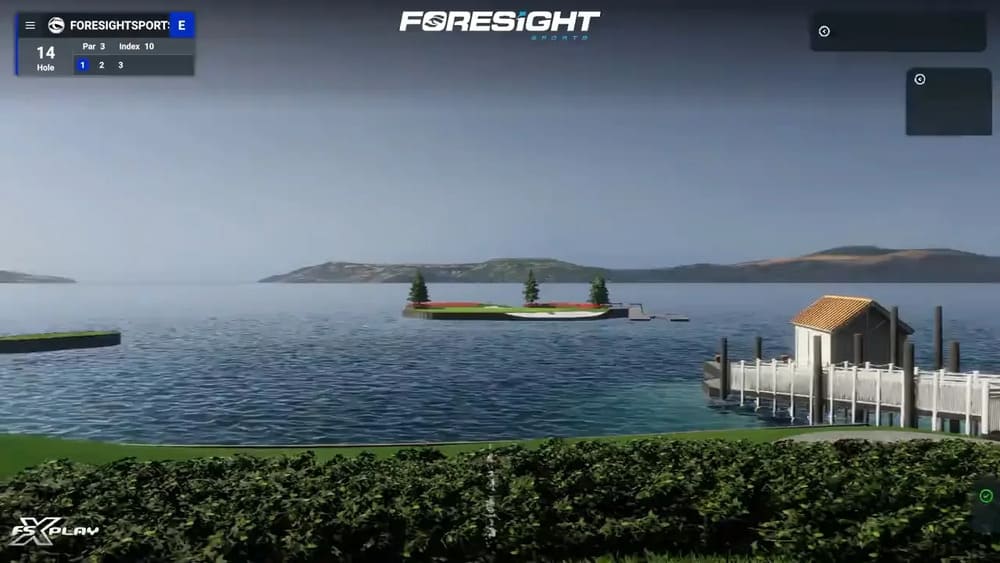
Included with an annual subscription, enjoy hyper-realistic gameplay powered by the industry's most accurate launch monitors.
3rd Party Software
Connects to several third-party software, including GSPro, E6 Connect, Awesome Golf and more.
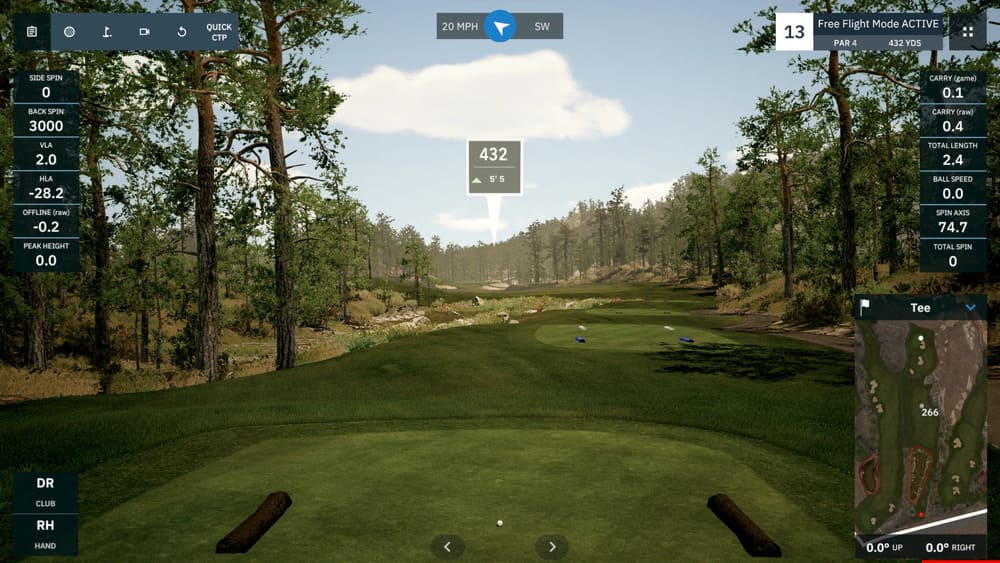
Pop-on Screen
Offering a budget-friendly alternative to a full golf enclosure, this versatile setup is perfect for creating a pop-up or home simulator screen using the 20 bungee cords included.
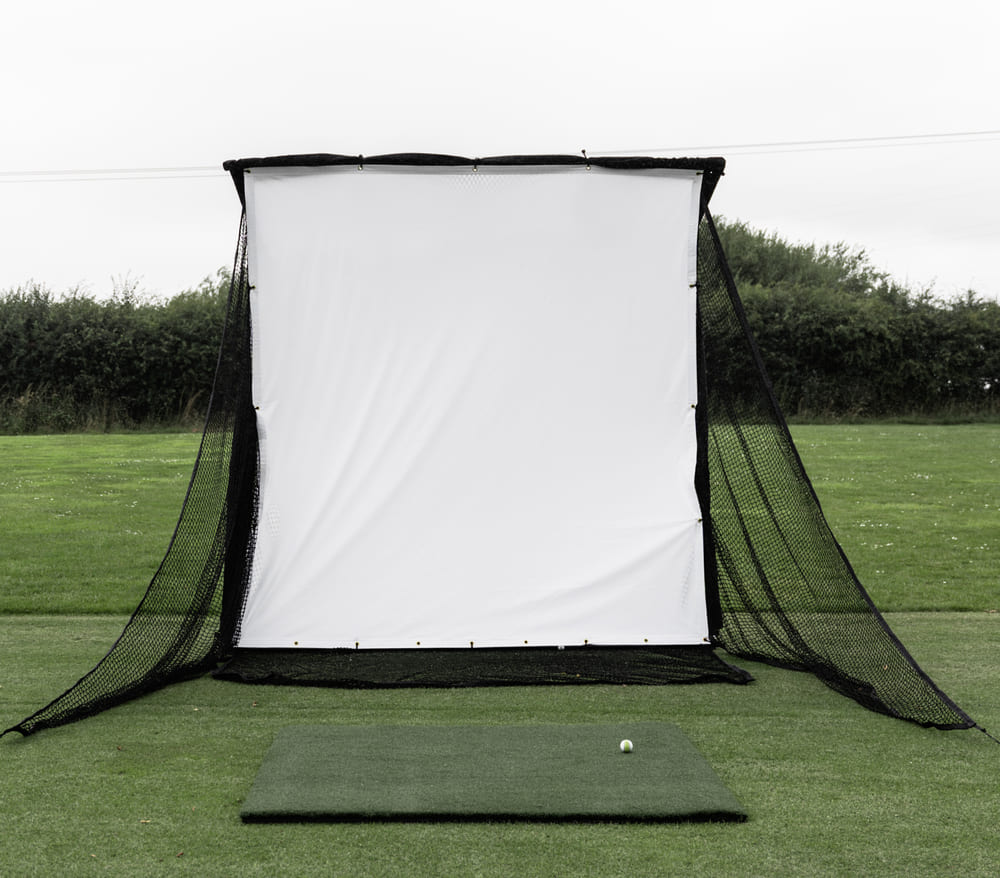
Safe & Secure
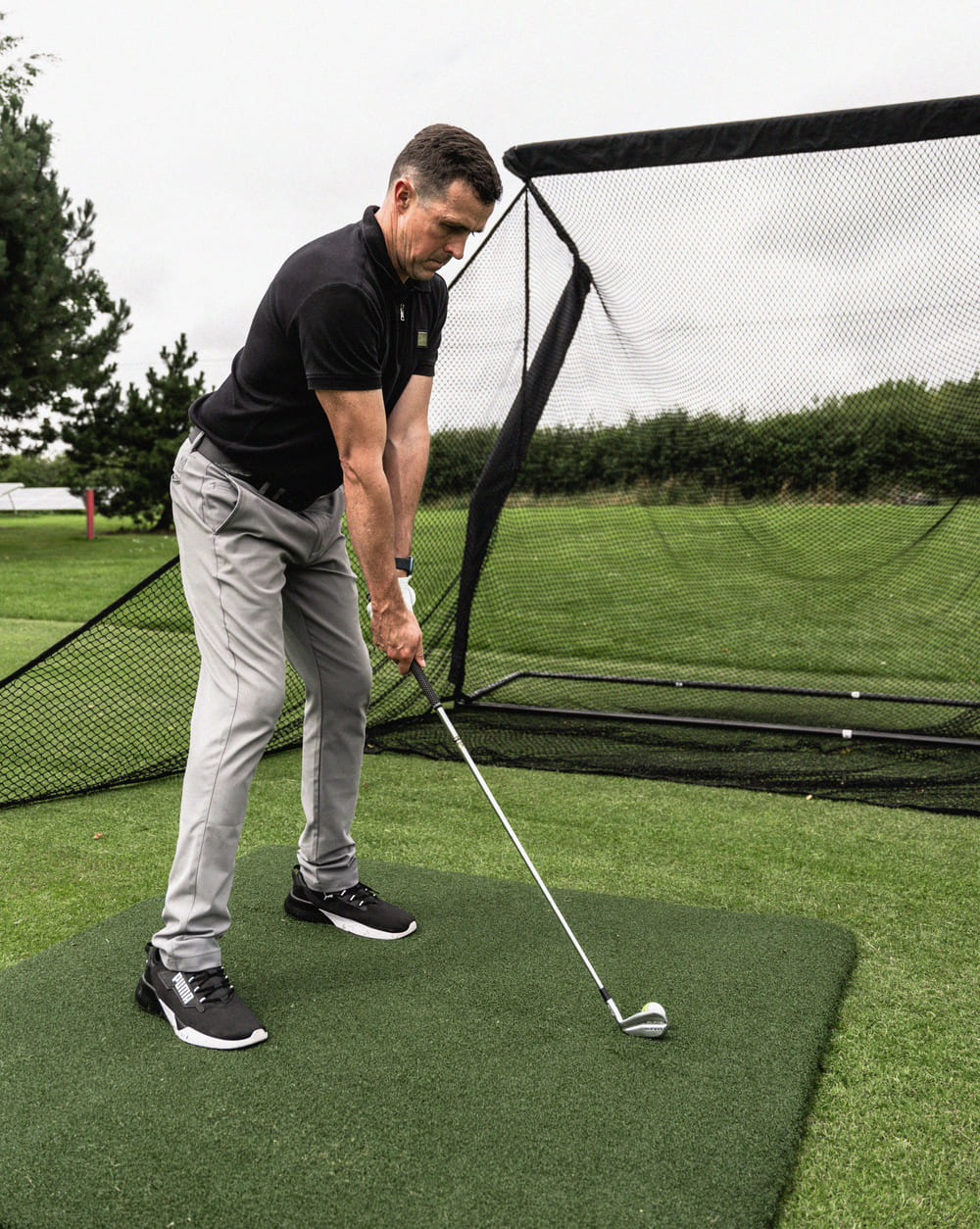
The Deluxe Net features a large, sturdy structure with quick assembly and versatility for indoor and outdoor use. Includes side netting for errant shots for safe practice.
Included in your Foresight GC3S Practice Net Bundle
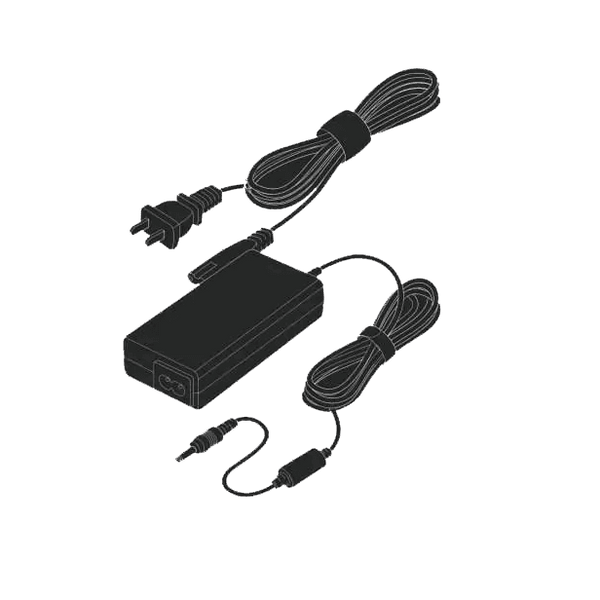
Power Adapter
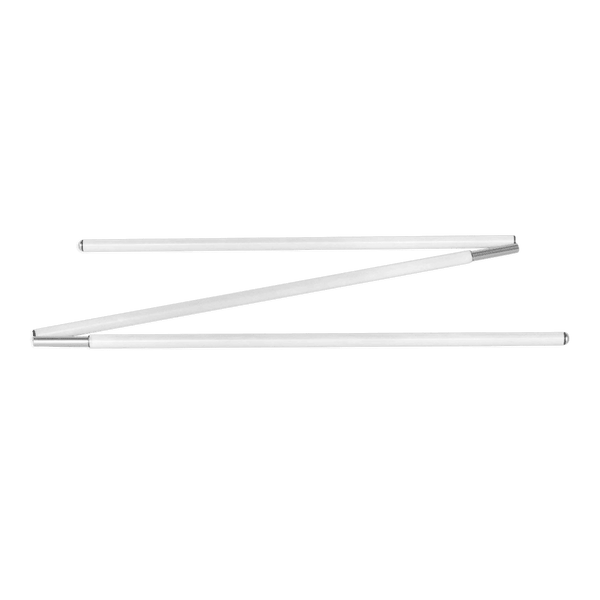
Alignment Stick

Club Markers
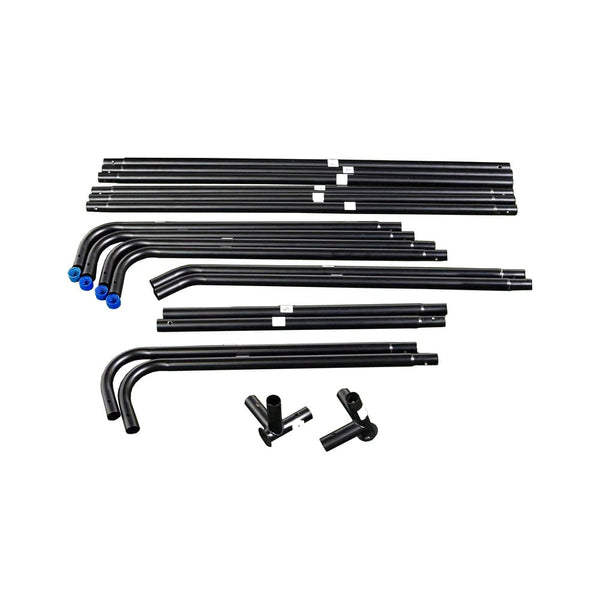
Easy Connect Poles
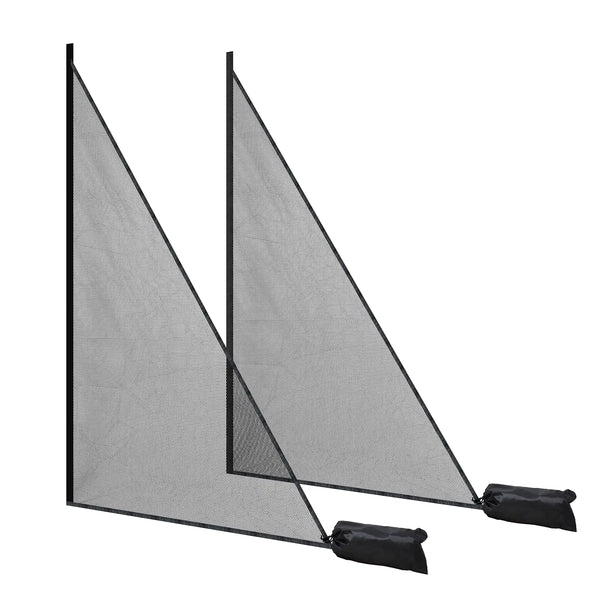
Side Netting
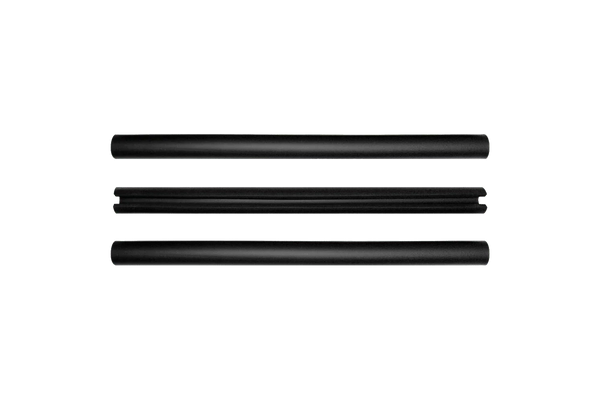
Foam Padding Tubes
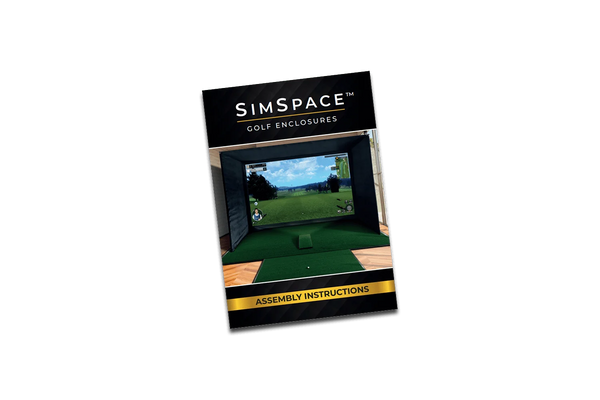
Step-By-Step Installation Guide
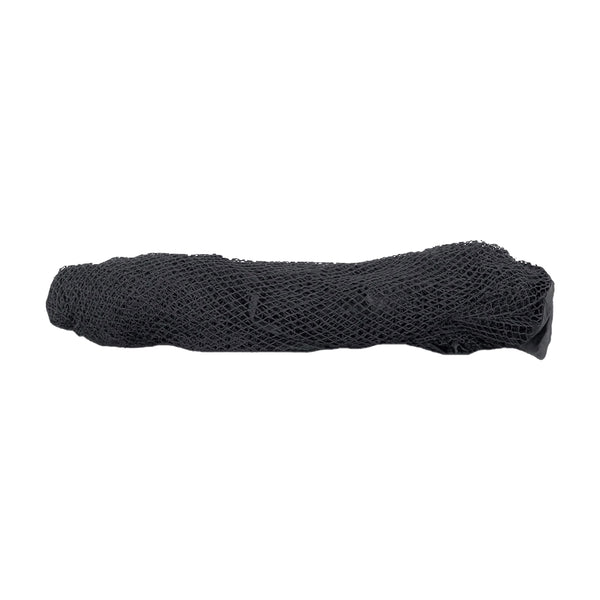
Strong Netting
Frequently Asked Questions
What’s the difference between GC3S and GC3?
The GC3S has a lower upfront price but requires an annual subscription for full features. The standard GC3 costs more initially but includes all features and software with no ongoing fees.
Is a subscription required for the GC3S?
Yes. A Gold subscription is needed to unlock full features, FSX software access, and third-party compatibility. Without it, only basic ball data is shown on the device.
Can I use the GC3S indoors and outdoors?
Yes. It’s portable, works in all lighting, and runs on battery. For indoor use, ensure a 9-foot ceiling and a gaming PC that meets FSX software requirements.
Can the net be used outdoors?
Yes, the net can be used outdoors, but it must be stored in a dry, warm area after use. Leaving it outside for long periods can cause the product to degrade.
Does it come with side netting?
Yes, the Practice Net includes protective side panels to catch any stray shots, helping to keep your surroundings safe while you focus on improving your swing.
What are the dimensions?
The Practice Net measures 2.5 metres wide by 2.5 metres high, providing plenty of space for safe and effective practice. It’s compact enough to fit in most gardens, garages, or indoor areas, and easy to set up and take down.