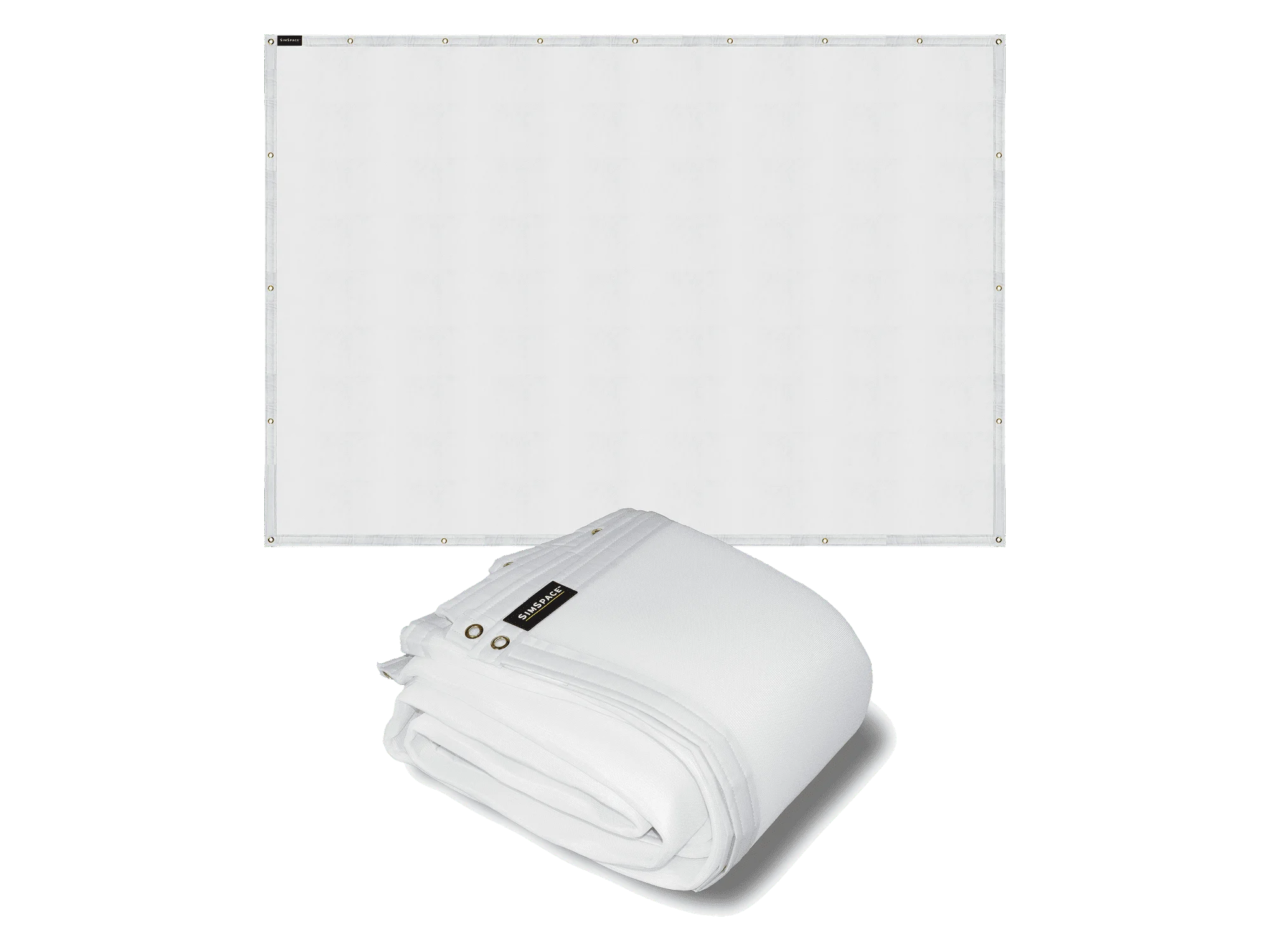
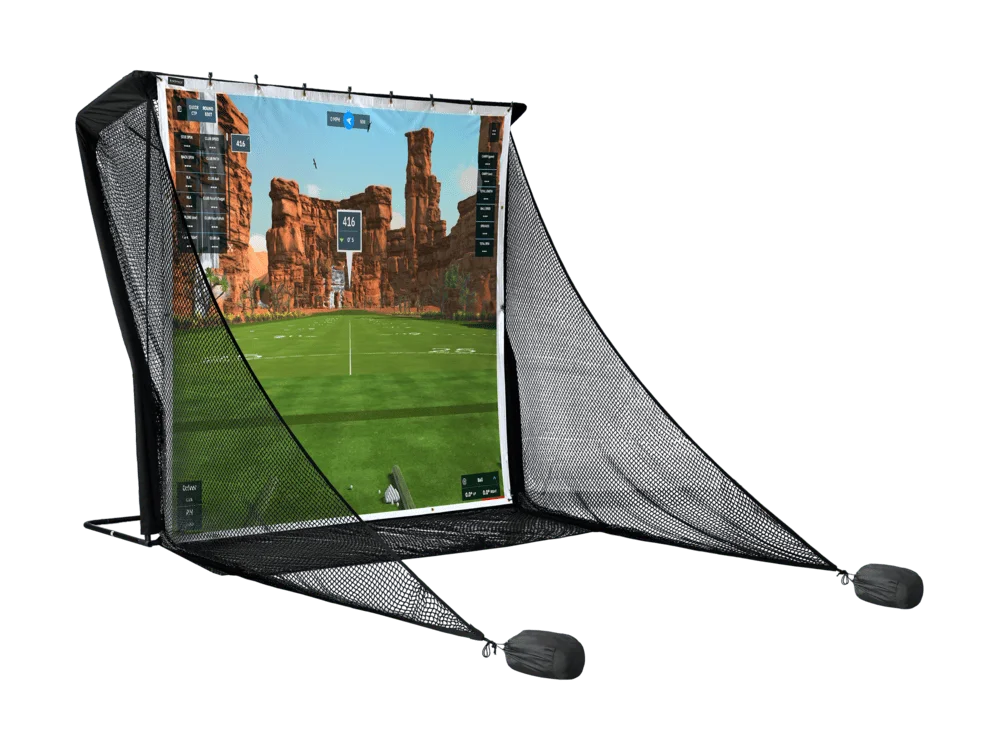
Golf impact screens are one of the most important components of any golf simulator setup, providing the projection surface that brings virtual golf courses and shot data to life. Designed to withstand thousands of golf shots while delivering crisp image quality, premium golf impact screens create a realistic and immersive playing experience. Whether you’re building a home golf simulator or upgrading an existing setup, the right impact screen can dramatically improve both performance and visual quality.
A golf impact screen does two jobs: it takes the full force of every shot and gives your projector a clean surface to show the course. The right one depends on how often you play and how long you want the screen to last.
Choosing the right golf impact screen
A golf impact screen does two jobs: it takes the full force of every shot and gives your projector a clean surface to show the course. The right one depends on how often you play and how long you want the screen to last.
Elite Impact Screen
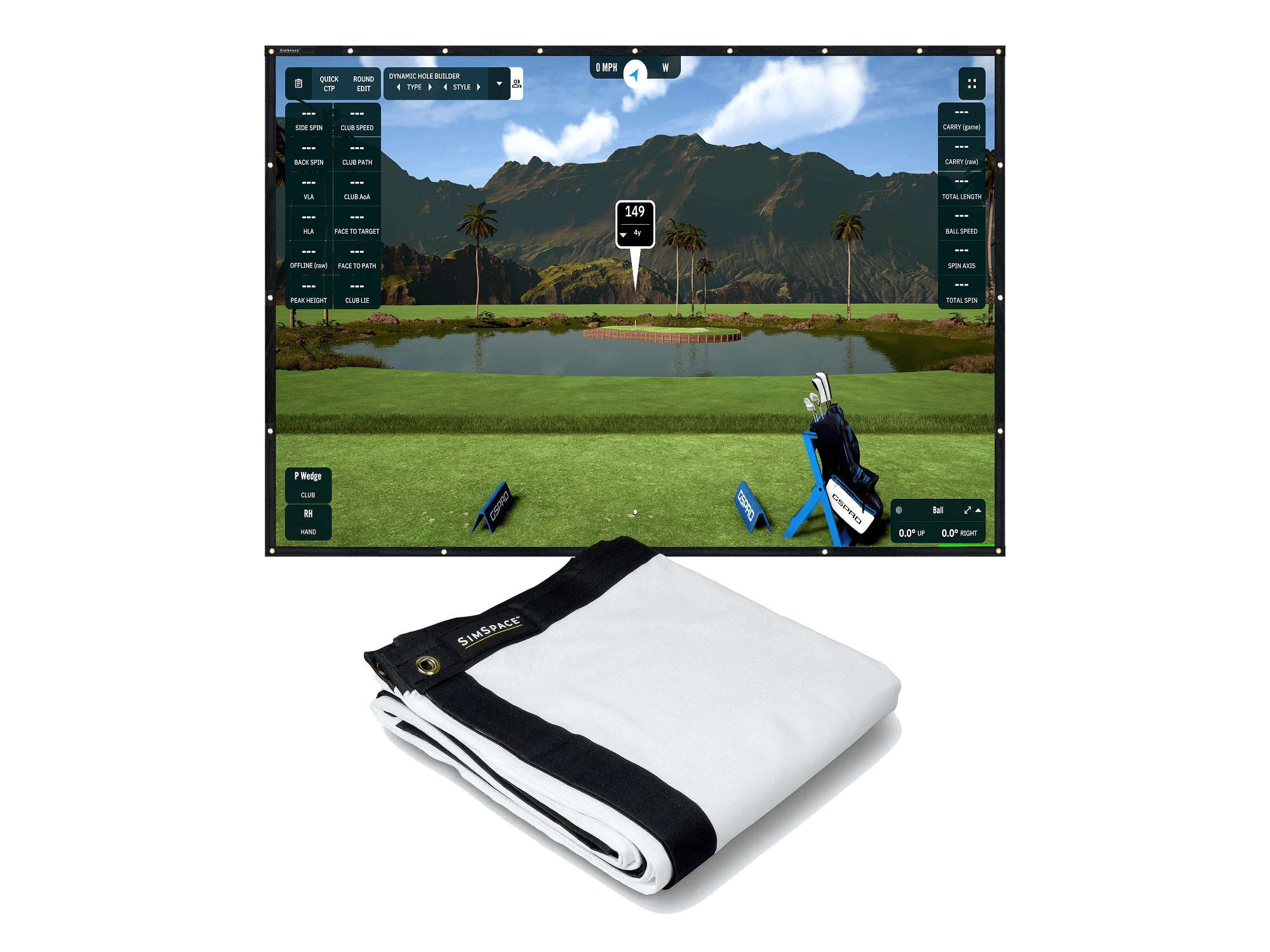
The Elite Impact Screen is our entry-level option. It’s a single-layer, tight-knit polyester screen with 4K-ready projection, reinforced stitching and strengthened eyelets, built to take a minimum of 5,000 shots.
Double Sided Impact Screen
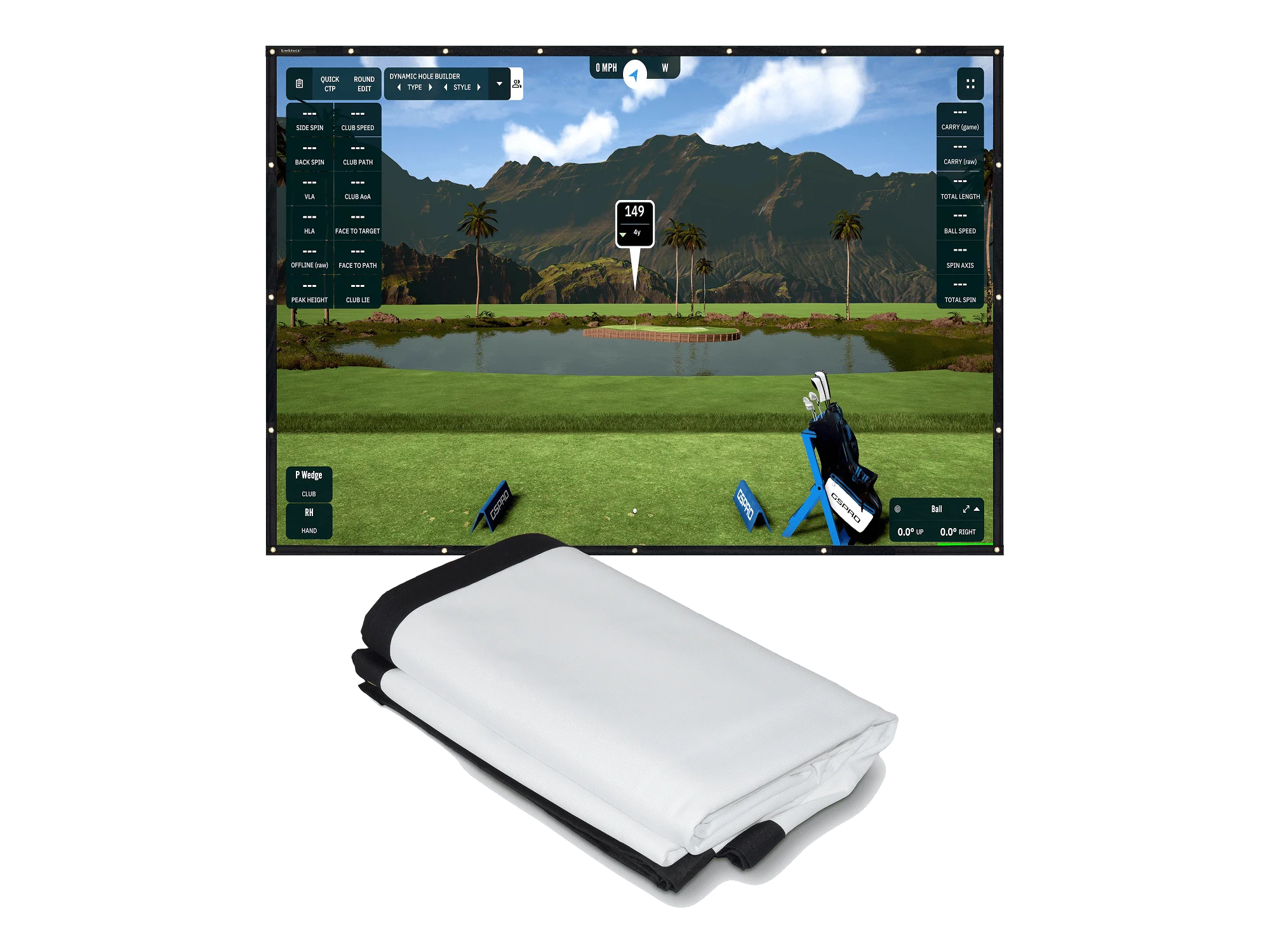
The Double Sided Impact Screen has a reversible two-layer design. Use one side for around 7,500 shots, then turn it round and use the other, for a minimum of 15,000 shots in total. It’s a cost-effective choice for regular simulator use.
Platinum Impact Screen
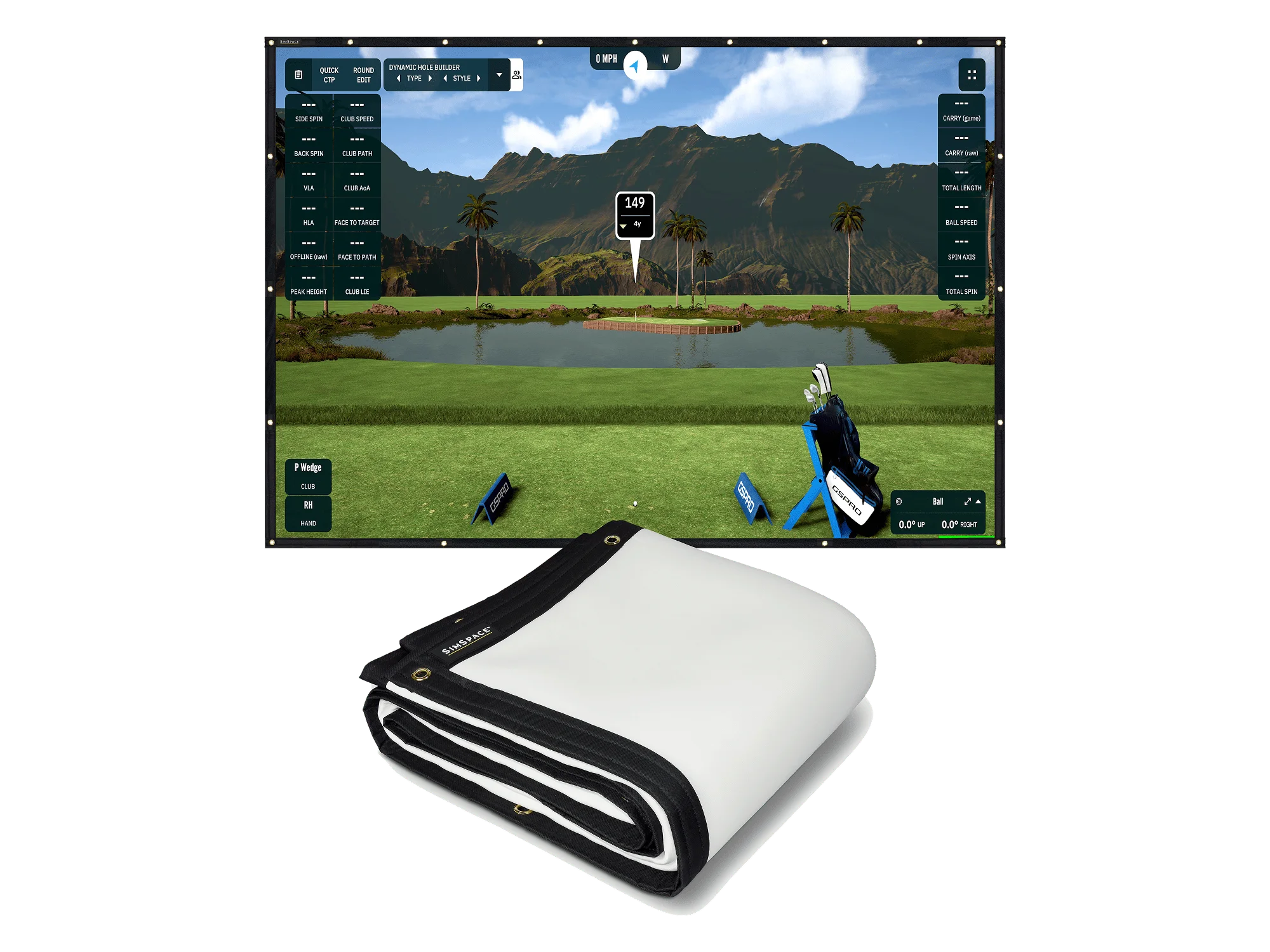
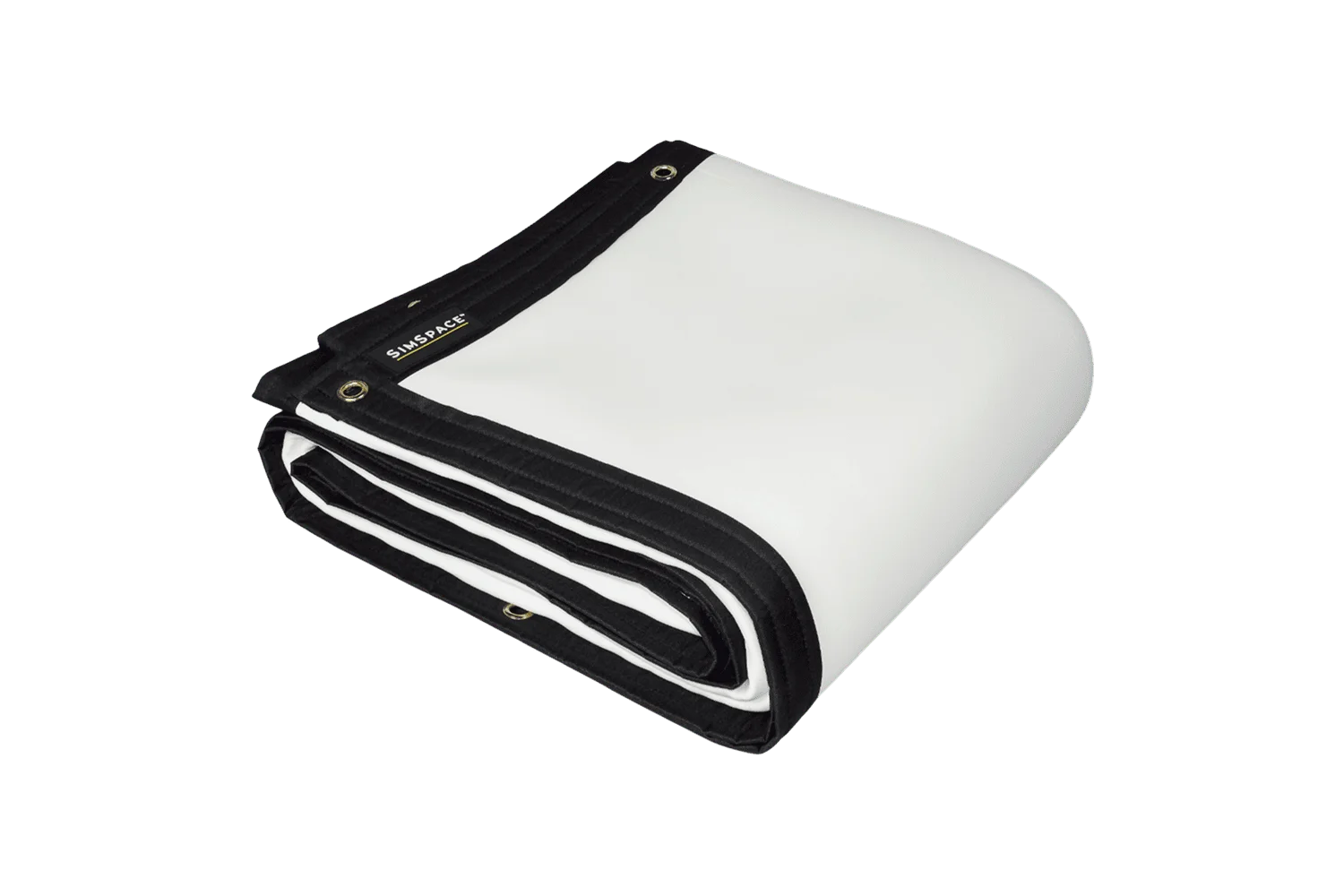
The Platinum Impact Screen is our premium golf impact screen. Three fibre-bonded layers sandwich impact-resistant foam, which helps absorb each strike and reduce noise. It’s built to withstand a minimum of 30,000 shots, so it suits golfers who use their simulator most days.
Practice Net Screen
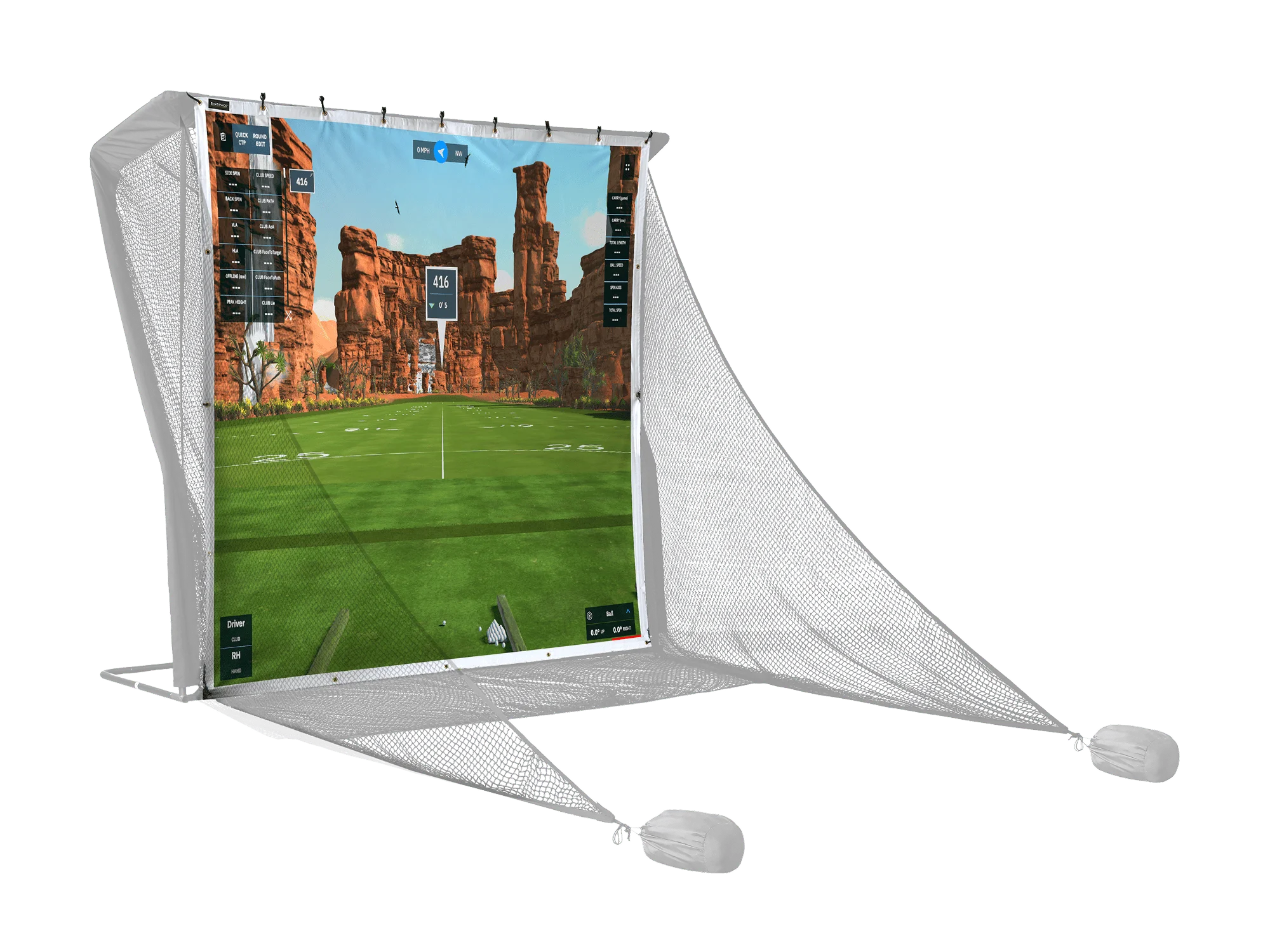
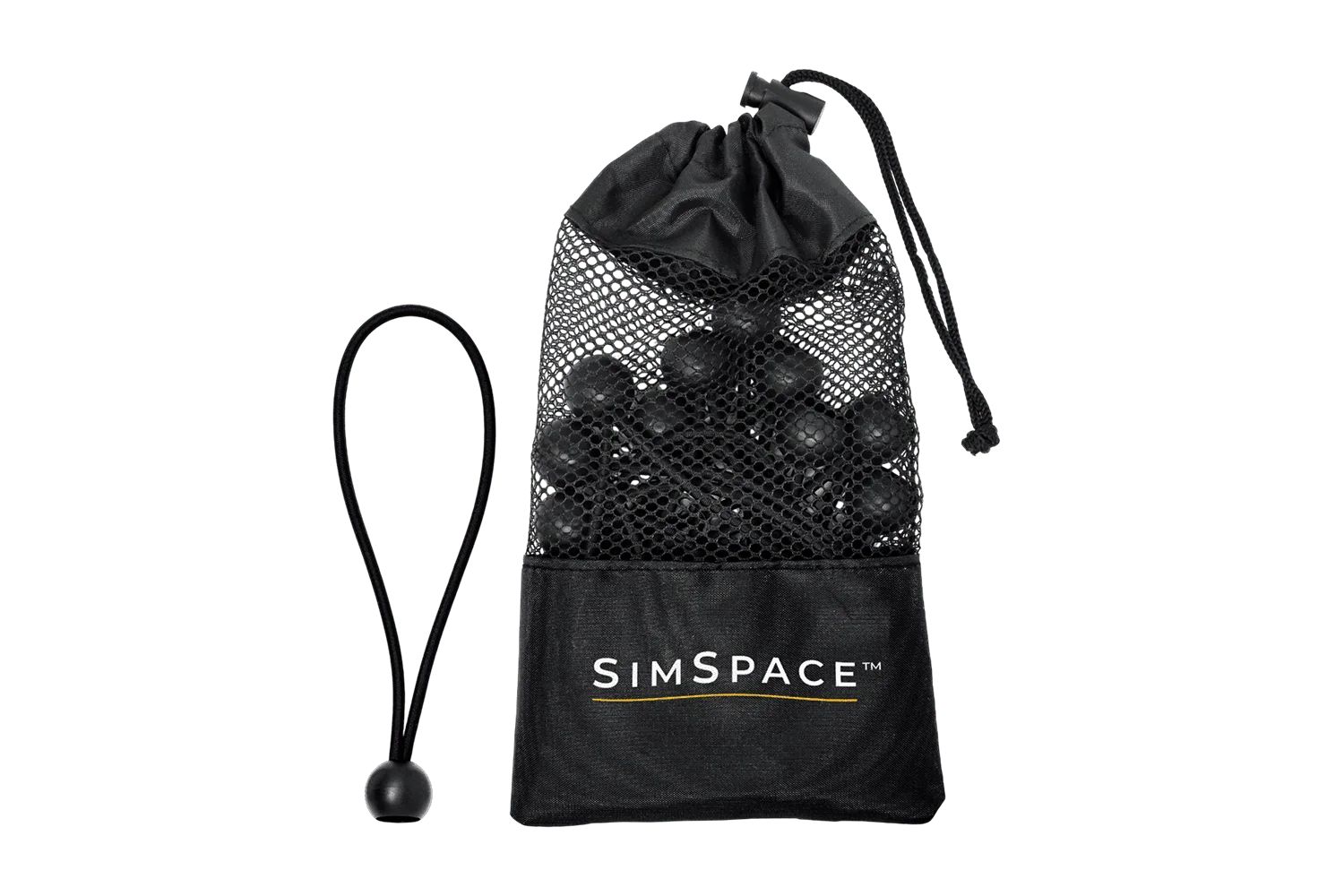
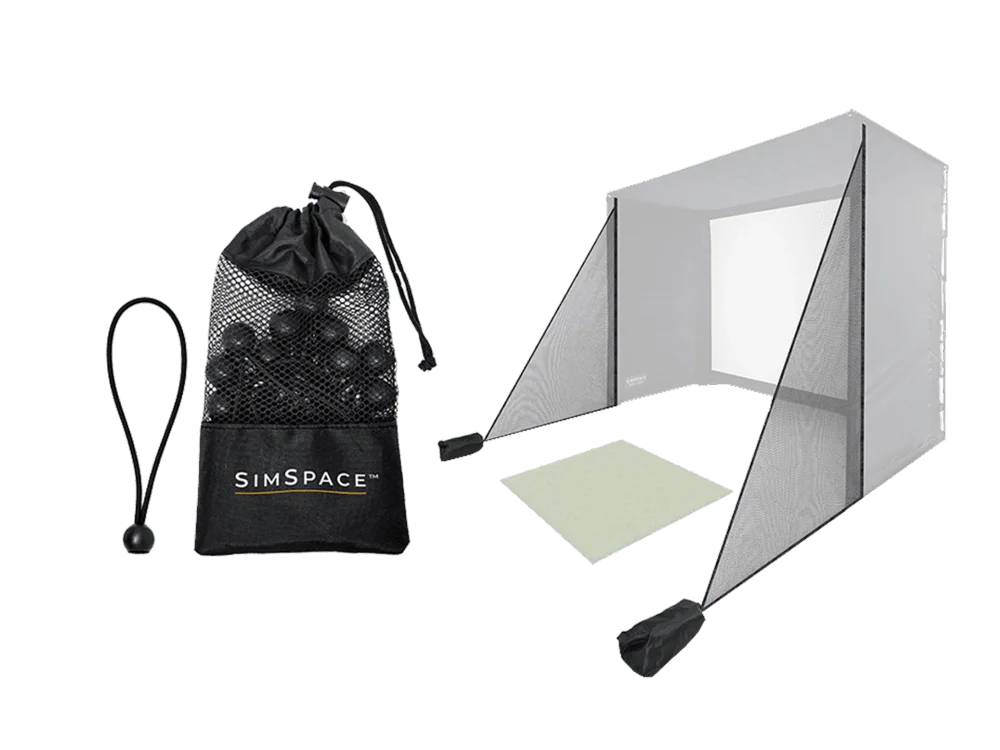
If you already have a SimSpace Golf Net or Wide Golf Net, the Practice Net Screen is made to match them. It’s a single-layer, 4K-ready screen in two sizes and comes with 20 bungee cords. It also works as a standalone screen on a custom-built frame.
Compare our impact screens
- Practice Net Screen: single layer, 2 sizes, comes with 20 bungee cords. Best for SimSpace practice nets and custom frames.
- Elite: single layer, minimum 5,000 shots, 10 sizes. Best for getting started or occasional use.
- Double Sided: reversible 2 layers, minimum 15,000 shots in total, 10 sizes. Best for regular use on a budget.
- Platinum: 3 layers with a foam core, minimum 30,000 shots, 10 sizes. Best for heavy use and quieter play.
What size golf simulator screen do I need?
The Elite, Double Sided and Platinum screens come in 10 sizes, from 230 x 257.5 cm up to 500 x 300 cm. Sizes are measured edge to edge. Each screen has a 5 cm black border, so the white viewing area is 10 cm smaller in width and height.
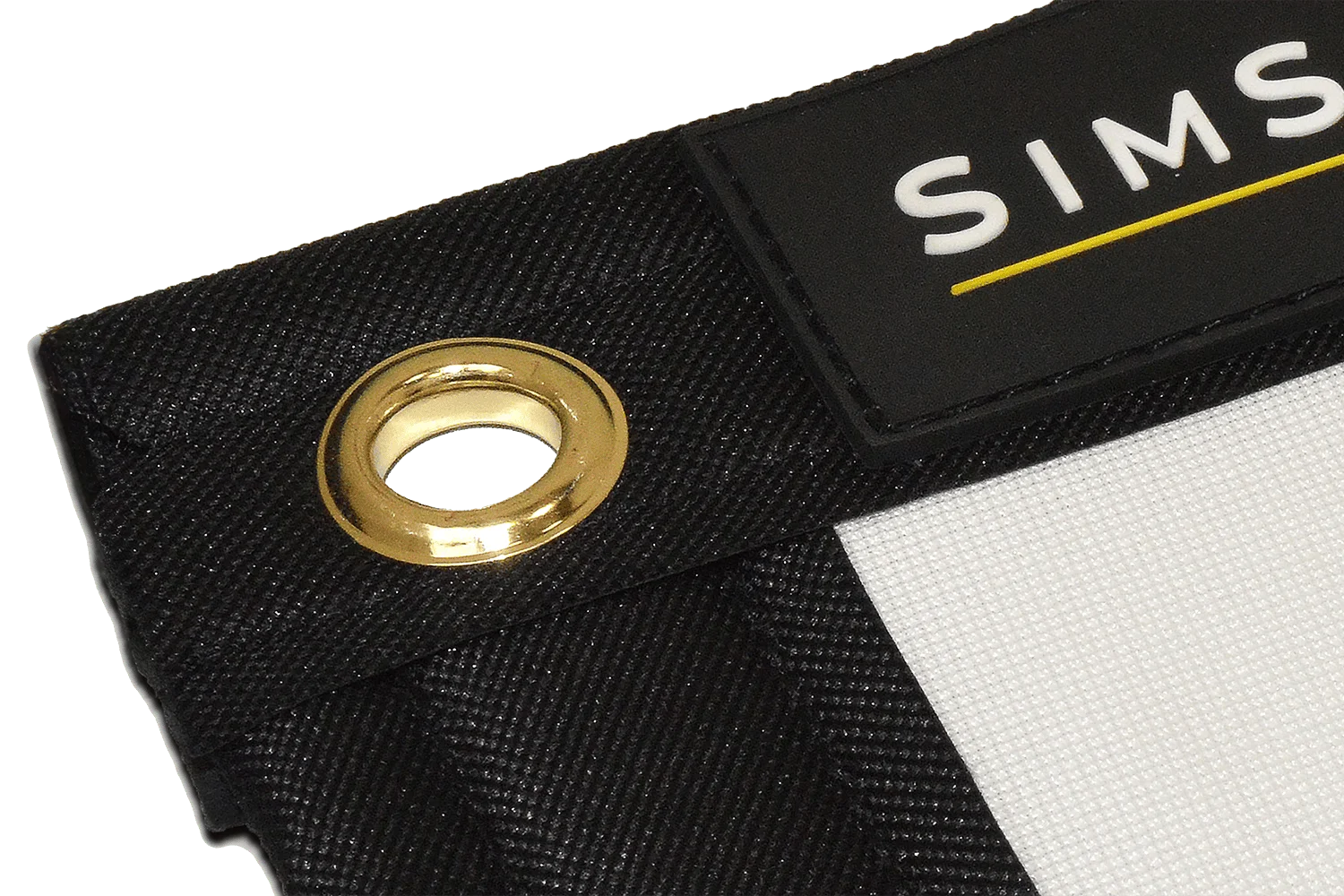
Eyelets sit in the border roughly every 30 cm, so you can fix the screen to a SimSpace enclosure or your own frame. If you’re building a full setup, choose your enclosure size to fit your room first, then match the screen to it. Our golf simulator enclosures list the dimensions for every Sim size.
Pairing your screen with a golf simulator projector
Every screen in this collection has a finely knitted surface designed for sharp, 4K-ready projection. To get the most from it, pair your golf simulator screen with one of our golf simulator projectors.
Our setup guide recommends hanging the screen 12 to 16 inches (around 30 to 40 cm) away from the wall behind it. That gap gives the screen room to absorb each shot.
Reduce noise and light in your sim room
Noise Absorbing Backing Screen
The Noise Absorbing Backing Screen sits behind your impact screen (it isn’t for projection) to dampen impact noise and soften each shot. It works with all SimSpace standalone impact screens and is a good fit for garages, spare rooms and indoor studios.
Blackout Screen
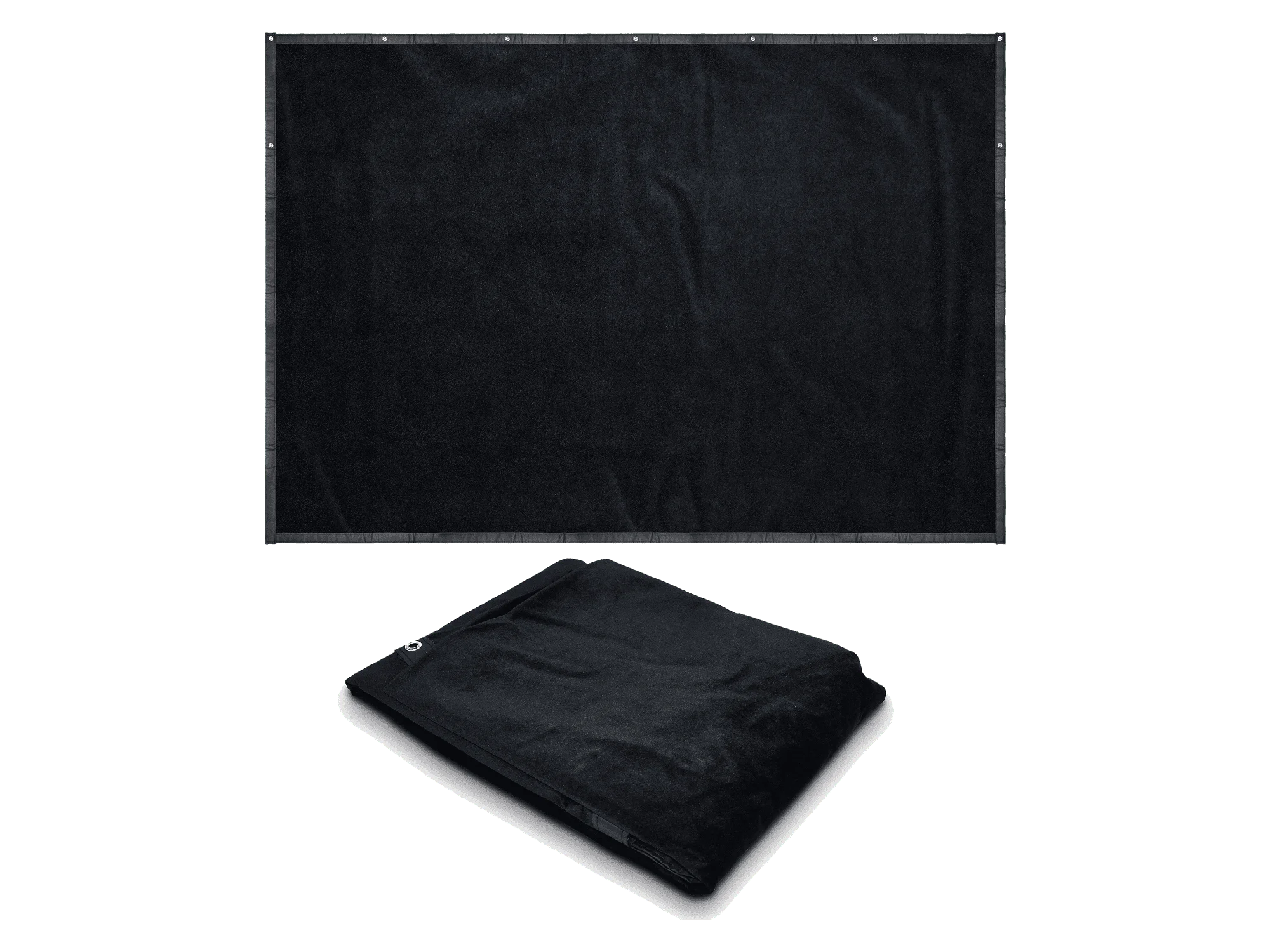
The Blackout Screen sits behind the impact screen in a SimSpace enclosure and blocks light from windows, doors and room lighting. Less glare means better contrast, which helps in brighter rooms or for daytime play. It comes in six sizes to fit every SimSpace enclosure.
Installing and caring for your impact screen
Our standalone impact screens are best installed with SimSpace bungee cords, which keep the screen evenly tensioned and are sold separately. Watch our installation videos for step-by-step setup, and read the screen care guide to help your screen last longer.
If your enclosure screen has done its job, we stock replacement Platinum enclosure screens and replacement UltraMAX enclosure screens.
Build your complete home golf simulator
An impact screen is one part of a full setup. Add a hitting mat and a launch monitor, or take the guesswork out and build your own bundle with an enclosure, screen, mat and simulator in one.