Zu Produktinformationen springen
1 von 13

Garmin Approach® R50 Übungsnetz-Paket

Garmin Approach® R50 Übungsnetz-Paket

Normaler Preis €5.469,00 EUR
Normaler Preis Verkaufspreis €5.469,00 EUR
Sale Ausverkauft
Inkl. Steuern. Versand wird beim Checkout berechnet
Aufprallsieb
Anzahl
Bundle Total: €5.469,00

Delivery Info

+

We offer delivery to many international countries with warehouses located in the USA, UK, Europe and China. For more details, please visit our Shipping policy page.

Setup Guide

+

SimSpace Practice Net & Impact Screen

We offer in-depth guides, images and videos on how to set up the SimSpace enclosure. For more information, please visit our dedicated page.

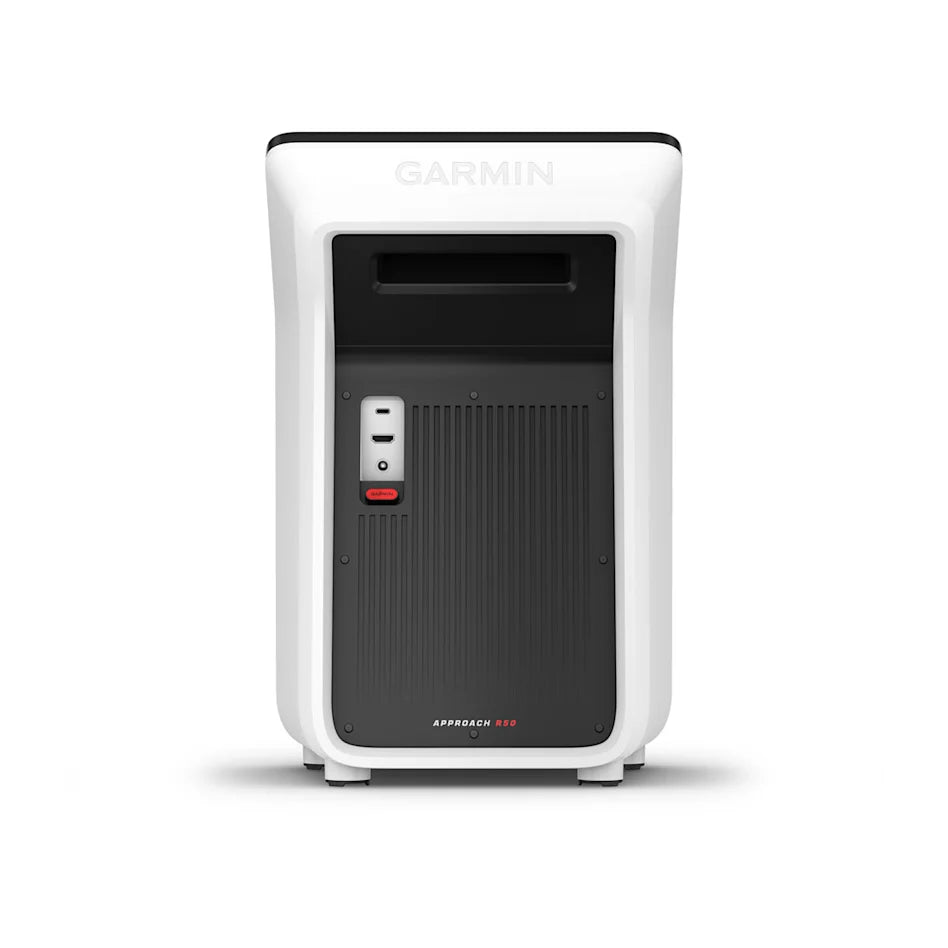
Garmin Approach R50 Launch Monitor

Setting up your Garmin Approach R50 is quick and simple. Power on the device, select your language, and connect to Wi-Fi. Then, sign in or create a Garmin account. Follow the prompts to choose your handedness and preferred units, and apply the included club stickers to your irons and woods (not required for putters) for accurate club data. Position the R50 1–2 feet in front of the ball with the ball centred between you and the unit, ensuring it’s level with your hitting mat. Indoors, allow at least 8 feet (2.4 m) to the impact screen or net. Use the on-screen alignment guide – the LED will turn green when ready. You can connect to a TV or projector via HDMI and adjust display settings as required, and keep the device updated using Garmin Express via USB-C.

Specification

+

SimSpace Practice Net & Impact Screen

Practice Net
• Frame: 2.5(w) x 2.5(h) x 0.91(d) metres
• Side Netting: 3 metres
• Screen: 2.4(w) x 2.5(h) metres / Ratio 1:1*

Wide Practice Net
• Frame: 3(w) x 2.5(h) x 0.91(d) metres
• Side Netting: 3 metres
• Screen: 2.95(w) x 2.5(h) metres / Ratio 5:4*


Leave at least 50cm behind & 20cm on either side of the enclosure as a buffer space for ball impacts! All measurements are estimates. The net should be kept in a dry, warm place when not in use to prevent deterioration.

Garmin Approach R50 Launch Monitor

  • Product Type: Premium golf launch monitor & simulator
  • Display: 10″ built-in colour touchscreen
  • Courses: 43,000+ built-in real-world courses (Home Tee Hero subscription required)
  • Ball & Club Data: 15+ direct ball and club metrics
  • Cameras: 3 high-speed cameras
  • Impact Replay: High-speed impact video feedback
  • Compatibility: Works with all clubs, including putters (club stickers required for full club data)
  • Use: Indoor and driving range compatible
  • Players: Supports up to 4 players (Home Tee Hero)
  • Connectivity: Wi-Fi, HDMI output, USB-C
  • App Integration: Compatible with the Garmin Golf™ app
  • Battery Life: Up to 4 hours
  • Portability: Includes carrying case
Vollständige Details anzeigen

Garmin Approach® R50 Übungsnetz-Paket

Im Lieferumfang enthalten:
+ Garmin Approach® R50 Launch Monitor
Zusatzfunktionen:
- Deluxe-Übungsnetz
- 4K Platinum Impact-Bildschirm
- Golf-Schlagmatte

Garmin Approach R50 Launch Monitor

The Approach R50 is a premium launch monitor and golf simulator designed for both home setups and driving range practice. With built-in simulation, high-speed cameras and detailed performance tracking, it provides powerful insights while letting you play thousands of courses whenever you like.

  • ✓︎Portable launch monitor with built-in simulator and 10″ touchscreen display
  • ✓︎Play more than 43,000 real-world courses with Home Tee Hero
  • ✓︎Three high-speed cameras capture over 15 ball and club metrics
  • ✓︎Review impact videos, track sessions and monitor your progress
Garmin Approach R50 Launch Monitor

Built for Powerful Shots

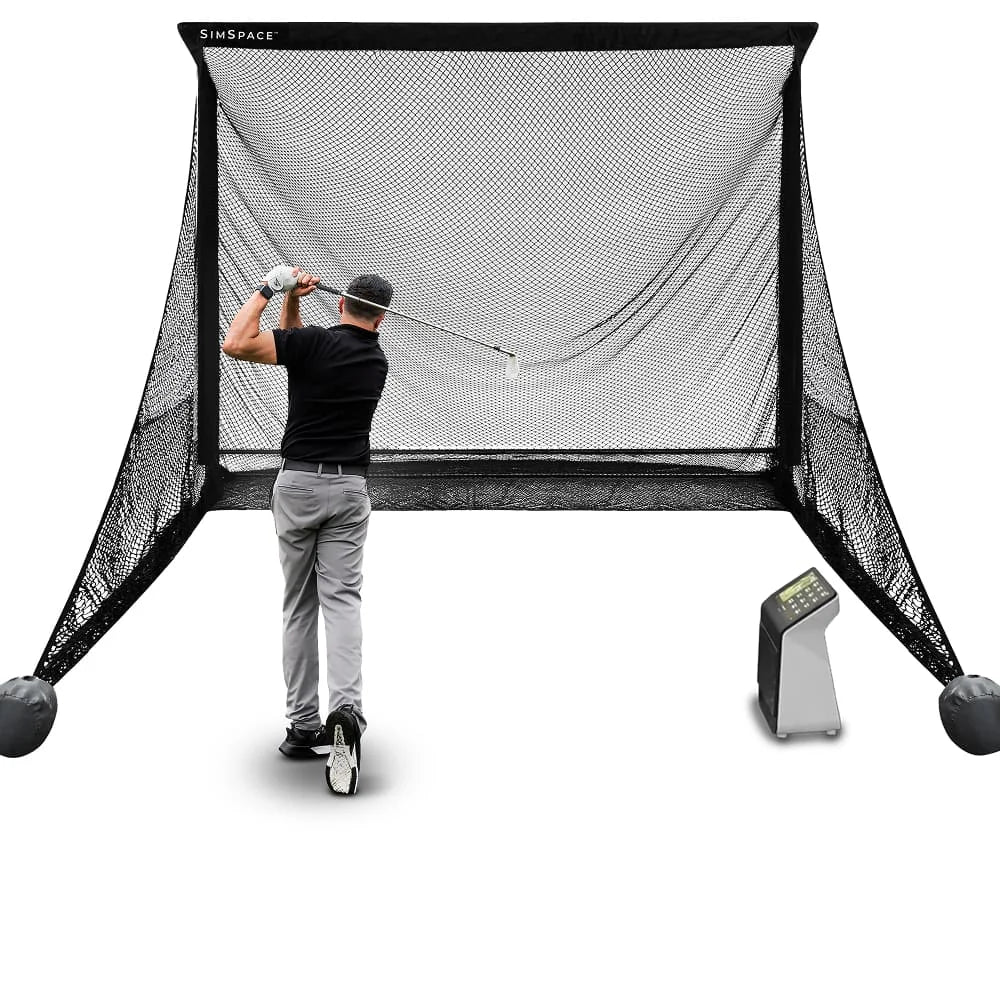
The SimSpace Practice Net is engineered with durable materials to withstand repeated shots. Whether you’re practicing daily or swinging at full power, the netting provides reliable performance and long-lasting strength.

  • ✓︎Netting designed to absorb powerful golf ball impacts
  • ✓︎Strong frame construction built for regular practice sessions
  • ✓︎Ideal for consistent indoor or outdoor golf practice
  • ✓︎Store in a dry, warm place when not in use to prevent deterioration
Built for Powerful Shots

Two Sizes with Impact Screen

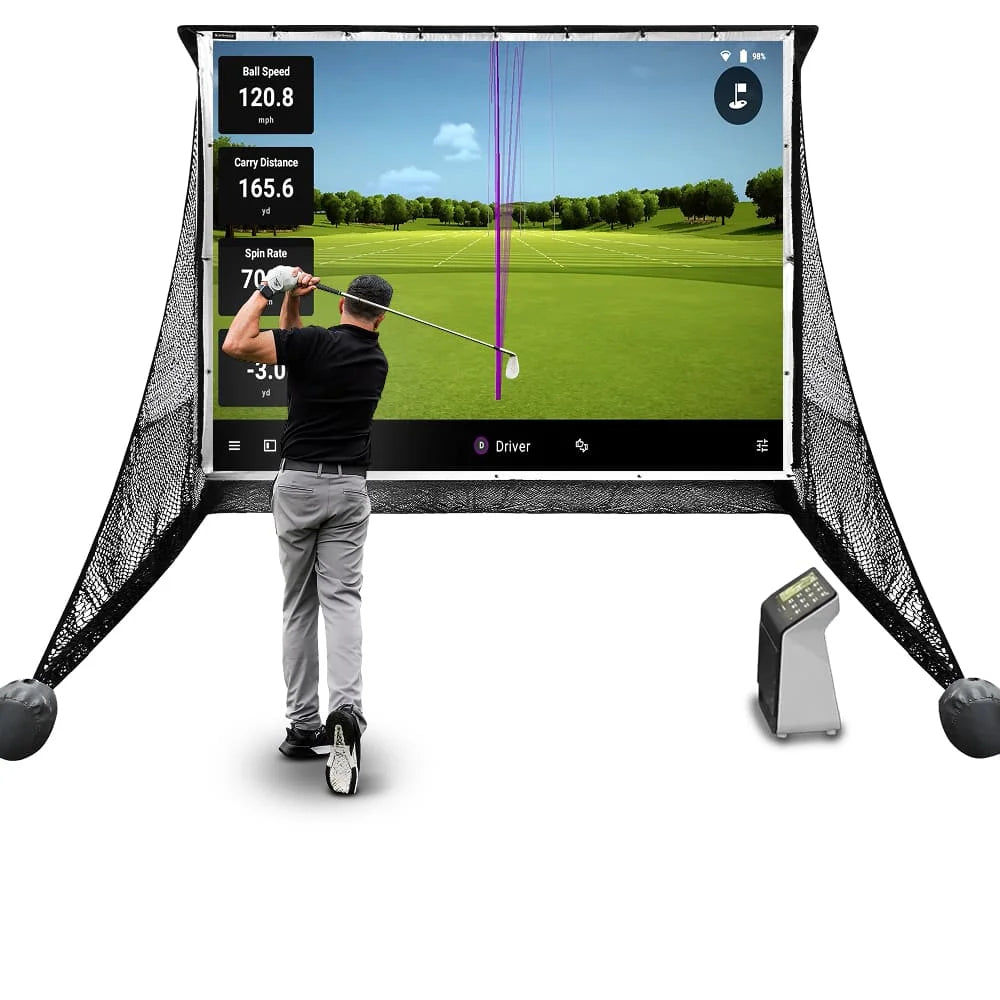
Choose between two net sizes to suit your available space and practice needs. The included pop-on impact screen easily attaches or removes, letting you switch between standard practice and a full simulator setup.

  • ✓︎Available in regular and wide net configurations
  • ✓︎Pop-on the elite impact screen which quickly attaches by bungee cords
  • ✓︎Easily remove the elite screen for simple net practice
  • ✓︎Compatible with launch monitors and projector simulator setups
Two Sizes with Impact Screen

Quick Setup with Side Netting

The SimSpace Practice Net can be assembled or taken down in just 10–20 minutes with two people, making it quick and convenient to set up your practice space. Built-in side netting also helps catch stray shots, creating a safer and more controlled hitting environment.

  • ✓︎Assembles in approximately 10–20 minutes with two people
  • ✓︎Simple frame design allows quick setup and pack down
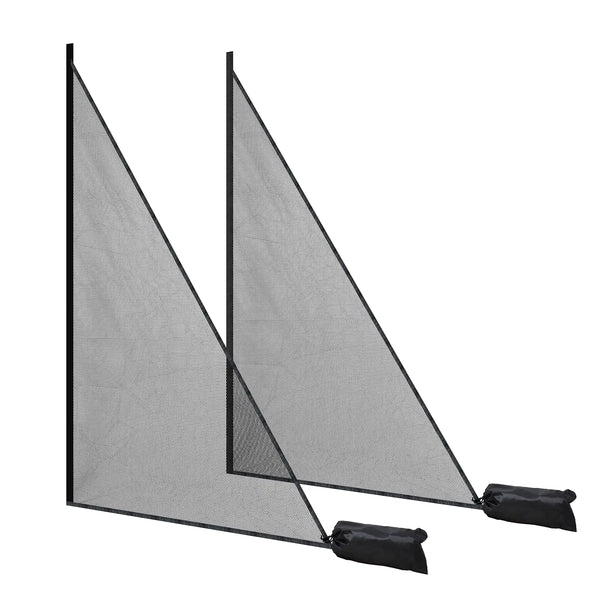
  • ✓︎Included side netting helps catch mishits and stray shots
  • ✓︎Adds extra protection for walls, ceilings and surroundings
Quick Setup with Side Netting

What's In The Box

R50 Launch Monitor
R50 Launch Monitor
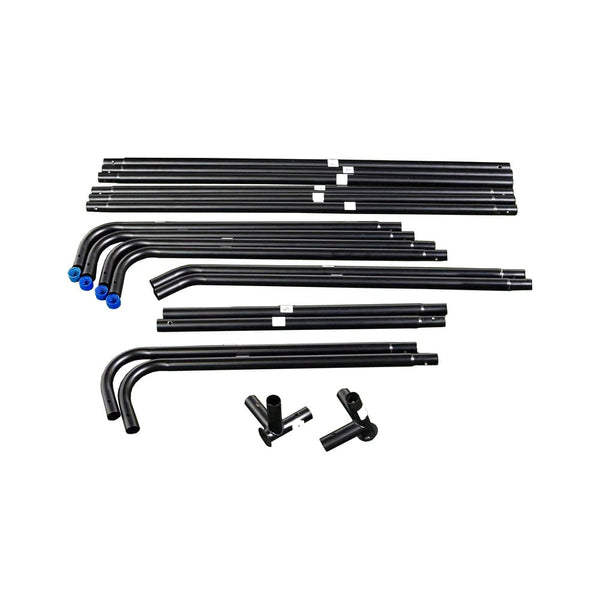
Easy Connect Poles
Easy Connect Poles
Side Netting
Side Netting
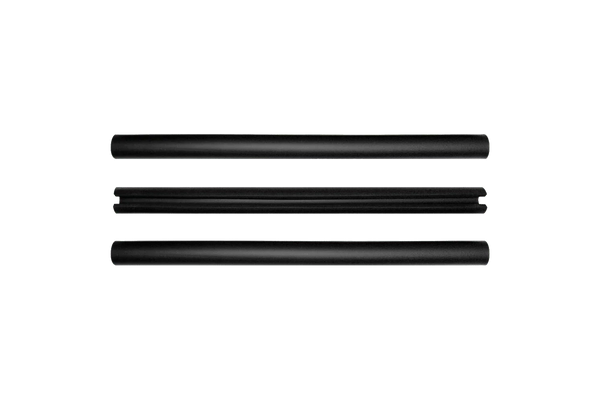
Foam Padding Tubes
Foam Padding Tubes
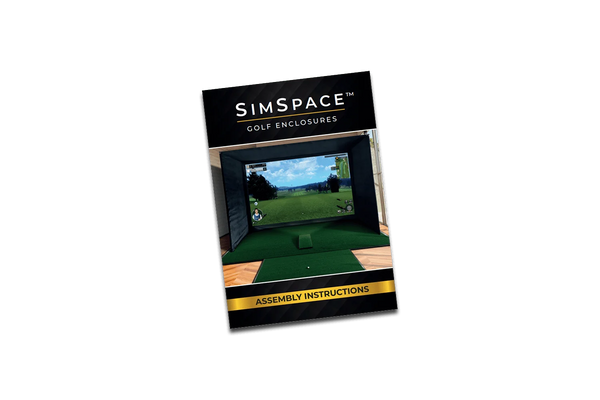
Step-By-Step Installation Guide
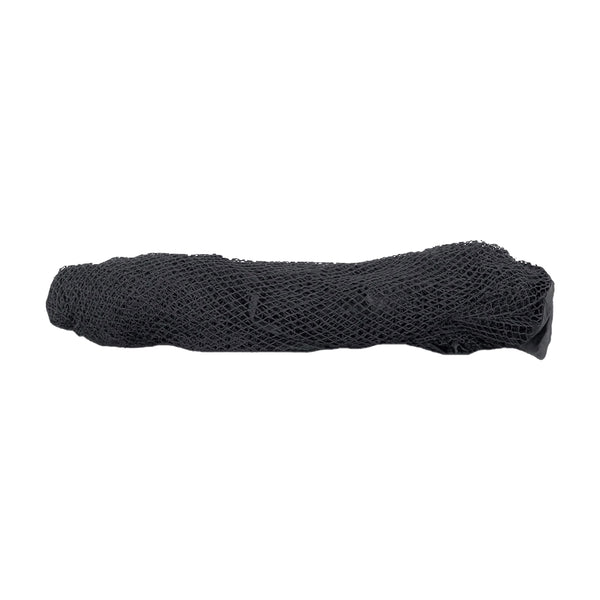
Strong Netting
Strong Netting