


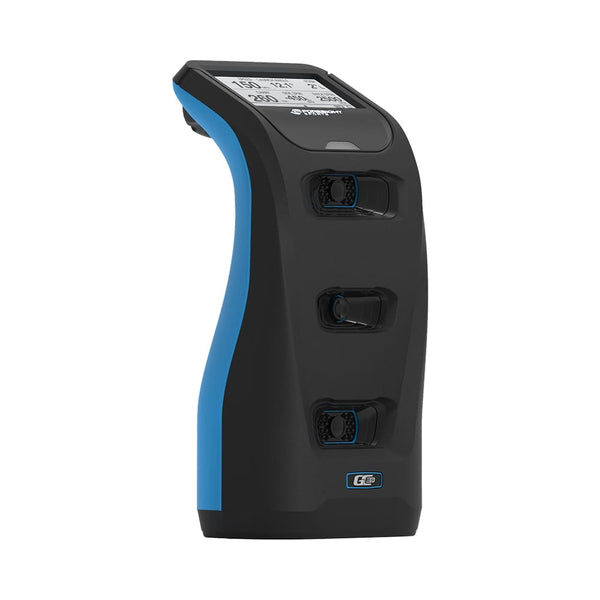
Foresight GC3S Simulator Bundle
Foresight GC3S Simulator Bundle
Normaler Preis
€5.998,00 EUR
Normaler Preis
Verkaufspreis
€5.998,00 EUR
Inkl. Steuern.
Versand wird beim Checkout berechnet
Anzahl
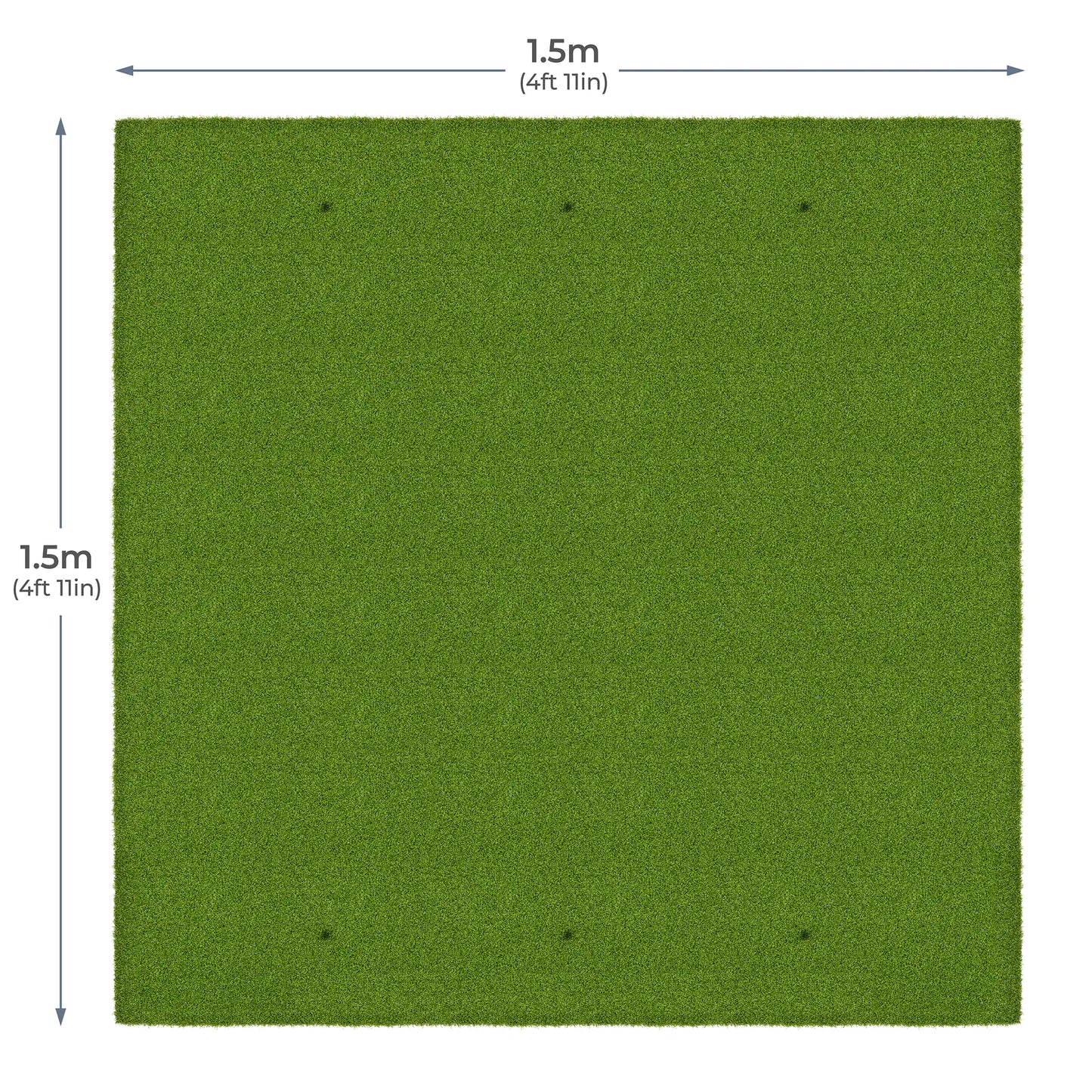
Add a Golf-Abschlagmatten

Standard Slim Switchable Hitting Mat 1.5m x 1.2m (4' 11" x 3' 11")
PRE-ORDER
€209,99
Bundle Total: €5.998,00
Verfügbarkeit für Abholungen konnte nicht geladen werden
Delivery Info
We offer delivery to many international countries with warehouses located in the USA, UK, Europe and China. For more details, please visit our Shipping policy page.
Setup Guide
Specification






Foresight GC3S Simulator Bundle
Foresight GC3S Launch Monitor
- ✓︎Triscopic high-speed cameras capture detailed ball and club data
- ✓︎Suitable for indoor simulator setups or outdoor range practice
- ✓︎FSX Play, FSX 2020 and FSX Pro software included with Gold subscription
- ✓︎First year Gold subscription and 25 golf courses included

Strong Metal Frame Structure
- ✓︎Sturdy push-connect metal poles designed for quick assembly
- ✓︎Approx. 20-30 minute setup with two people
- ✓︎Easy to assemble and dismantle for flexible spaces like garages or spare rooms
- ✓︎Available in multiple sizes with foam pole padding included

Premium Impact Screen Options
- ✓︎Platinum 3-layer screen for durability, reduced noise, and clear 4K projection
- ✓︎UltraMax grey screen improves contrast with the same durable 3-layer design
- ✓︎Elite single-layer screen offers an affordable option for casual simulator use
- ✓︎All screens safely absorb impact while maintaining sharp projected images

Velour Enclosure & Bungee Tension System
- ✓︎Velour side and ceiling panels to help contain stray shots
- ✓︎Black velour material reduces external light for clearer projection
- ✓︎Bungee tension system maintains screen tension and reduces bounce-back
- ✓︎Quick-fit attachments allow straightforward installation to the metal frame

What's In The Box
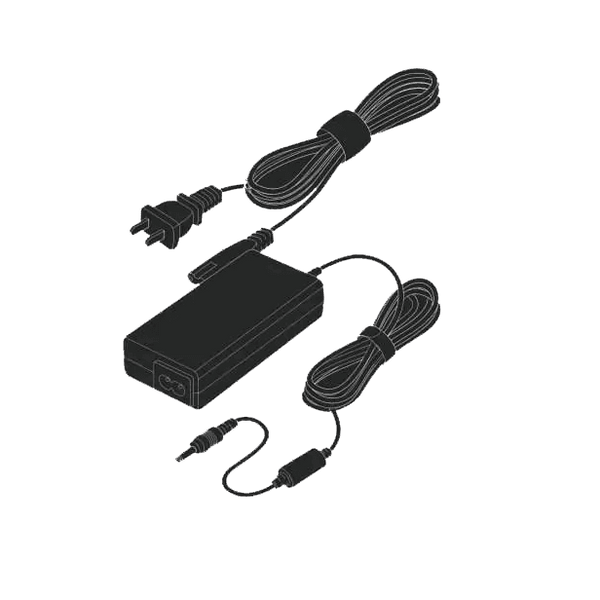
Power Adapter
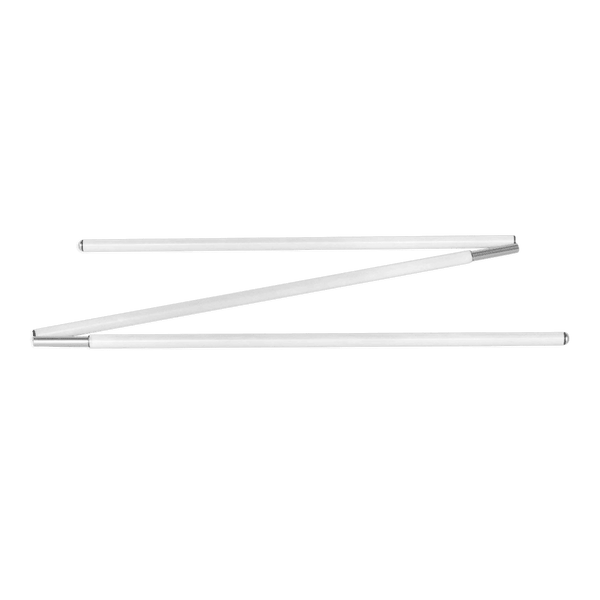
Alignment Stick
Club Markers
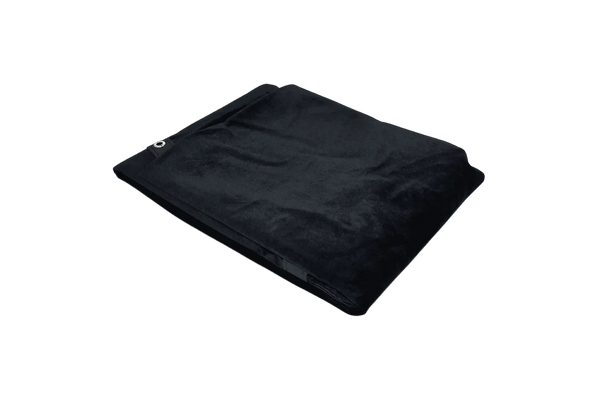
Premium Black Velour Siding
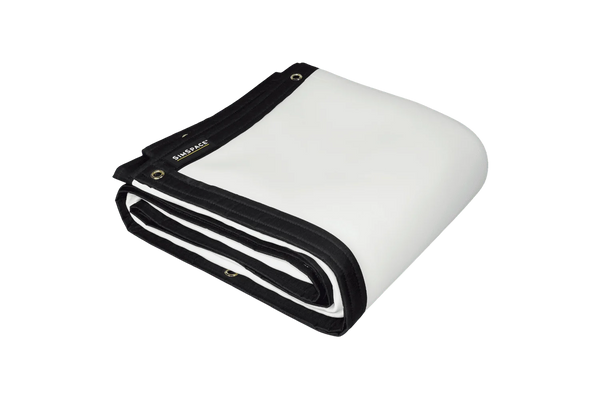
4K Platinum Impact Screen
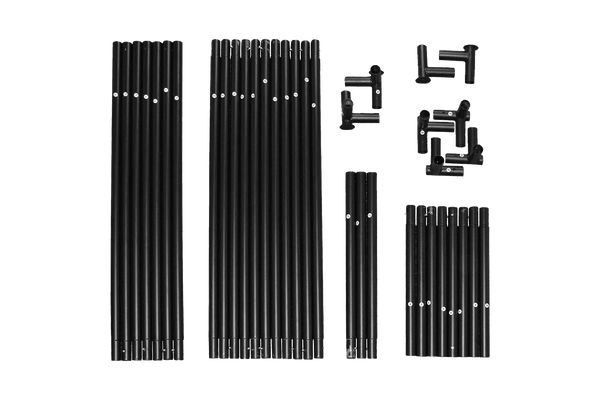
Easy Connect Metal Poles
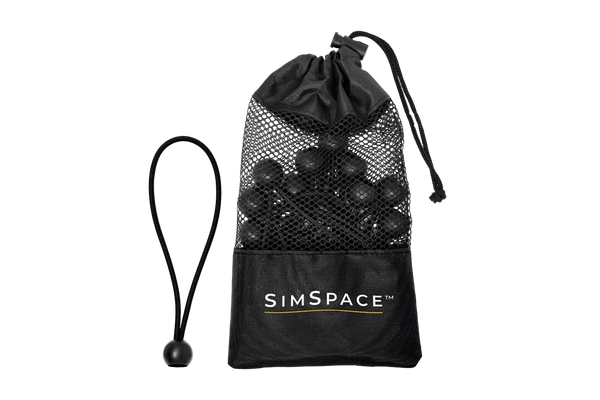
Bungee Cords & Velcro Straps
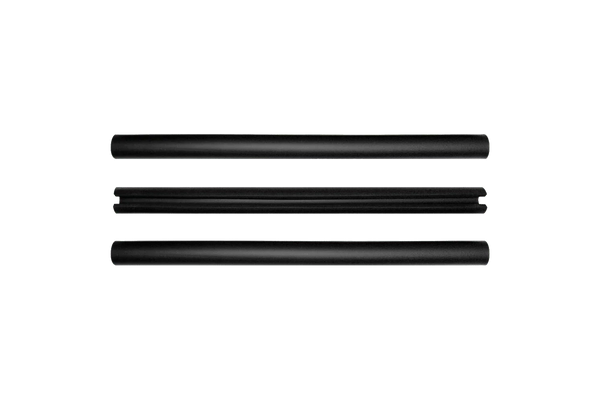
Foam Padding Tubes
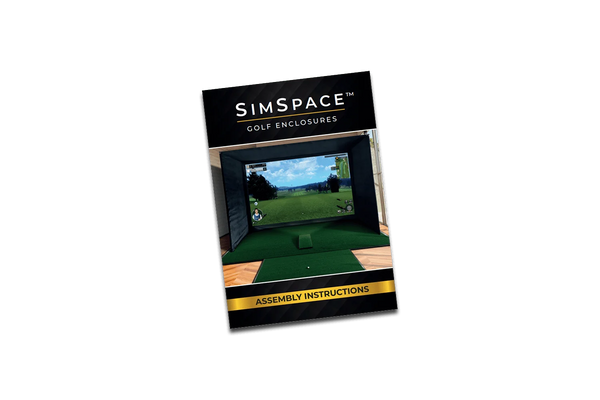
Step-By-Step Installation Guide
Frequently Asked Questions
Can I use the GC3S indoors and outdoors?
Yes. It’s portable, works in all lighting, and runs on battery. For indoor use, ensure a 9-foot ceiling and a gaming PC that meets FSX software requirements.
Is a subscription required for the GC3S?
Yes. A Gold subscription is needed to unlock full features, FSX software access, and third-party compatibility. Without it, only basic ball data is shown on the device.
What’s the difference between GC3S and GC3?
The GC3S has a lower upfront price but requires an annual subscription for full features. The standard GC3 costs more initially but includes all features and software with no ongoing fees.
Will window light affect the simulator?
Not at all! The SimSpace Max is lined with premium black velour to block most ambient light for bright, clear visuals. For rooms with windows or strong daylight, our Blackout Screens fit any Max enclosure and eliminate light bleed for true cinema-quality results.
Difference between the white & UltraMAX grey screens?
Grey screens reduce ambient light and boost contrast, producing a clearer, more balanced image in most rooms. While white screens are brighter in dark spaces, grey screens offer better overall performance for shared or brighter environments, especially with modern high-lumen projectors.
How easy is it to set up and take down?
Very! The SimSpace Max uses Easy Connect metal poles and a bungee tensioning system, so two people can go from box to first swing in about 20 minutes. It’s sturdy, professional-grade, and just as easy to take down or move later.