Passer aux informations produits
1 de 27

TruGolf LaunchBox + E6 Connect Simulator Bundle

TruGolf LaunchBox + E6 Connect Simulator Bundle

Prix habituel €4.648,00 EUR
Prix habituel €0,00 EUR Prix promotionnel €4.648,00 EUR
Promotion Épuisé
Taxes incluses. Frais d'expédition calculés à l'étape de paiement.
Size
Screen
Quantité
Total del pack: €4.648,00

Delivery Info

+

We offer delivery to many international countries with warehouses located in the USA, UK, Europe and China. For more details, please visit our Shipping policy page.

Setup Guide

+

SimSpace Golf Enclosure

We offer in-depth guides, images and videos on how to set up the SimSpace enclosure. For more information, please visit our dedicated page.

TruGolf LaunchBox + E6 Connect Launch Monitor

Place LaunchBox on a level surface beside your hitting mat, ensuring the device surface and mat height are equal for accurate shot capture. Switch the unit on by holding the power button for three seconds, select Online Mode, then connect via Wi-Fi Direct or Ethernet Dynamic Mode. For simulator use, align the ball with the centre point of your impact screen and position it inside the Ready Zone, approximately 17.5 inches from the front of the unit. Launch E6, go to Settings, choose Tracking Systems, select LaunchBox, and connect to begin playing. The manual notes that the Ready Zone is 4” x 8”, the device should be level, and tee height should not exceed 2.75”.

Specification

+

SimSpace Golf Enclosure

SIM 0
• Outer Frame: 3.4(w) x 2.6(h) x 1.1(d) metres
• Inner Frame: 3.3(w) x 2.5(h) x 1(d) metres
• Screen: 3.1(w) x 2.3(h) metres / Ratio 4:3*

SIM 1
• Outer Frame: 2.7(w) x 2.6(h) x 1.6(d) metres
• Inner Frame: 2.6(w) x 2.5(h) x 1.5(d) metres
• Screen: 2.4(w) x 2.3(h) metres / Ratio 1:1*


SIM 2
• Outer Frame: 3.1(w) x 2.6(h) x 1.6(d) metres
• Inner Frame: 3.0(w) x 2.5(h) x 1.5(d) metres
- Screen: 2.8(w) x 2.3(h) metres / Ratio 4:3*


SIM 3
• Outer Frame: 3.7(w) x 2.6(h) x 1.6(d) metres
• Inner Frame: 3.6(w) x 2.5(h) x 1.5(d) metres
• Screen: 3.4(w) x 2.3(h) metres / Ratio 4:3*


SIM 4
• Outer Frame: 4.1(w) x 2.6(h) x 1.6(d) metres
• Inner Frame: 4.0(w) x 2.5(h) x 1.5(d) metres
• Screen: 3.8(w) x 2.3(h) metres / 16:10*

SIM 5
• Outer Frame: 3.1(w) x 3.1(h) x 3.1(d) metres
• Inner Frame: 3.0(w) x 3.0(h) x 3.0(d) metres
• Screen: 2.8(w) x 2.8(h) metres / Ratio 1:1*

SIM 6
• Outer Frame: 4.0(w) x 3.1(h) x 3.1(d) metres
• Inner Frame: 4.0(w) x 3.0(h) x 3.0(d) metres
• Screen: 3.8(w) x 2.8(h) metres / Ratio 4:3*

Leave at least 50cm behind & 20cm on either side of the enclosure as a buffer space for ball impacts! All measurements are estimates.

TruGolf LaunchBox + E6 Connect Launch Monitor

  • Product type: Portable golf launch monitor and simulator tracking device
  • Sensor type: Camera-based photometric tracking
  • Screen: 4.2” E-ink display with 170° viewing angle
  • Supported operating systems: iOS and Windows
  • Connection methods: Wi-Fi Direct or Ethernet Dynamic Mode
  • Play modes: Online Mode and Offline Mode
  • Indoor/outdoor use: Suitable for both indoor and outdoor practice
  • Dimensions: 9.53” x 7” x 5”
  • Weight: 2.7 lb
  • Power supply: 5V–4A adapter
  • Handedness support: Right and left-handed play
  • Ready Zone: 4” x 8”
  • Recommended ball position: Approximately 17.5” from the front of LaunchBox
  • Maximum tee height: 2.75”
  • Onboard display data: Carry distance, ball speed, back spin, side spin, vertical launch angle and horizontal launch direction
  • Measured parameters: Ball speed, launch angle, back spin, side spin and side angle
  • Calculated parameters: Carry/total distance, distance offline, roll distance and flightpath
  • In-game data: Total distance, club head speed, smash factor, deviation, apex, descent angle and shot type
  • Ball speed range: 1–200 mph
  • Launch angle range: 0–70 degrees
  • Side angle range: -40 to 40 degrees
  • Side spin range: 0–4,000 rpm
  • Back spin range: 0–12,000 rpm
  • Software included: E6 CONNECT Home for PC and iOS
  • Included courses: 27 owned virtual golf courses
  • Game formats: Stroke Play, Scramble, Best Ball and Stableford
  • Practice modes: Driving, chipping and putting ranges
  • Challenges: Closest to the Pin and Long Drive
  • Online features: Real-time peer-to-peer play and online events
Afficher tous les détails

TruGolf LaunchBox + E6 Connect Simulator Bundle

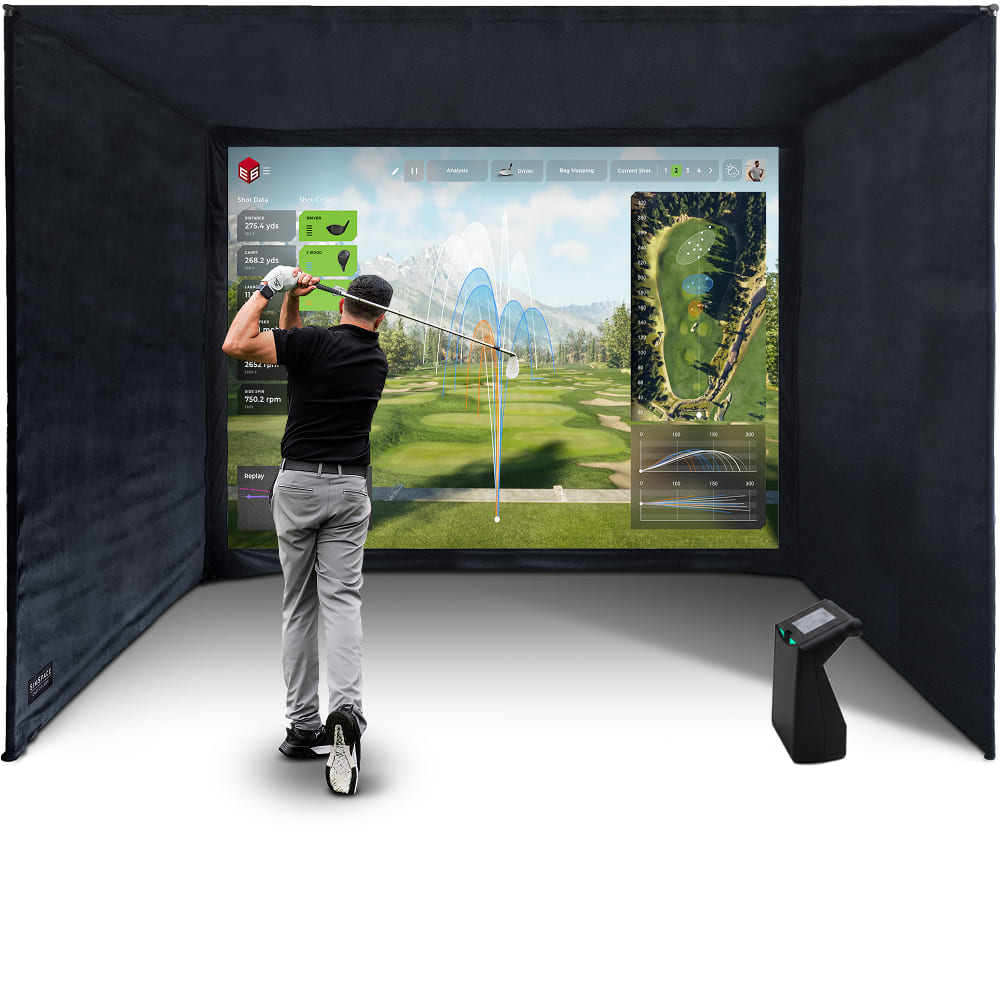
The TruGolf LaunchBox Home Simulator Bundle delivers a premium indoor golf experience, combining camera-based shot tracking with immersive E6 CONNECT Home simulator play and real-time performance data. With a durable enclosure, 4K-ready impact screen, and easy setup design, it’s perfect for serious golfers looking to practise and play at home.

TruGolf LaunchBox Launch Monitor

LaunchBox combines camera-based shot tracking, indoor simulator readiness, portable practice and E6 CONNECT Home access in one compact launch monitor. It helps golfers practise with clearer data, flexible setup options and immersive virtual golf.

  • ✓︎Camera-based technology captures key ball data including speed, launch, spin and direction
  • ✓︎Built for indoor golf simulators with mat setup, screen alignment and Ready Zone support
  • ✓︎Portable design supports indoor, outdoor, online and offline practice for flexible use
  • ✓︎Includes E6 CONNECT Home with 27 courses and multiple game formats without annual fees
TruGolf LaunchBox Launch Monitor

Strong Metal Frame Structure

The enclosure is built around a strong metal frame system that provides a stable structure while remaining quick and simple to assemble. Its modular design makes it suitable for a wide range of indoor spaces.

  • ✓︎Sturdy push-connect metal poles designed for quick assembly
  • ✓︎Approx. 20-30 minute setup with two people
  • ✓︎Easy to assemble and dismantle for flexible spaces like garages or spare rooms
  • ✓︎Available in multiple sizes with foam pole padding included
Strong Metal Frame Structure

Premium Impact Screen Options

Choose the impact screen that best suits your simulator setup, usage, and budget. Each option is designed to deliver clear 4K-ready visuals while safely absorbing golf ball impact for a reliable and enjoyable simulator experience.

  • ✓︎Platinum 3-layer screen for durability, reduced noise, and clear 4K projection
  • ✓︎UltraMax grey screen improves contrast with the same durable 3-layer design
  • ✓︎Elite single-layer screen offers an affordable option for casual simulator use
  • ✓︎All screens safely absorb impact while maintaining sharp projected images
Premium Impact Screen Options

Velour Enclosure & Bungee Tension System

Black velour side and ceiling panels help contain stray shots and reduce external light for clearer projection, while the bungee tension system keeps the impact screen securely fitted and correctly tensioned for reliable ball impact absorption.

  • ✓︎Velour side and ceiling panels to help contain stray shots
  • ✓︎Black velour material reduces external light for clearer projection
  • ✓︎Bungee tension system maintains screen tension and reduces bounce-back
  • ✓︎Quick-fit attachments allow straightforward installation to the metal frame
Velour Enclosure & Bungee Tension System

What's In The Box

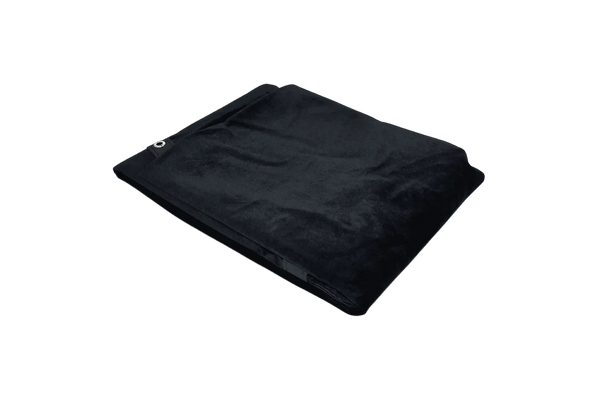
Premium Black Velour Siding
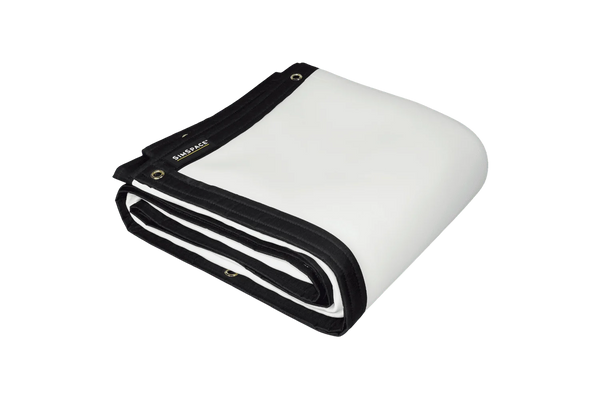
4K Platinum Impact Screen
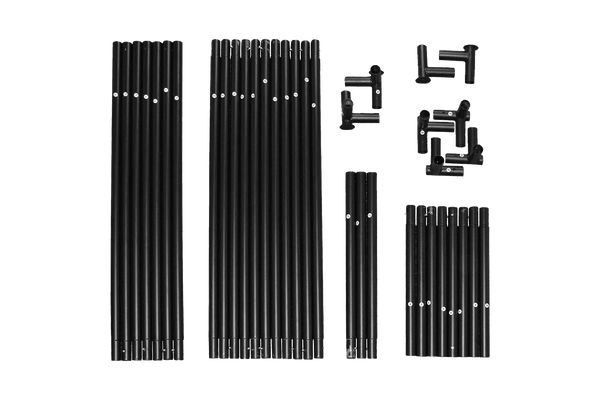
Easy Connect Metal Poles
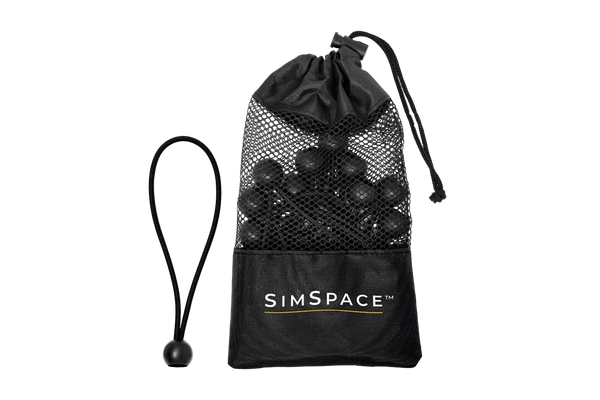
Bungee Cords & Velcro Straps
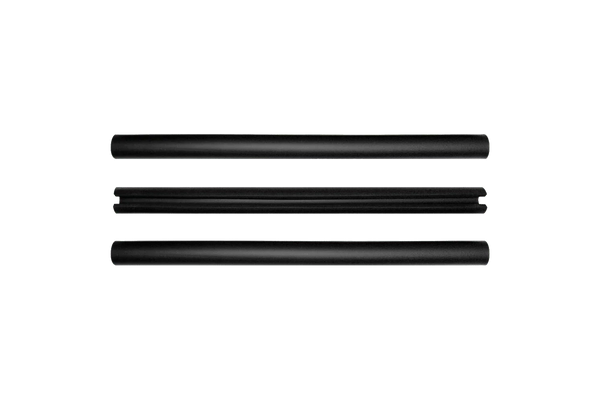
Foam Padding Tubes
Foam Padding Tubes
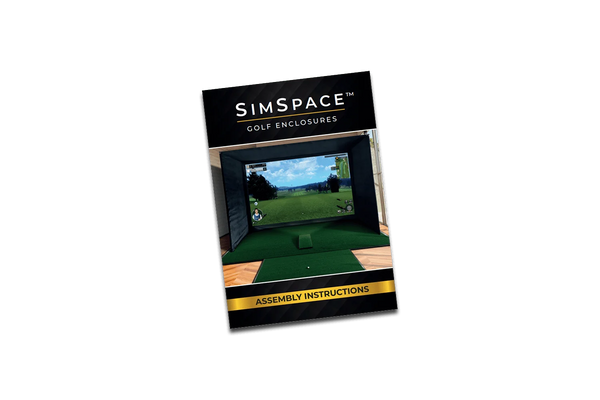
Step-By-Step Installation Guide