Passer aux informations produits
1 de 21

Foresight GCQuad Simulator Bundle

Foresight GCQuad Simulator Bundle

Prix habituel €5.998,00 EUR
Prix habituel Prix promotionnel €5.998,00 EUR
Promotion Épuisé
Taxes incluses. Frais d'expédition calculés à l'étape de paiement.
Enclosure Size
Screen
Quantité
Total del pack: €5.998,00

Delivery Info

+

We offer delivery to many international countries with warehouses located in the USA, UK, Europe and China. For more details, please visit our Shipping policy page.

Setup Guide

+

SimSpace Pro Golf Enclosures
We offer in-depth guides, images and videos on how to set up the SimSpace enclosure. For more information, please visit our dedicated page.
Foresight GCQuad Launch Monitor:

Place the GCQuad on a level surface 22 inches from the centre of the golf ball, with the unit positioned at the same height as the hitting mat. Power the unit on and allow around 25–30 seconds for it to boot, then use the alignment stick or ruler to square the device to your target line if required. For software use, connect via WiFi by selecting the GCQuad network on your PC, tablet or phone and entering the default password, or connect using USB-C or Ethernet. Open your chosen software, such as FSX 2020, FSX Play or compatible third-party simulator software, then select the GCQuad from the device menu. Once the LED indicator blinks green and the hitting zone appears on the built-in screen, place the ball inside the hitting area and begin playing, practising or analysing your shots.

Specification

+

SimSpace Golf Enclosure

SIM 0
• Outer Frame: 3.4(w) x 2.6(h) x 1.1(d) metres
• Inner Frame: 3.3(w) x 2.5(h) x 1(d) metres
• Screen: 3.1(w) x 2.3(h) metres / Ratio 4:3*

SIM 1
• Outer Frame: 2.7(w) x 2.6(h) x 1.6(d) metres
• Inner Frame: 2.6(w) x 2.5(h) x 1.5(d) metres
• Screen: 2.4(w) x 2.3(h) metres / Ratio 1:1*


SIM 2
• Outer Frame: 3.1(w) x 2.6(h) x 1.6(d) metres
• Inner Frame: 3.0(w) x 2.5(h) x 1.5(d) metres
- Screen: 2.8(w) x 2.3(h) metres / Ratio 4:3*


SIM 3
• Outer Frame: 3.7(w) x 2.6(h) x 1.6(d) metres
• Inner Frame: 3.6(w) x 2.5(h) x 1.5(d) metres
• Screen: 3.4(w) x 2.3(h) metres / Ratio 4:3*


SIM 4
• Outer Frame: 4.1(w) x 2.6(h) x 1.6(d) metres
• Inner Frame: 4.0(w) x 2.5(h) x 1.5(d) metres
• Screen: 3.8(w) x 2.3(h) metres / 16:10*

SIM 5
• Outer Frame: 3.1(w) x 3.1(h) x 3.1(d) metres
• Inner Frame: 3.0(w) x 3.0(h) x 3.0(d) metres
• Screen: 2.8(w) x 2.8(h) metres / Ratio 1:1*

SIM 6
• Outer Frame: 4.0(w) x 3.1(h) x 3.1(d) metres
• Inner Frame: 4.0(w) x 3.0(h) x 3.0(d) metres
• Screen: 3.8(w) x 2.8(h) metres / Ratio 4:3*

Leave at least 50cm behind & 20cm on either side of the enclosure as a buffer space for ball impacts! All measurements are estimates.

Foresight GCQuad Launch Monitor

  • Technology: Quadrascopic High-Speed Camera System
  • Camera System: Four-camera imaging system
  • Use: Indoor golf simulator, outdoor range, coaching, club fitting and performance analysis
  • Dimensions: 7" W x 4" D x 12.5" H
  • Weight: 7.5 lb / 3.8 kg
  • Battery: Removable rechargeable lithium-ion battery
  • Data Interface: USB Type-C, WiFi and Ethernet
  • Device Compatibility: Android and iOS
  • Software Included: FSX Play, FSX 2020, FSX Pro Performance Software and Foresight Fairgrounds
  • Warranty: 2-year warranty included
  • Setup Distance: 22 inches from centre of golf ball
  • Hitting Zone: 18" x 18" capture area
  • Calibration: Internal accelerometer; no manual levelling or calibration required in standard setup
  • Ball Requirements: No marked balls required
  • Indoor/Outdoor Use: Suitable for both indoor and outdoor use
  • Ball Data Measured: Launch angle, Side angle, Ball speed, Total spin, Carry distance, Side spin / spin axis
  • Club Data Measured: Club head speed, Smash factor, Club path, Angle of attack, Loft / lie, Face angle, Impact location, Closure rate
Afficher tous les détails

Foresight GCQuad Simulator Bundle

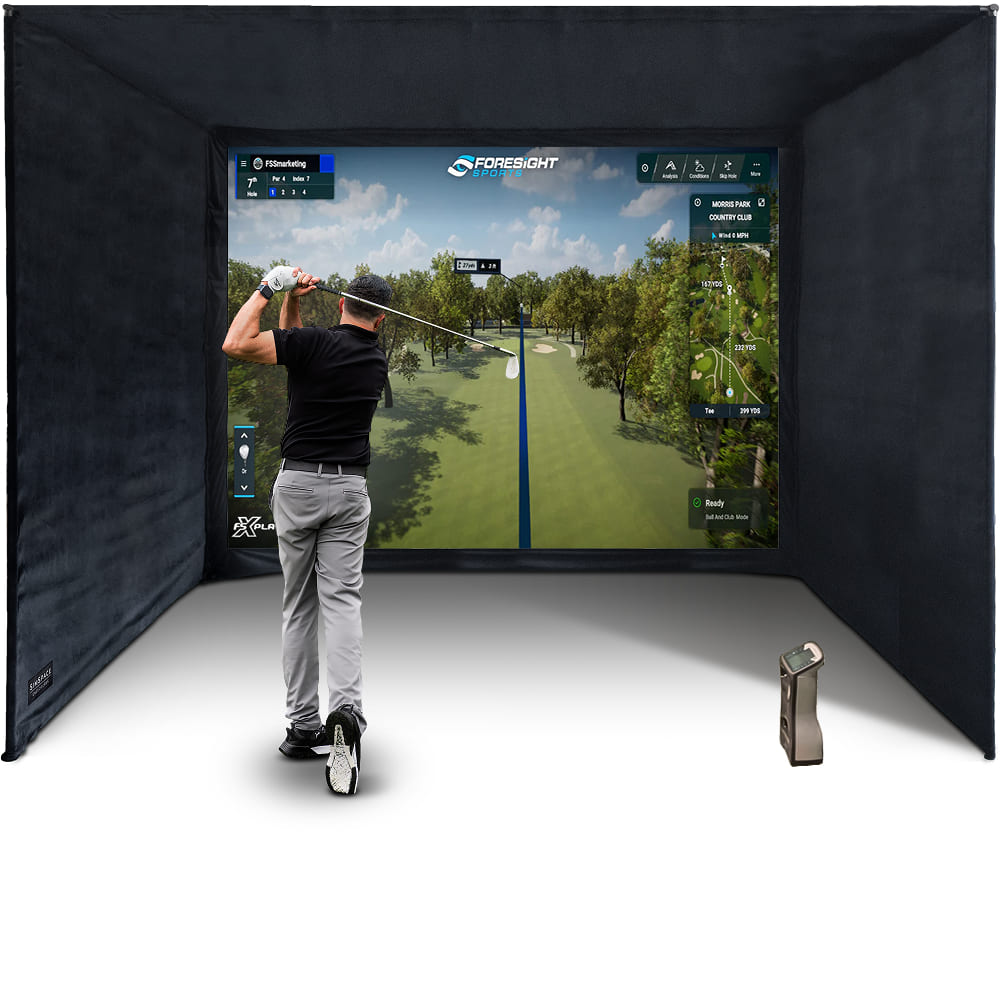
Foresight GCQuad Launch Monitor and SimSpace Golf Enclosure come together to create a serious golf practice space at home. Available in 7 different sizes, the enclosure features a 4K premium impact screen for a clean, high-quality simulator experience, while the GCQuad is the gold standard of photometric launch monitors, giving you detailed ball and club data to practice with purpose and improve all year round.

Foresight GCQuad Launch Monitor

The GCQuad combines tour-trusted photometric technology with complete ball and club data, flexible indoor simulator use and premium software compatibility. Ideal for home golf, coaching, fitting and year-round practice.

  • ✓︎Quadrascopic high-speed camera system
  • ✓︎Accurate indoor and outdoor performance
  • ✓︎Complete ball and clubhead data included
  • ✓︎Compatible with FSX software, GSPro, E6 and more
Foresight GCQuad Launch Monitor

Strong Metal Frame Structure

The enclosure is built around a strong metal frame system that provides a stable structure while remaining quick and simple to assemble. Its modular design makes it suitable for a wide range of indoor spaces.

  • ✓︎Sturdy push-connect metal poles designed for quick assembly
  • ✓︎Approx. 20-30 minute setup with two people
  • ✓︎Easy to assemble and dismantle for flexible spaces like garages or spare rooms
  • ✓︎Available in multiple sizes with foam pole padding included
Strong Metal Frame Structure

Premium Impact Screen Options

Choose the impact screen that best suits your simulator setup, usage, and budget. Each option is designed to deliver clear 4K-ready visuals while safely absorbing golf ball impact for a reliable and enjoyable simulator experience.

  • ✓︎Platinum 3-layer screen for durability, reduced noise, and clear 4K projection
  • ✓︎UltraMax grey screen improves contrast with the same durable 3-layer design
  • ✓︎Elite single-layer screen offers an affordable option for casual simulator use
  • ✓︎All screens safely absorb impact while maintaining sharp projected images
Premium Impact Screen Options

Velour Enclosure & Bungee Tension System

Black velour side and ceiling panels help contain stray shots and reduce external light for clearer projection, while the bungee tension system keeps the impact screen securely fitted and correctly tensioned for reliable ball impact absorption.

  • ✓︎Velour side and ceiling panels to help contain stray shots
  • ✓︎Black velour material reduces external light for clearer projection
  • ✓︎Bungee tension system maintains screen tension and reduces bounce-back
  • ✓︎Quick-fit attachments allow straightforward installation to the metal frame
Velour Enclosure & Bungee Tension System

What's In The Box

Launch Monitor
Launch Monitor
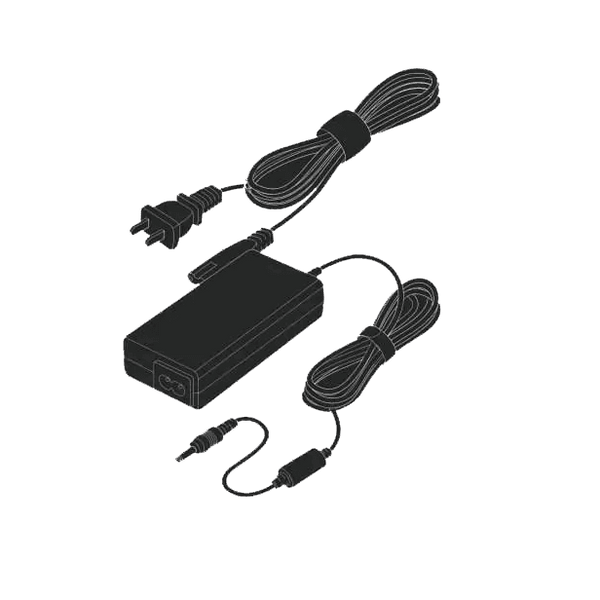
Power Adapter
Power Adapter
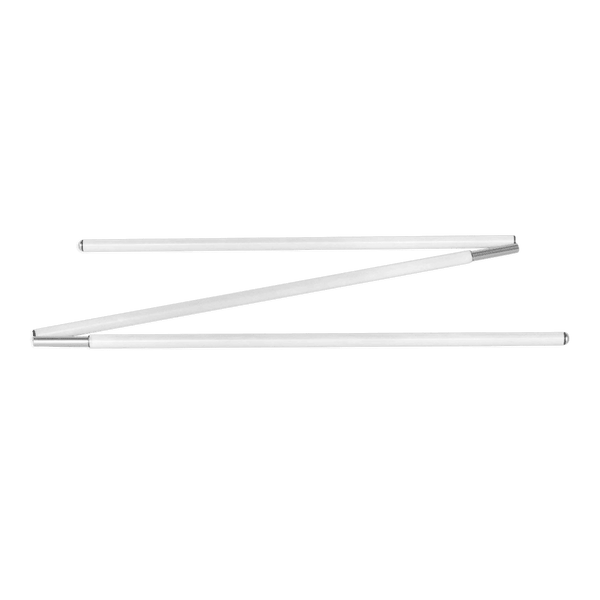
Alignment Stick
Alignment Stick
Club Markers
Club Markers
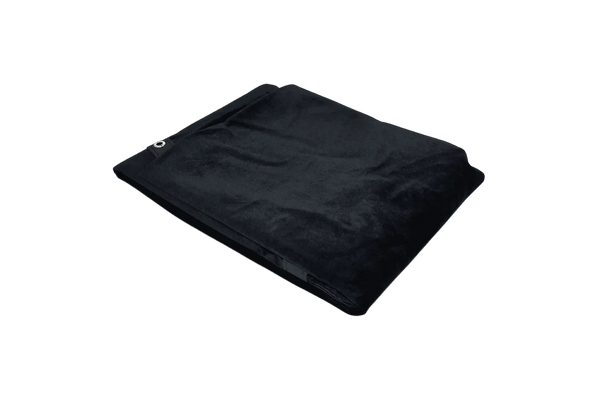
Premium Black Velour Siding
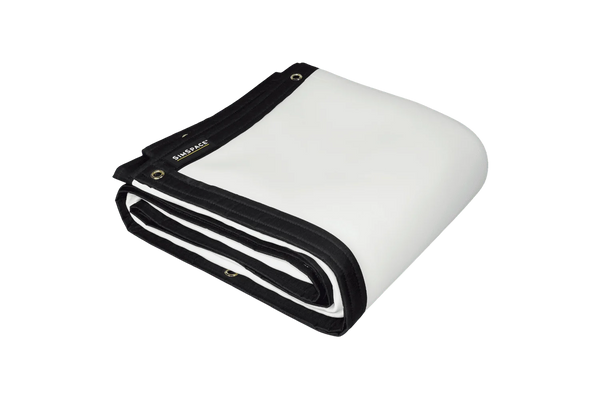
4K Platinum Impact Screen
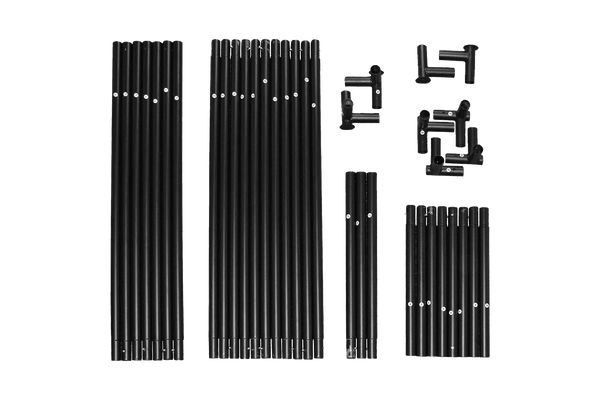
Easy Connect Metal Poles
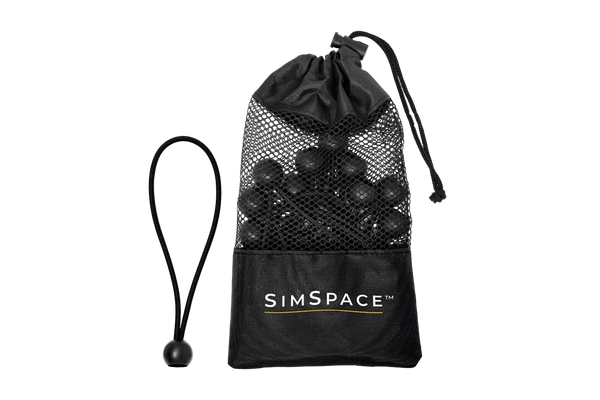
Bungee Cords & Velcro Straps
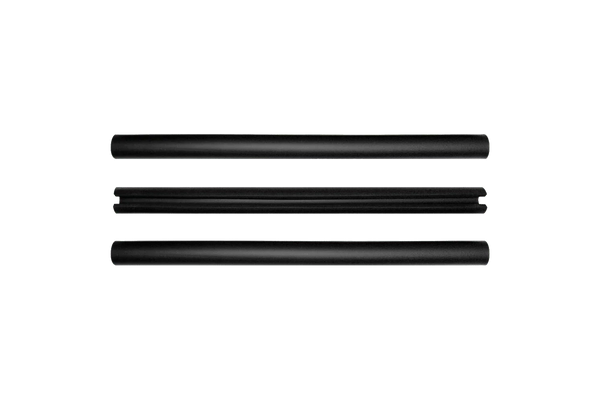
Foam Padding Tubes
Foam Padding Tubes
Step-By-Step Installation Guide

Frequently Asked Questions

Can I use the GC3S indoors and outdoors?
Yes. It’s portable, works in all lighting, and runs on battery. For indoor use, ensure a 9-foot ceiling and a gaming PC that meets FSX software requirements.
Is a subscription required for the GC3S?
Yes. A Gold subscription is needed to unlock full features, FSX software access, and third-party compatibility. Without it, only basic ball data is shown on the device.
What’s the difference between GC3S and GC3?
The GC3S has a lower upfront price but requires an annual subscription for full features. The standard GC3 costs more initially but includes all features and software with no ongoing fees.
Will window light affect the simulator?
Not at all! The SimSpace Max is lined with premium black velour to block most ambient light for bright, clear visuals. For rooms with windows or strong daylight, our Blackout Screens fit any Max enclosure and eliminate light bleed for true cinema-quality results.
Difference between the white & UltraMAX grey screens?
Grey screens reduce ambient light and boost contrast, producing a clearer, more balanced image in most rooms. While white screens are brighter in dark spaces, grey screens offer better overall performance for shared or brighter environments, especially with modern high-lumen projectors.
How easy is it to set up and take down?
Very! The SimSpace Max uses Easy Connect metal poles and a bungee tensioning system, so two people can go from box to first swing in about 20 minutes. It’s sturdy, professional-grade, and just as easy to take down or move later.