Passer aux informations produits
1 de 26

FlightScope Mevo+ Practice Net Bundle

FlightScope Mevo+ Practice Net Bundle

Prix habituel €2.319,00 EUR
Prix habituel Prix promotionnel €2.319,00 EUR
Promotion Épuisé
Taxes incluses. Frais d'expédition calculés à l'étape de paiement.
Impact Screen
Quantité
Bundle Total: €2.319,00

Delivery Info

+

We offer delivery to many international countries with warehouses located in the USA, UK, Europe and China. For more details, please visit our Shipping policy page.

Setup Guide

+

SimSpace Practice Net & Impact Screen

We offer in-depth guides, images and videos on how to set up the SimSpace enclosure. For more information, please visit our dedicated page.

FlightScope Mevo+ Launch Monitor

Set the FlightScope Mevo+ on a stable, level surface about 8 feet (2.4 metres) behind the ball, and allow at least the same distance of ball flight before the impact screen. For better consistency, especially with quicker shots like driver, aim for 10 to 13 feet of ball flight. Open the kickstand to achieve the correct tilt, then use the FS Golf app’s Target Alignment screen to fine-tune the position until the unit matches your intended target line.
Switch on the Mevo+ until the double beep sounds, then connect through the FS Golf app via the device’s Wi-Fi network or QR code. In Radar Setup, confirm your distance to the ball and hitting-surface height, and for indoor use, apply a reflective sticker to the ball facing away from the unit. Once the roll and tilt indicators turn green, you’re ready to start hitting.
Specification

+

SimSpace Practice Net & Impact Screen

Practice Net
• Frame: 2.5(w) x 2.5(h) x 0.91(d) metres
• Side Netting: 3 metres
• Screen: 2.4(w) x 2.5(h) metres / Ratio 1:1*

Wide Practice Net
• Frame: 3(w) x 2.5(h) x 0.91(d) metres
• Side Netting: 3 metres
• Screen: 2.95(w) x 2.5(h) metres / Ratio 5:4*


Leave at least 50cm behind & 20cm on either side of the enclosure as a buffer space for ball impacts! All measurements are estimates. The net should be kept in a dry, warm place when not in use to prevent deterioration.

FlightScope Mevo+ Launch Monitor

  • Dimensions: 17.4 x 3.1 x 11.8 cm
  • Weight: 465 grams
  • Batteries: ‎ 1 Lithium Polymer battery included.
  • Battery Life: up to 3 hours
  • Download the Mevo+ User Manual
Afficher tous les détails

FlightScope Mevo+ Practice Net Bundle

Pair the FlightScope Mevo+ with the versatile practice net, which can be fitted with an optional impact screen for a more engaging session. This setup offers detailed performance feedback and a dependable hitting area, making it well-suited for regular practice at home or in the garden.

FlightScope Mevo+ Launch Monitor

The FlightScope Mevo+ delivers detailed club and ball data to support focused practice both indoors and outdoors. With powerful tracking technology, a compact design and integrated simulator software, it provides a complete solution for analysing your swing and enjoying simulator golf.

  • ✓︎Tracks 20 data parameters including carry distance, spin rate and club speed
  • ✓︎Suitable for indoor simulators and outdoor driving range practice
  • ✓︎Compact, durable design with rechargeable battery and carry case
  • ✓︎Includes E6 Connect with 12 courses plus FlightScope practice software
FlightScope Mevo+ Launch Monitor

Built for Powerful Shots

The SimSpace Practice Net is engineered with durable materials to withstand repeated shots. Whether you’re practicing daily or swinging at full power, the netting provides reliable performance and long-lasting strength.

  • ✓︎Netting designed to absorb powerful golf ball impacts
  • ✓︎Strong frame construction built for regular practice sessions
  • ✓︎Ideal for consistent indoor or outdoor golf practice
  • ✓︎Store in a dry, warm place when not in use to prevent deterioration
Built for Powerful Shots

Two Sizes with Impact Screen

Choose between two net sizes to suit your available space and practice needs. The included pop-on impact screen easily attaches or removes, letting you switch between standard practice and a full simulator setup.

  • ✓︎Available in regular and wide net configurations
  • ✓︎Pop-on the elite impact screen which quickly attaches by bungee cords
  • ✓︎Easily remove the elite screen for simple net practice
  • ✓︎Compatible with launch monitors and projector simulator setups
Two Sizes with Impact Screen

Quick Setup with Side Netting

The SimSpace Practice Net can be assembled or taken down in just 10–20 minutes with two people, making it quick and convenient to set up your practice space. Built-in side netting also helps catch stray shots, creating a safer and more controlled hitting environment.

  • ✓︎Assembles in approximately 10–20 minutes with two people
  • ✓︎Simple frame design allows quick setup and pack down
  • ✓︎Included side netting helps catch mishits and stray shots
  • ✓︎Adds extra protection for walls, ceilings and surroundings
Quick Setup with Side Netting

What's In The Box

Mevo+ Launch Monitor
Carry Case
Carry Case
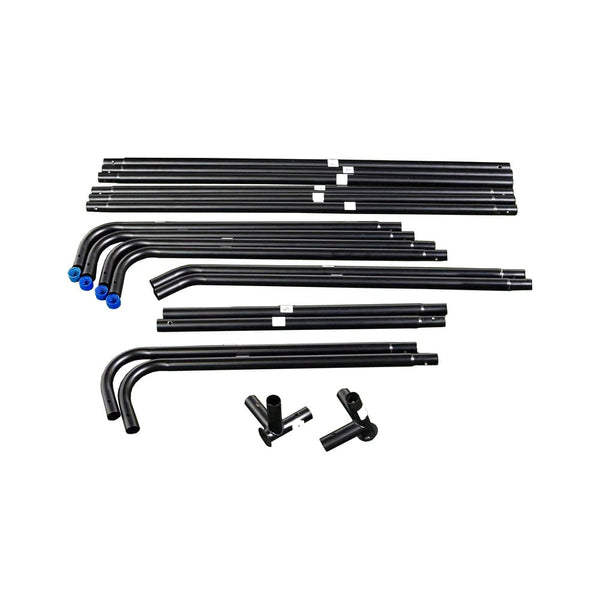
Easy Connect Poles
Easy Connect Poles
Side Netting
Side Netting
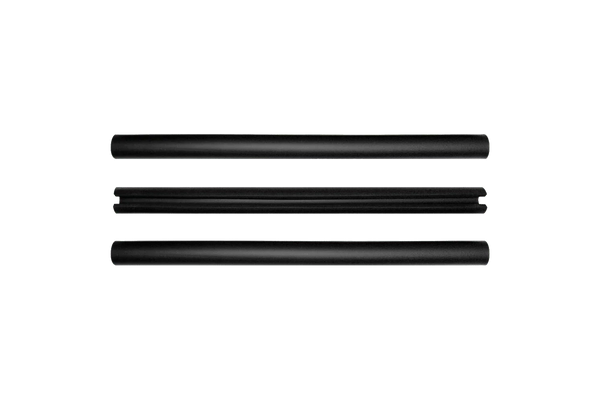
Foam Padding Tubes
Foam Padding Tubes
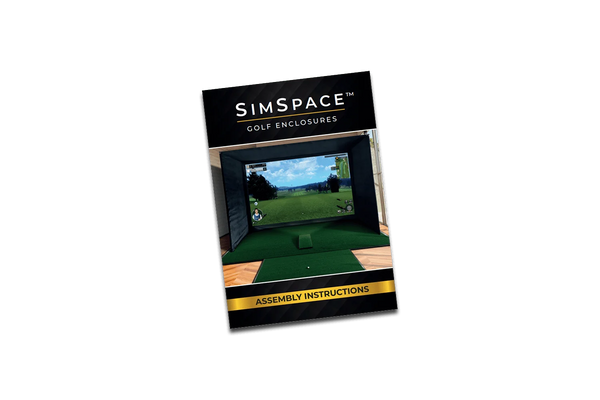
Step-By-Step Installation Guide
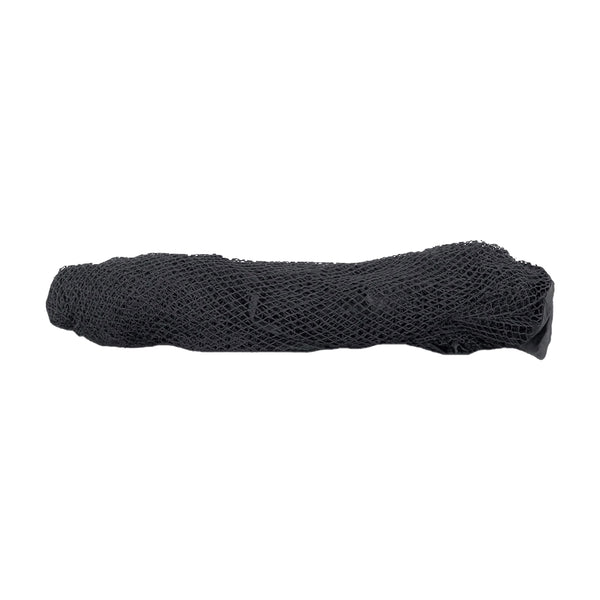
Strong Netting
Strong Netting
4K Impact Screen

4K Impact Screen

Frequently Asked Questions

What simulation software is Mevo+ integrated with?
Mevo+ is integrated with TruGolf (E6 Connect) and comes with ownership of 12 golf courses, 17 ranges, and a mini game powered by E6. This bundle that comes with the purchase of Mevo+ is for iOS and Windows PC. Customers have the option to purchase additional E6 simulation packages if they want more courses. Mevo+ is also integrated with The Golf Club 2019 (PC), Awesome Golf (PC & iOS), E6 Connect (iOS & PC), and Creative Golf 3D (PC), and GSPro (PC).
Where should the Mevo+ be placed?
Limited Flight: Mevo+ will sit 2.4 meters behind the tee location. Outdoor Full Swing: Mevo+ will sit 2.4 meters behind the tee location. Chipping: Mevo+ will sit 2.1 meters behind the tee location. Putting: Mevo+ will sit 1.8 meters behind the tee location.
What is included with my Mevo+ purchase
Along with your Mevo+ you will receive a power adapter, USB charging cable, 100 metallic stickers, a carrying case, a 12-Course iOS E6 Connect license, and a quick-start guide.

What’s the advantage of the impact screen?

The premium impact screen not only absorbs the full force of your shots but also provides a clear, smooth surface for projecting golf simulation software in 4K quality – giving you a realistic, immersive practice experience.

Is the screen easy to fit?

Yes, the impact screen is designed to fit perfectly inside the Practice Net frame. It attaches securely using the supplied fixings and can be removed quickly when not in use.

Can the net be used outdoors?

Yes, the net can be used outdoors, but it must be stored in a dry, warm area after use. Leaving it outside for long periods can cause the product to degrade.