Foresight GC3 Simulator Bundle
Foresight GC3 Launch Monitor
- ✓︎Three-camera system with infrared tracking captures detailed ball and club data
- ✓︎Portable design with touchscreen display for indoor and outdoor use
- ✓︎Provides ball, club, and full flight data for clear performance insights
- ✓︎Includes FSX Play and FSX Pro with 25 courses, no subscription required
Strong Metal Frame Structure
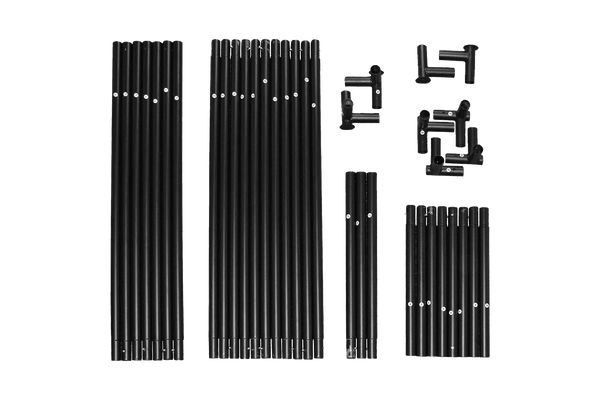
- ✓︎Sturdy push-connect metal poles designed for quick assembly
- ✓︎Approx. 20-30 minute setup with two people
- ✓︎Easy to assemble and dismantle for flexible spaces like garages or spare rooms
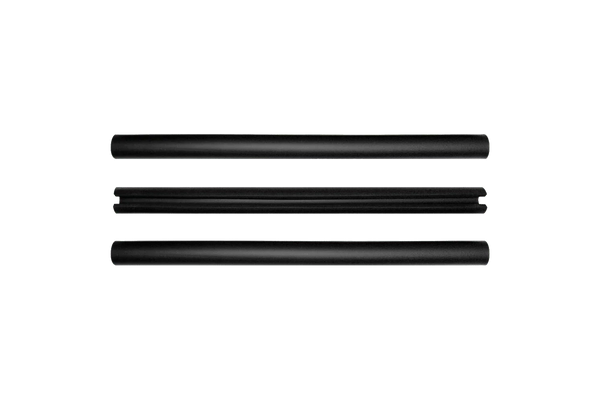
- ✓︎Available in multiple sizes with foam pole padding included
Premium Impact Screen Options
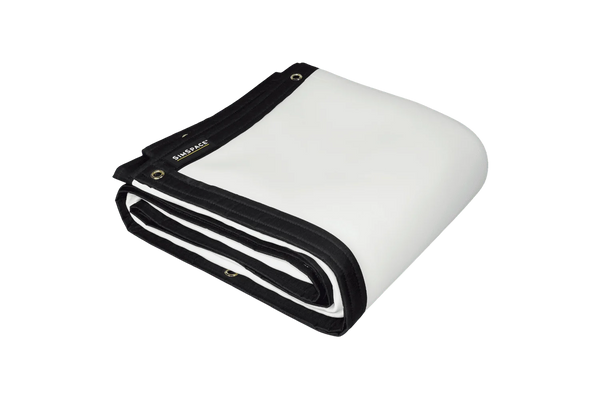
- ✓︎Platinum 3-layer screen for durability, reduced noise, and clear 4K projection
- ✓︎UltraMax grey screen improves contrast with the same durable 3-layer design
- ✓︎Elite single-layer screen offers an affordable option for casual simulator use
- ✓︎All screens safely absorb impact while maintaining sharp projected images
Velour Enclosure & Bungee Tension System
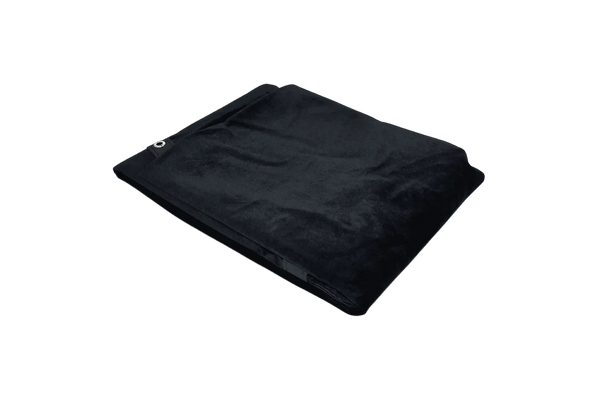
- ✓︎Velour side and ceiling panels to help contain stray shots
- ✓︎Black velour material reduces external light for clearer projection
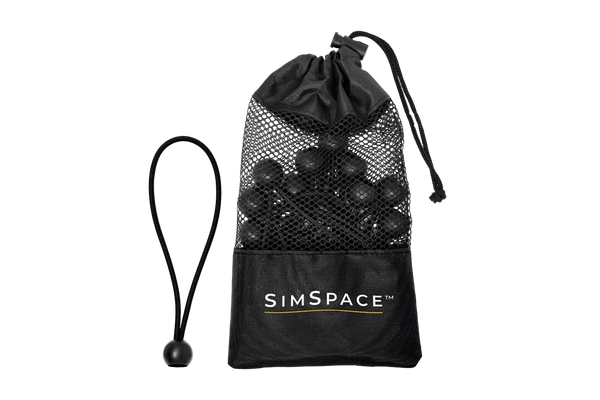
- ✓︎Bungee tension system maintains screen tension and reduces bounce-back
- ✓︎Quick-fit attachments allow straightforward installation to the metal frame
What's In The Box
4K Platinum Impact Screen
Easy Connect Metal Poles
Bungee Cords & Velcro Straps
Foam Padding Tubes
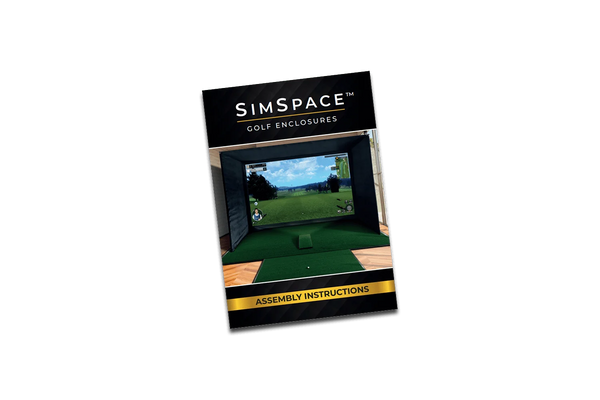
Step-By-Step Installation Guide
Carry Bag
Launch Monitor
Club Markers
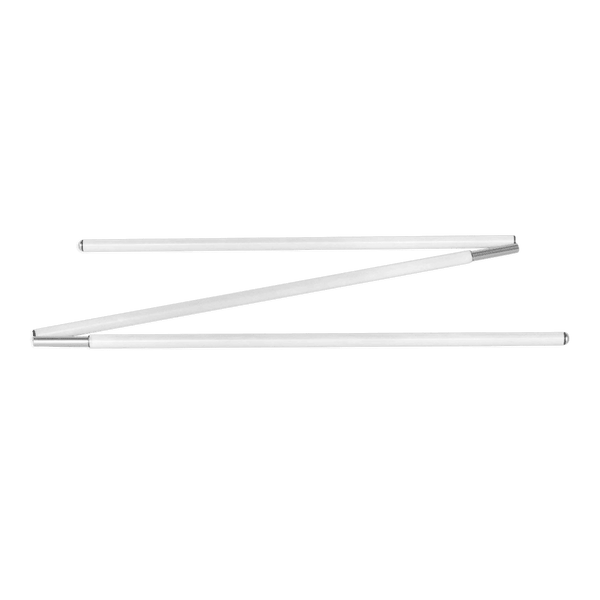
Alignment Stick
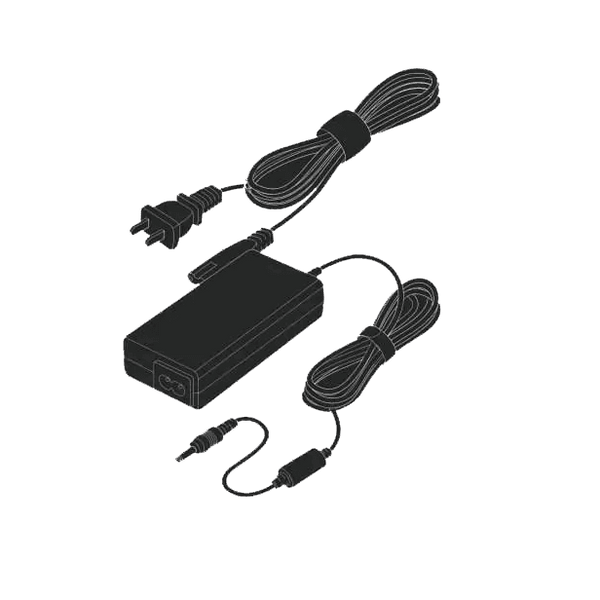
Power Adapter
Frequently Asked Questions
Will window light affect the simulator?
Not at all! The SimSpace Max is lined with premium black velour to block most ambient light for bright, clear visuals. For rooms with windows or strong daylight, our Blackout Screens fit any Max enclosure and eliminate light bleed for true cinema-quality results.
Difference between the white & UltraMAX grey screens?
Grey screens reduce ambient light and boost contrast, producing a clearer, more balanced image in most rooms. While white screens are brighter in dark spaces, grey screens offer better overall performance for shared or brighter environments, especially with modern high-lumen projectors.
How easy is it to set up and take down?
Very! The SimSpace Max uses Easy Connect metal poles and a bungee tensioning system, so two people can go from box to first swing in about 20 minutes. It’s sturdy, professional-grade, and just as easy to take down or move later.
What data does the GC3 provide?
The GC3 delivers detailed ball, club, and flight data, including speed, spin, launch angles, distances, and dispersion patterns. This helps you better understand your performance and make informed adjustments.
Can I use the GC3 indoors and outdoors?
Yes, the GC3 is designed for both indoor simulation and outdoor use on the range or course. It performs consistently across different environments.
Does the GC3 require a subscription?
No, the GC3 does not require any ongoing subscription. All core features and included software are available after purchase.