Skip to product information
1 of 20

TruGolf Apogee Practice Net Bundle

TruGolf Apogee Practice Net Bundle

Regular price €9.548,00 EUR
Regular price €0,00 EUR Sale price €9.548,00 EUR
Sale Sold out
Taxes included. Shipping calculated at checkout.
Impact Screen
Quantity
Bundle Total: €9.548,00

Delivery Info

+

We offer delivery to many international countries with warehouses located in the USA, UK, Europe and China. For more details, please visit our Shipping policy page.

Setup Guide

+

SimSpace Practice Net & Impact Screen

We offer in-depth guides, images and videos on how to set up the SimSpace enclosure. For more information, please visit our dedicated page.

TruGolf APOGEE Launch Monitor

Install APOGEE on a flat, level ceiling surface between 9 and 10 feet above the hitting surface. Start by marking the simulator centreline using the supplied reflective dots and laser level, aligning the centre of the hitting area with the screen. Measure the correct tee-to-APOGEE distance based on ceiling height, then mark the ceiling with a plumb bob and fit the ceiling mount securely using the supplied hardware. Slide the unit into the mount, tighten the rear screws, then connect the power cable and CAT6 cable to the unit and simulator computer. Once wired, create or sign in to your E6 profile, redeem your product key, download APOGEE Intelligent Dashboard and E6 software, update the firmware, then run calibration through the dashboard.

Specification

+

SimSpace Practice Net & Impact Screen

Practice Net
• Frame: 2.5(w) x 2.5(h) x 0.91(d) metres
• Side Netting: 3 metres
• Screen: 2.4(w) x 2.5(h) metres / Ratio 1:1*

Wide Practice Net
• Frame: 3(w) x 2.5(h) x 0.91(d) metres
• Side Netting: 3 metres
• Screen: 2.95(w) x 2.5(h) metres / Ratio 5:4*


Leave at least 50cm behind & 20cm on either side of the enclosure as a buffer space for ball impacts! All measurements are estimates. The net should be kept in a dry, warm place when not in use to prevent deterioration.

TruGolf APOGEE Launch Monitor

  • Mounting type: Ceiling-mounted photometric launch monitor
  • Recommended mounting height: 9–10 feet above hitting surface
  • Room recommendation: TruGolf recommends 9–10 feet high by 15 feet wide for right- and left-handed players
  • Device size: 38 inches wide x 5.5 inches high x 8 inches deep
  • Weight: Approximately 22 lbs
  • Tee box capture area: 10 inches wide x 8 inches deep
  • Ball data measured: Ball speed, back spin, side spin, vertical launch angle and horizontal launch direction
  • Club data measured: Club head speed, club face angle and club path
  • Camera system: Centre camera and offset camera
  • Impact feedback: Slow-motion Point of Impact Replay
  • Ball requirements: Measures spin without specialist golf balls
  • Club requirements: Records club data without marked clubs in most conditions
  • Sticker note: Some lighting conditions or club finishes may require metallic club face stickers for club face angle data
  • Placement aid: APOGEE Laser Indicator / Laser Launchpad
  • Voice control: “Hey APOGEE” voice command system
  • Indicators: System Status Indicator and System Connection Indicator
  • Software management: APOGEE Intelligent Dashboard
  • Dashboard functions: Status, calibration, tools, support, firmware updates, diagnostics and logs
  • Calibration: Automated Calibration Wizard checks installation alignment and ambient light
  • Connectivity: CAT6 cable to USB RJ45 adapter, connected to USB 3 port
  • Compatible software: E6 CONNECT and E6 APEX
  • Minimum E6 CONNECT system requirements: Intel i5 processor, 8GB RAM, Nvidia 1070, 25GB hard drive space, Windows 10 64-bit, internet connection
  • Minimum E6 APEX system requirements: Windows 10 64-bit, Intel i7 10th Gen or newer, 16GB RAM DDR4 or better, m.2 NVMe SSD 256GB or better, NVIDIA GeForce RTX 3060 12GB VRAM or better, WiFi 5, full USB 3 connectivity and Gigabit Ethernet
View full details

TruGolf Apogee Practice Net Bundle

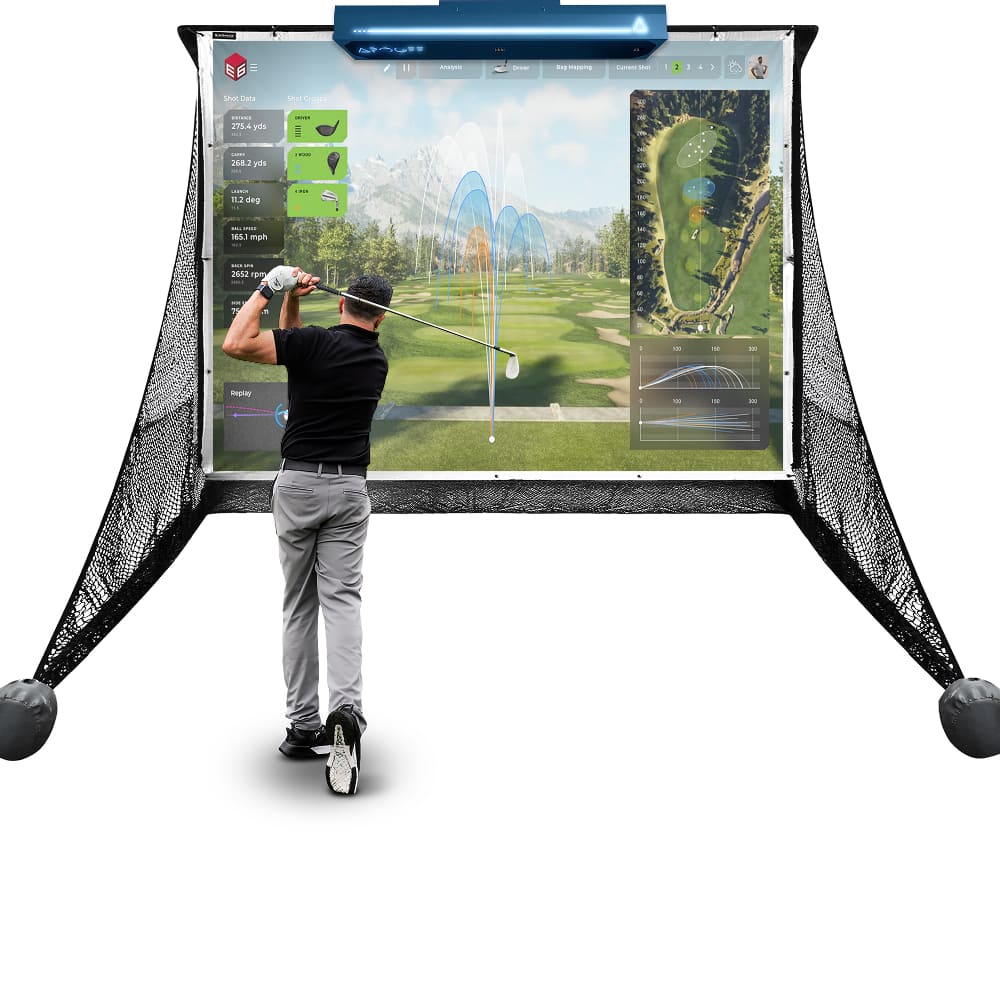
TruGolf APOGEE Launch Monitor and SimSpace Practice Net give golfers a premium setup for focused indoor practice at home. The ceiling-mounted APOGEE provides accurate ball and club data with simulator-ready feedback to help measure progress, while the SimSpace Practice Net creates a reliable hitting area for regular practice.

TruGolf APOGEE Launch Monitor

APOGEE combines ceiling-mounted accuracy, indoor simulator performance, smarter impact feedback and software compatibility in one advanced launch monitor. It keeps the hitting area clear while helping golfers practise with reliable data, smooth setup and immersive simulator play.

  • ✓︎Ceiling-mounted design measures key ball and club data while keeping the hitting bay clear
  • ✓︎Built for indoor simulator golf with Laser Launchpad placement and fast shot display
  • ✓︎Slow-motion impact replay and voice commands help explain strikes and speed up play
  • ✓︎AID software supports calibration, updates, diagnostics and E6 simulator compatibility
TruGolf APOGEE Launch Monitor

Built for Powerful Shots

The SimSpace Practice Net is engineered with durable materials to withstand repeated shots. Whether you’re practicing daily or swinging at full power, the netting provides reliable performance and long-lasting strength.

  • ✓︎Netting designed to absorb powerful golf ball impacts
  • ✓︎Strong frame construction built for regular practice sessions
  • ✓︎Ideal for consistent indoor or outdoor golf practice
  • ✓︎Store in a dry, warm place when not in use to prevent deterioration
Built for Powerful Shots

Two Sizes with Impact Screen

Choose between two net sizes to suit your available space and practice needs. The included pop-on impact screen easily attaches or removes, letting you switch between standard practice and a full simulator setup.

  • ✓︎Available in regular and wide net configurations
  • ✓︎Pop-on the elite impact screen which quickly attaches by bungee cords
  • ✓︎Easily remove the elite screen for simple net practice
  • ✓︎Compatible with launch monitors and projector simulator setups
Two Sizes with Impact Screen

Quick Setup with Side Netting

The SimSpace Practice Net can be assembled or taken down in just 10–20 minutes with two people, making it quick and convenient to set up your practice space. Built-in side netting also helps catch stray shots, creating a safer and more controlled hitting environment.

  • ✓︎Assembles in approximately 10–20 minutes with two people
  • ✓︎Simple frame design allows quick setup and pack down
  • ✓︎Included side netting helps catch mishits and stray shots
  • ✓︎Adds extra protection for walls, ceilings and surroundings
Quick Setup with Side Netting

What's In The Box

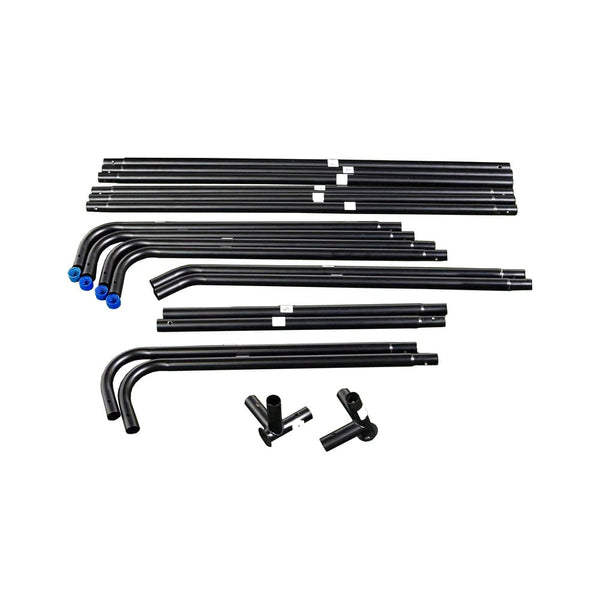
Easy Connect Poles
Easy Connect Poles
Side Netting
Side Netting
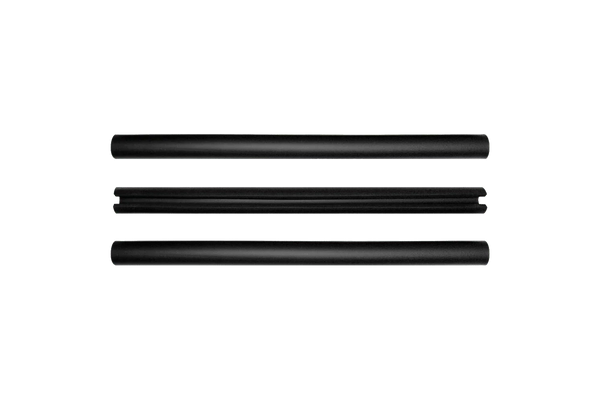
Foam Padding Tubes
Foam Padding Tubes
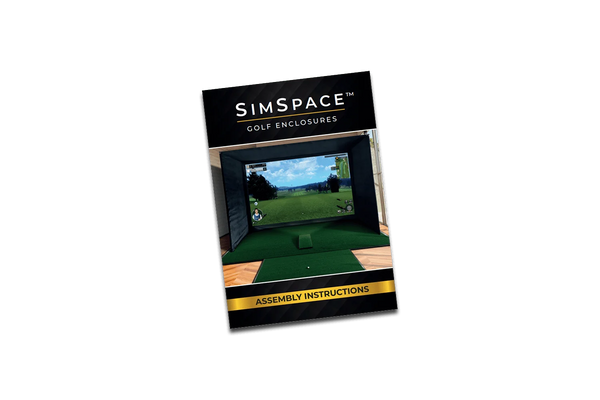
Step-By-Step Installation Guide
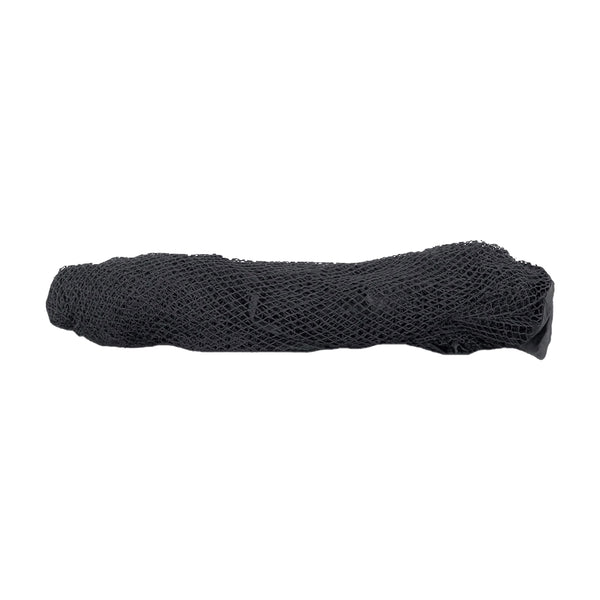
Strong Netting
Strong Netting

Frequently Asked Questions

What are the dimensions?

The Practice Net measures 2.5 metres wide by 2.5 metres high, providing plenty of space for safe and effective practice. It’s compact enough to fit in most gardens, garages, or indoor areas, and easy to set up and take down.

Does it come with side netting?

Yes, the Practice Net includes protective side panels to catch any stray shots, helping to keep your surroundings safe while you focus on improving your swing.

Can the net be used outdoors?

Yes, the net can be used outdoors, but it must be stored in a dry, warm area after use. Leaving it outside for long periods can cause the product to degrade.