Skip to product information
1 of 20

GOLFBUDDY Shot Mate Practice Net Bundle

GOLFBUDDY Shot Mate Practice Net Bundle

Regular price €527,95 EUR
Regular price Sale price €527,95 EUR
Sale Sold out
Taxes included. Shipping calculated at checkout.
Impact Screen
Quantity
Bundle Total: €527,95

Delivery Info

+

We offer delivery to many international countries with warehouses located in the USA, UK, Europe and China. For more details, please visit our Shipping policy page.

Setup Guide

+

SimSpace Practice Net & Impact Screen

We offer in-depth guides, images and videos on how to set up the SimSpace enclosure. For more information, please visit our dedicated page.

GOLFBUDDY Shot Mate Launch Monitor

Open the support stand on the back of the GOLFBUDDY Shot Mate and place the device behind the golf ball with the radar area facing the ball and swing path. For best results, position it approximately 1.2 to 1.4 metres behind the ball, ensuring there are no obstructions between the device and the ball. Align the radar area correctly with the ball and, where possible, raise the unit slightly to help improve recognition. Press and hold the power button for around 2 seconds, select your club number, choose Carry or Total distance, and begin your practice session.

Specification

+

SimSpace Practice Net & Impact Screen

Practice Net
• Frame: 2.5(w) x 2.5(h) x 0.91(d) metres
• Side Netting: 3 metres
• Screen: 2.4(w) x 2.5(h) metres / Ratio 1:1*

Wide Practice Net
• Frame: 3(w) x 2.5(h) x 0.91(d) metres
• Side Netting: 3 metres
• Screen: 2.95(w) x 2.5(h) metres / Ratio 5:4*


Leave at least 50cm behind & 20cm on either side of the enclosure as a buffer space for ball impacts! All measurements are estimates. The net should be kept in a dry, warm place when not in use to prevent deterioration.

GOLFBUDDY Shot Mate Launch Monitor

  • Measured Metrics: Club Speed, Ball Speed, Smash Factor, Carry/Total Distance
  • Golf Mode: Measures club speed and ball speed at impact
  • Practice Swing Mode: Measures club speed without striking a ball
  • Distance Display: Carry or Total distance
  • Club Selection: Selectable club number for distance calculation
  • Unit Options: MPH / yards or km/h / metres
  • Speed Range: 25mph – 200mph, according to the manual
  • Radar Frequency: 24GHz K-band
  • Radar Field of View: Horizontal 30° / Vertical 60°, according to supplied spec sheet
  • History Log: Up to 500 measurement entries, according to the manual
  • Measurement Indication: Screen flashes after data capture
  • Display Type: Custom segment LCD with backlight
  • Power Supply: 3.7V rechargeable lithium battery
  • Charging Interface: USB Type-C
  • Battery Life: Approximately 2.5 to 3 hours of continuous use
  • Auto Power-Off: After 10 minutes of inactivity
  • Power On/Off: Press and hold for approximately 2 seconds
  • Mounting: Bottom tripod socket
  • Placement Distance: Approximately 1.2 to 1.4 metres behind the ball
  • Operating Temperature: 0°C – 40°C / 32°F – 100°F, non-condensing
  • Transmission Output: ≤30mW, according to the manual
  • Weight: 190g, according to the manual
  • External Dimensions: 75mm x 150mm x 23mm, according to the manual
  • Care Notes: Not waterproof. Avoid rain, humidity, dust, extreme heat, impact and hard objects on the buttons or LCD screen.
View full details

GOLFBUDDY Shot Mate Practice Net Bundle

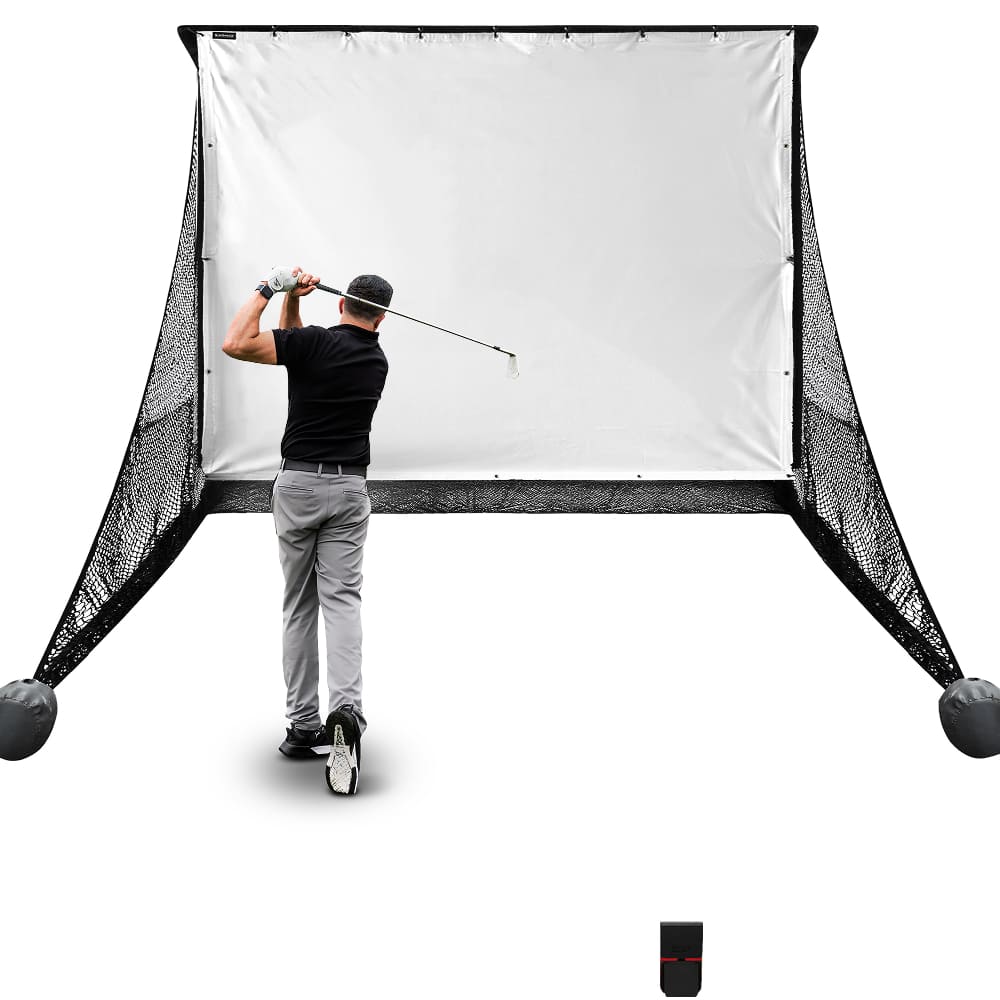
GOLFBUDDY Shot Mate Launch Monitor and SimSpace Practice Net give golfers a flexible setup for focused practice at home, indoors or outdoors. The compact Shot Mate provides key swing and ball data to help measure progress, while the SimSpace Practice Net creates a reliable hitting area for regular practice.

GOLFBUDDY Shot Mate Launch Monitor

The GOLFBUDDY Shot Mate gives golfers instant feedback across key swing and ball metrics, making practice more focused, measurable and effective. Compact, app-free and easy to position, it is ideal for range sessions, indoor hitting nets, home practice and speed training.

  • ✓︎Measures club speed, ball speed, smash factor and distance
  • ✓︎Advanced radar provides reliable real-time practice feedback
  • ✓︎Pocket-sized design with built-in kickstand for easy setup
  • ✓︎No apps, subscriptions or third-party software required
GOLFBUDDY Shot Mate Launch Monitor

Built for Powerful Shots

The SimSpace Practice Net is engineered with durable materials to withstand repeated shots. Whether you’re practicing daily or swinging at full power, the netting provides reliable performance and long-lasting strength.

  • ✓︎Netting designed to absorb powerful golf ball impacts
  • ✓︎Strong frame construction built for regular practice sessions
  • ✓︎Ideal for consistent indoor or outdoor golf practice
  • ✓︎Store in a dry, warm place when not in use to prevent deterioration
Built for Powerful Shots

Two Sizes with Impact Screen

Choose between two net sizes to suit your available space and practice needs. The included pop-on impact screen easily attaches or removes, letting you switch between standard practice and a full simulator setup.

  • ✓︎Available in regular and wide net configurations
  • ✓︎Pop-on the elite impact screen which quickly attaches by bungee cords
  • ✓︎Easily remove the elite screen for simple net practice
  • ✓︎Compatible with launch monitors and projector simulator setups
Two Sizes with Impact Screen

Quick Setup with Side Netting

The SimSpace Practice Net can be assembled or taken down in just 10–20 minutes with two people, making it quick and convenient to set up your practice space. Built-in side netting also helps catch stray shots, creating a safer and more controlled hitting environment.

  • ✓︎Assembles in approximately 10–20 minutes with two people
  • ✓︎Simple frame design allows quick setup and pack down
  • ✓︎Included side netting helps catch mishits and stray shots
  • ✓︎Adds extra protection for walls, ceilings and surroundings
Quick Setup with Side Netting

What's In The Box

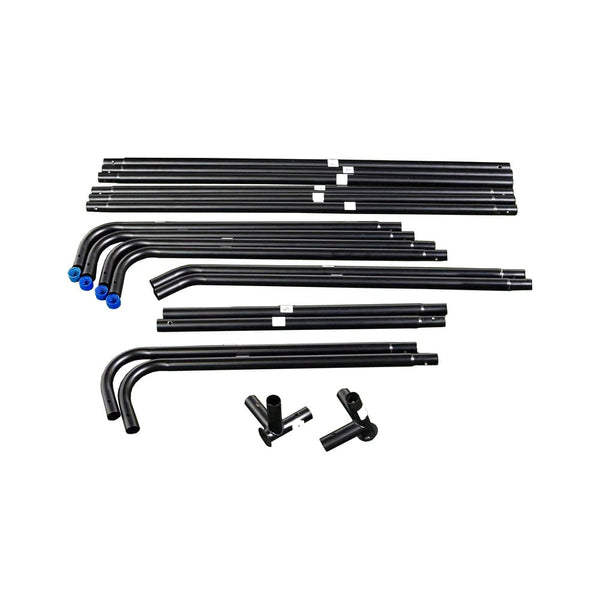
Easy Connect Poles
Easy Connect Poles
Side Netting
Side Netting
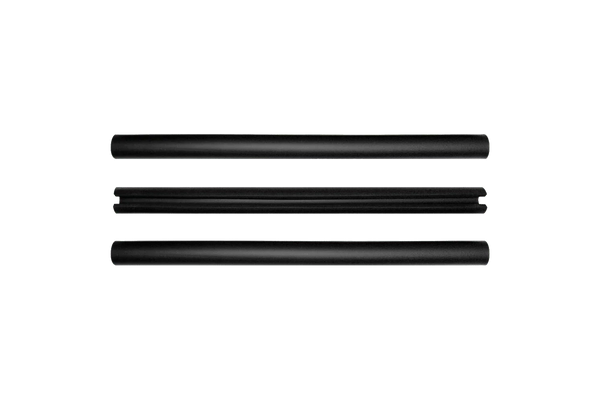
Foam Padding Tubes
Foam Padding Tubes
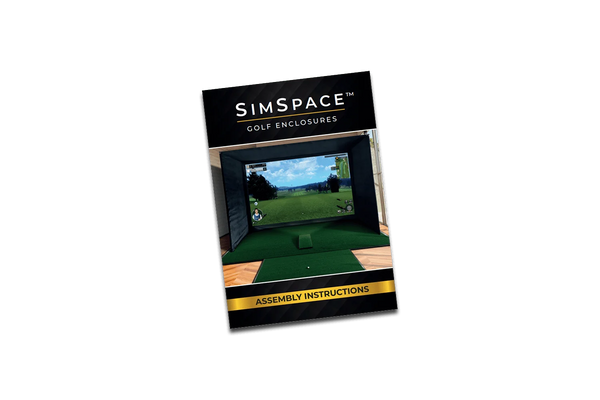
Step-By-Step Installation Guide
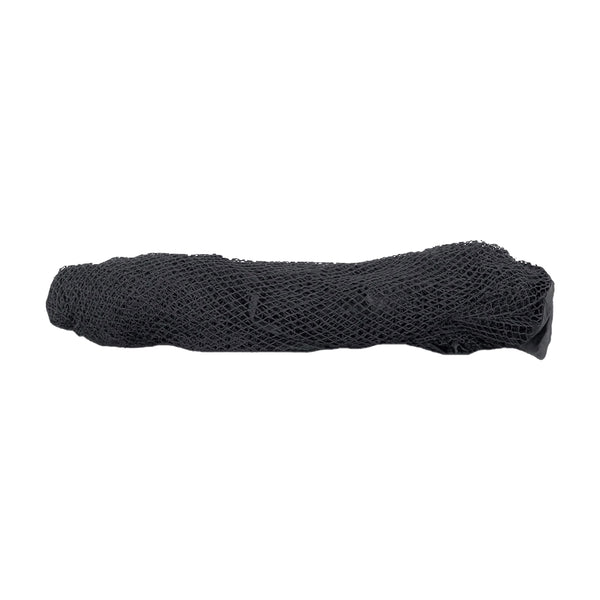
Strong Netting
Strong Netting

Frequently Asked Questions

What are the dimensions?

The Practice Net measures 2.5 metres wide by 2.5 metres high, providing plenty of space for safe and effective practice. It’s compact enough to fit in most gardens, garages, or indoor areas, and easy to set up and take down.

Does it come with side netting?

Yes, the Practice Net includes protective side panels to catch any stray shots, helping to keep your surroundings safe while you focus on improving your swing.

Can the net be used outdoors?

Yes, the net can be used outdoors, but it must be stored in a dry, warm area after use. Leaving it outside for long periods can cause the product to degrade.