Skip to product information
1 of 28

FlightScope Mevo Gen2 Simulator Bundle

FlightScope Mevo Gen2 Simulator Bundle

Regular price €2.598,00 EUR
Regular price Sale price €2.598,00 EUR
Sale Sold out
Taxes included. Shipping calculated at checkout.
Size
Screen
Quantity
Bundle Total: €2.598,00

Delivery Info

+

We offer delivery to many international countries with warehouses located in the USA, UK, Europe and China. For more details, please visit our Shipping policy page.

Setup Guide

+

SimSpace Golf Enclosure

We offer in-depth guides, images and videos on how to set up the SimSpace enclosure. For more information, please visit our dedicated page.

FlightScope Mevo Gen2 Launch Monitor

To set up your FlightScope Mevo Gen 2 indoors, place the unit 7–8 feet behind the ball. In front of the ball, you must have a minimum of 8 feet of space to the impact screen, though 13 feet is recommended for the most accurate ball-flight and spin readings. Tilt the Mevo to around 11–12°, keep it level, and make sure the hitting area is well lit. For the most accurate indoor spin data, use RCT balls or metallic stickers.

Switch on the Mevo, connect your device to its Wi-Fi using the serial number as the password, then open the FS Golf app and complete any activation steps. Use the Target Alignment tool to match the Mevo’s camera view with your hitting line, then hit a quick test shot to confirm lighting and alignment before starting your session.

Specification

+

SimSpace Golf Enclosure

SIM 0
• Outer Frame: 3.4(w) x 2.6(h) x 1.1(d) metres
• Inner Frame: 3.3(w) x 2.5(h) x 1(d) metres
• Screen: 3.1(w) x 2.3(h) metres / Ratio 4:3*

SIM 1
• Outer Frame: 2.7(w) x 2.6(h) x 1.6(d) metres
• Inner Frame: 2.6(w) x 2.5(h) x 1.5(d) metres
• Screen: 2.4(w) x 2.3(h) metres / Ratio 1:1*

SIM 2
• Outer Frame: 3.1(w) x 2.6(h) x 1.6(d) metres
• Inner Frame: 3.0(w) x 2.5(h) x 1.5(d) metres
• Screen: 2.8(w) x 2.3(h) metres / Ratio 4:3*

SIM 3
• Outer Frame: 3.7(w) x 2.6(h) x 1.6(d) metres
• Inner Frame: 3.6(w) x 2.5(h) x 1.5(d) metres
• Screen: 3.4(w) x 2.3(h) metres / Ratio 4:3*

SIM 4
• Outer Frame: 4.1(w) x 2.6(h) x 1.6(d) metres
• Inner Frame: 4.0(w) x 2.5(h) x 1.5(d) metres
• Screen: 3.8(w) x 2.3(h) metres / 16:10*

SIM 5
• Outer Frame: 3.1(w) x 3.1(h) x 3.1(d) metres
• Inner Frame: 3.0(w) x 3.0(h) x 3.0(d) metres
• Screen: 2.8(w) x 2.8(h) metres / Ratio 1:1*

SIM 6
• Outer Frame: 4.0(w) x 3.1(h) x 3.1(d) metres
• Inner Frame: 4.0(w) x 3.0(h) x 3.0(d) metres
• Screen: 3.8(w) x 2.8(h) metres / Ratio 4:3*

Leave at least 50cm behind & 20cm on either side of the enclosure as a buffer space for ball impacts! All measurements are estimates.

FlightScope Mevo Gen2 Launch Monitor

  • Dimensions: 17.35 x 14.2 x 3 cm
  • Weight: 500 grams
  • Batteries: ‎ Rechargeable Li-ion battery included.
  • Battery Life: up to 6 hours
  • FREE iOS, Android & PC Software (FS Golf Practice & FS Skill Challenges)
  • Some common interfering objects are: fluorescent lights, fans, fridges, signal towers, aircon unit - HVAC System
  • Download the Mevo Gen2 user manual
View full details

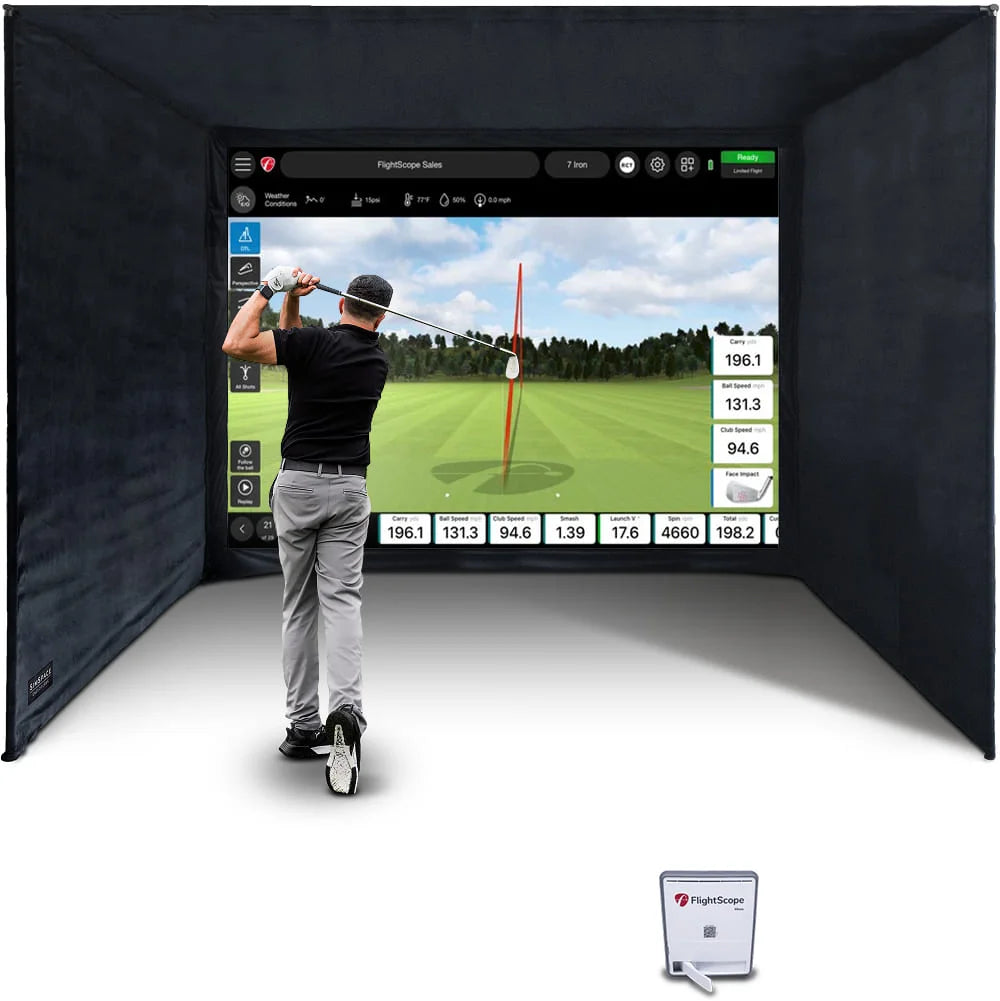
FlightScope Mevo Gen2 Simulator Bundle

The Mevo Gen2 paired with the SimSpace Golf Enclosure (and optional hitting mat) delivers an excellent all-in-one home golf simulator with tour-level accuracy via FlightScope’s Fusion Tracking. With 20+ data points and E6 courses included, it offers great value and a superb way to improve your game year-round at home.

FlightScope Mevo Gen2 Launch Monitor

The Mevo Gen2 is a compact launch monitor designed to deliver detailed club and ball data for golfers practising indoors or outdoors. With Fusion Tracking technology, portable design and integrated simulator software, it provides powerful tools to analyse your swing, practise with purpose and enjoy virtual golf courses.

  • ✓︎Fusion Tracking combines radar and image processing for detailed club and ball data
  • ✓︎Tracks 20 key metrics including ball speed, spin rate and carry distance
  • ✓︎Lightweight portable design with up to six hours of battery life
  • ✓︎Integrated FS Golf apps and E6 Connect with eight included courses
FlightScope Mevo Gen2 Launch Monitor

Strong Metal Frame Structure

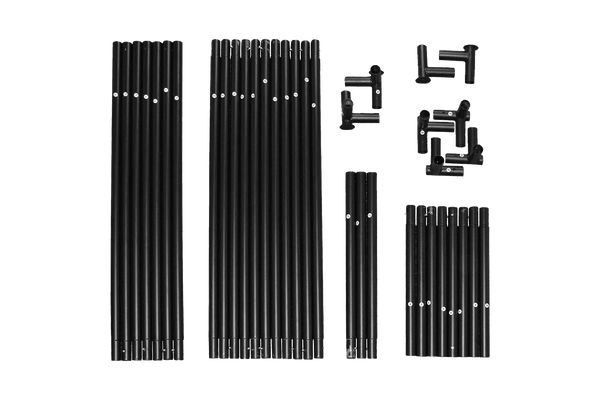
The enclosure is built around a strong metal frame system that provides a stable structure while remaining quick and simple to assemble. Its modular design makes it suitable for a wide range of indoor spaces.

  • ✓︎Sturdy push-connect metal poles designed for quick assembly
  • ✓︎Approx. 20-30 minute setup with two people
  • ✓︎Easy to assemble and dismantle for flexible spaces like garages or spare rooms
  • ✓︎Available in multiple sizes with foam pole padding included
Strong Metal Frame Structure

Premium Impact Screen Options

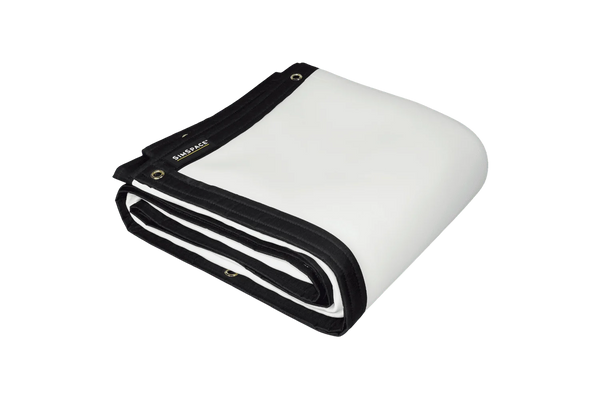
Choose the impact screen that best suits your simulator setup, usage, and budget. Each option is designed to deliver clear 4K-ready visuals while safely absorbing golf ball impact for a reliable and enjoyable simulator experience.

  • ✓︎Platinum 3-layer screen for durability, reduced noise, and clear 4K projection
  • ✓︎UltraMax grey screen improves contrast with the same durable 3-layer design
  • ✓︎Elite single-layer screen offers an affordable option for casual simulator use
  • ✓︎All screens safely absorb impact while maintaining sharp projected images
Premium Impact Screen Options

Velour Enclosure & Bungee Tension System

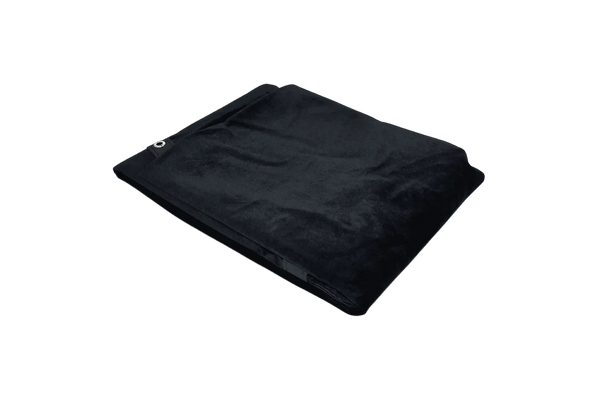
Black velour side and ceiling panels help contain stray shots and reduce external light for clearer projection, while the bungee tension system keeps the impact screen securely fitted and correctly tensioned for reliable ball impact absorption.

  • ✓︎Velour side and ceiling panels to help contain stray shots
  • ✓︎Black velour material reduces external light for clearer projection
  • ✓︎Bungee tension system maintains screen tension and reduces bounce-back
  • ✓︎Quick-fit attachments allow straightforward installation to the metal frame
Velour Enclosure & Bungee Tension System

What's In The Box

Mevo Gen2 Launch Monitor
Carry Case
Carry Case
Premium Black Velour Siding
4K Platinum Impact Screen
Easy Connect Metal Poles
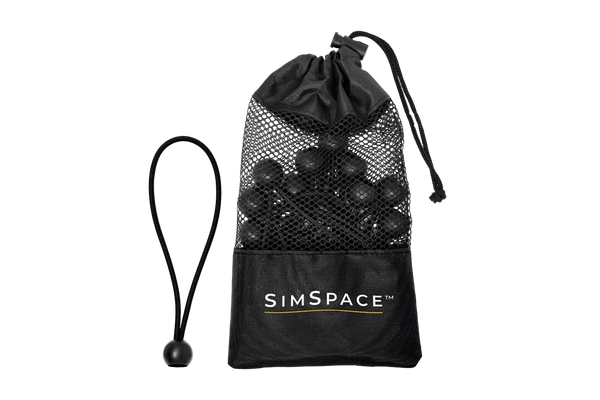
Bungee Cords & Velcro Straps
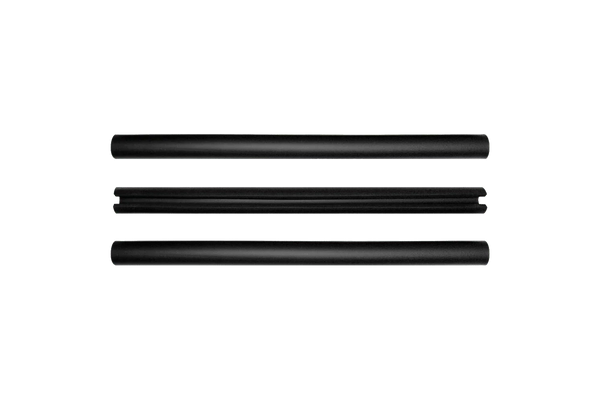
Foam Padding Tubes
Foam Padding Tubes
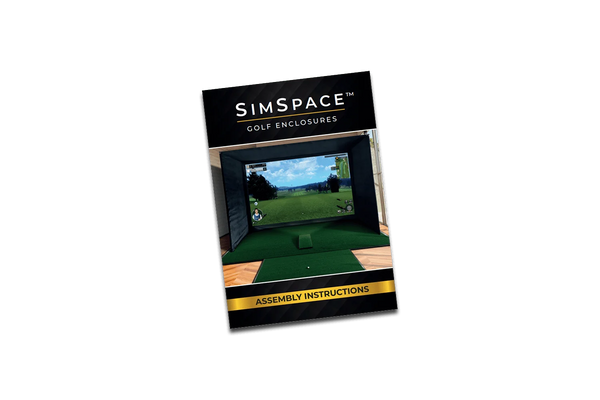
Step-By-Step Installation Guide
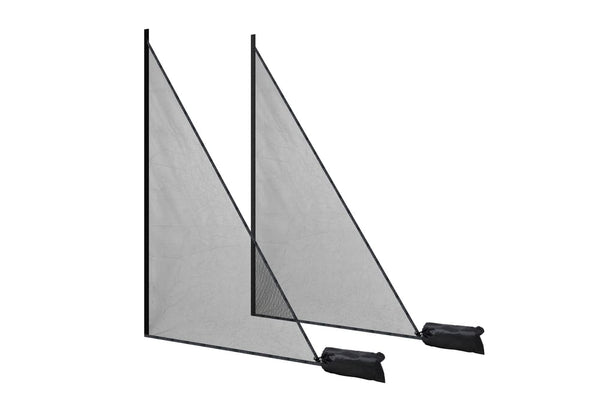
Side Netting

Side Netting

Frequently Asked Questions

Will window light affect the simulator?
Not at all! The SimSpace Max is lined with premium black velour to block most ambient light for bright, clear visuals. For rooms with windows or strong daylight, our Blackout Screens fit any Max enclosure and eliminate light bleed for true cinema-quality results.
Difference between the white & UltraMAX grey screens?
Grey screens reduce ambient light and boost contrast, producing a clearer, more balanced image in most rooms. While white screens are brighter in dark spaces, grey screens offer better overall performance for shared or brighter environments, especially with modern high-lumen projectors.
How easy is it to set up and take down?
Very! The SimSpace Max uses Easy Connect metal poles and a bungee tensioning system, so two people can go from box to first swing in about 20 minutes. It’s sturdy, professional-grade, and just as easy to take down or move later.
Can I play simulation golf using the Mevo Gen2?
The Mevo Gen2 integrates with leading golf simulation software, including E6 Connect (TruGolf), Awesome Golf (PC & iOS), and GSPro (PC). Your Mevo Gen2 purchase includes ownership of 8 golf courses powered by E6 Connect.
Where should Mevo Gen2 be placed for best results?
For accurate readings, place your Mevo Gen2 unit 2.4 meters directly behind the golf ball and in line with the radar's camera on the ground.
Are there skills challenges for Mevo Gen2?
The FS Golf app for your Mevo Gen2 includes engaging Skills challenges designed to make your practice sessions more effective and enjoyable. Practice with a purpose and test your abilities with challenges such as: